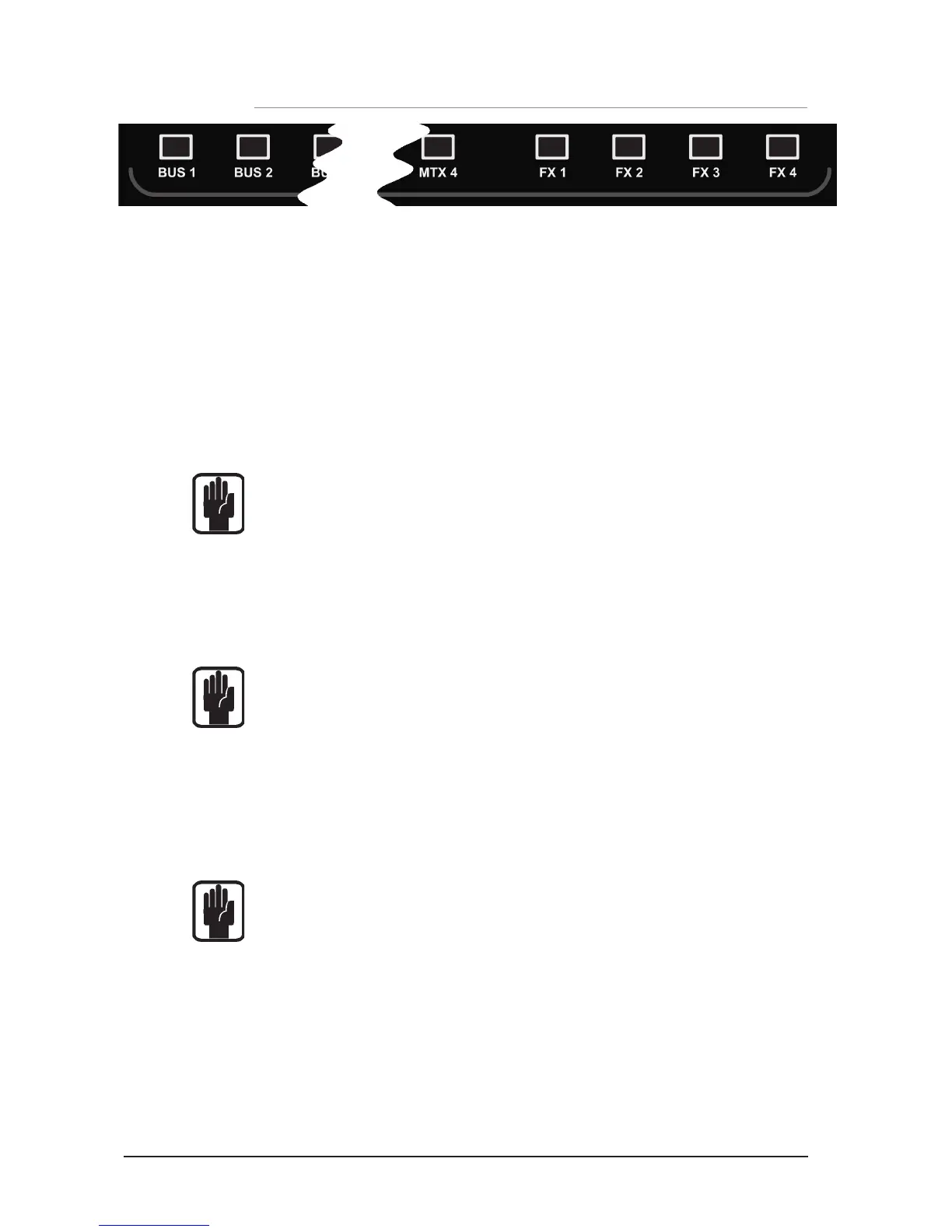
tOTEM™ (THE ONE TOUCH EASY MIX) KEYS
These keys place the console into ‘MIX’ mode allowing quick & easy mixing from Channels
to Buses, Channels to FX or Buses to Matrix. Pressing any key triggers a sequence of events
that re-congure the control surface and console monitoring system to the optimum layout
for the desired/required function.
Buses 1:14
• Clears all current SOLOs.
• Sets fader bank to IN A (if not currently on IN A or IN B bank).
• Puts input faders into ‘sends on faders’ mode lighting fader glow according to the PRE
or POST setting of the bus.
• Places BUS MASTER for selected bus on the MONO fader.
• SOLOs the selected bus.
• Selects the ACS to the appropriate Aux bus.
NOTE: When mixing to an Aux or Matrix bus use ALT + 'ON' keys to set send level to
either unity if send is on or -inf if send is off.
FX Buses 1:4
• Clears all current SOLOs.
• Sets fader bank to IN A (if not currently on IN A or IN B bank).
• Puts faders into ‘sends on faders’ mode lighting fader glow accordingly.
• Places FX Return of fader for selected bus on the MONO fader.
• SOLOs the appropriate FX Return channel.
• Selects the ACS to the appropriate FX Return channel.
NOTE: This function may only be enabled if an FX processor is patched to a Stereo
Return channel; this is achieved from the PATCH function in the inputs window.
Matrix Buses 1:4
• Clears all current SOLOs.
• Puts faders into BUS mode if not currently already selected.
• Puts faders into ‘sends on faders’ mode lighting fader glow accordingly.
• Places MATRIX MASTER for selected bus for selected bus on the MONO fader.
• SOLOs the selected bus.
• Selects the ACS to the appropriate Matrix bus.
NOTE: When mixing to an Matrix or Aux bus use ALT + 'ON' keys to set send level to
either unity if send is on or -inf if send is off
NOTE: A second press of the active MTX key allows individual contributions to be sent
from left, right and mono buses to Matrix 'n' from faders 12, 13 & 14 (16ch), 20, 21
& 22 (24ch) or 28, 29, 30 (32ch).













 To Next Page