HiQNet™
As part of the cue replay function Si Compact can send HiQnet messages when a cue is replayed
to trigger events in a HiQnet system. Set-up for the HiQnet function is from within the CUE LIST,
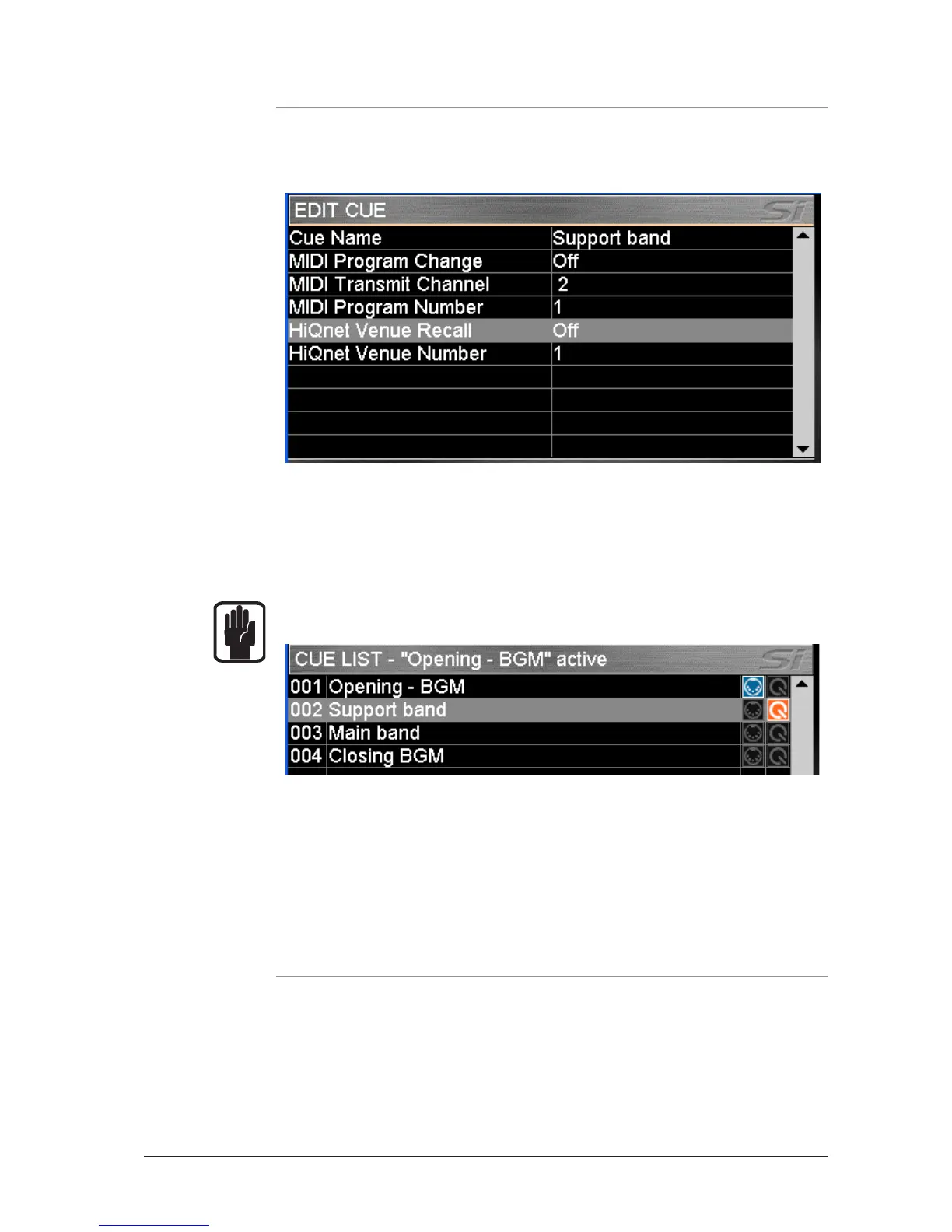
scroll to the cue in which you wish the HiQnet event to happen and press the EDIT CUE button:
Venue Recall – Set On or Off to enable or disable sending of HiQnet Venue Recall preset
messages when the cue is replayed.
Venue Number – Sets the HiQnet Venue Number that is sent; range is 1- 65535.
NOTE: If HiQnet Venue Recall is set On, the HiQnet icon in the Cue List view will be lit orange.
To learn more about the Harman HiQnet system visit http://hiqnet.harmanpro.com/
OPTION CARD SLOT
The Si Compact features a 64 in x 64 out expansion slot compatible with all Si option cards. For
a detailed description of the cards and theory of operation for the option slot please refer to the
Si Option Card User Manual available from www.soundcraft.com













 To Next Page