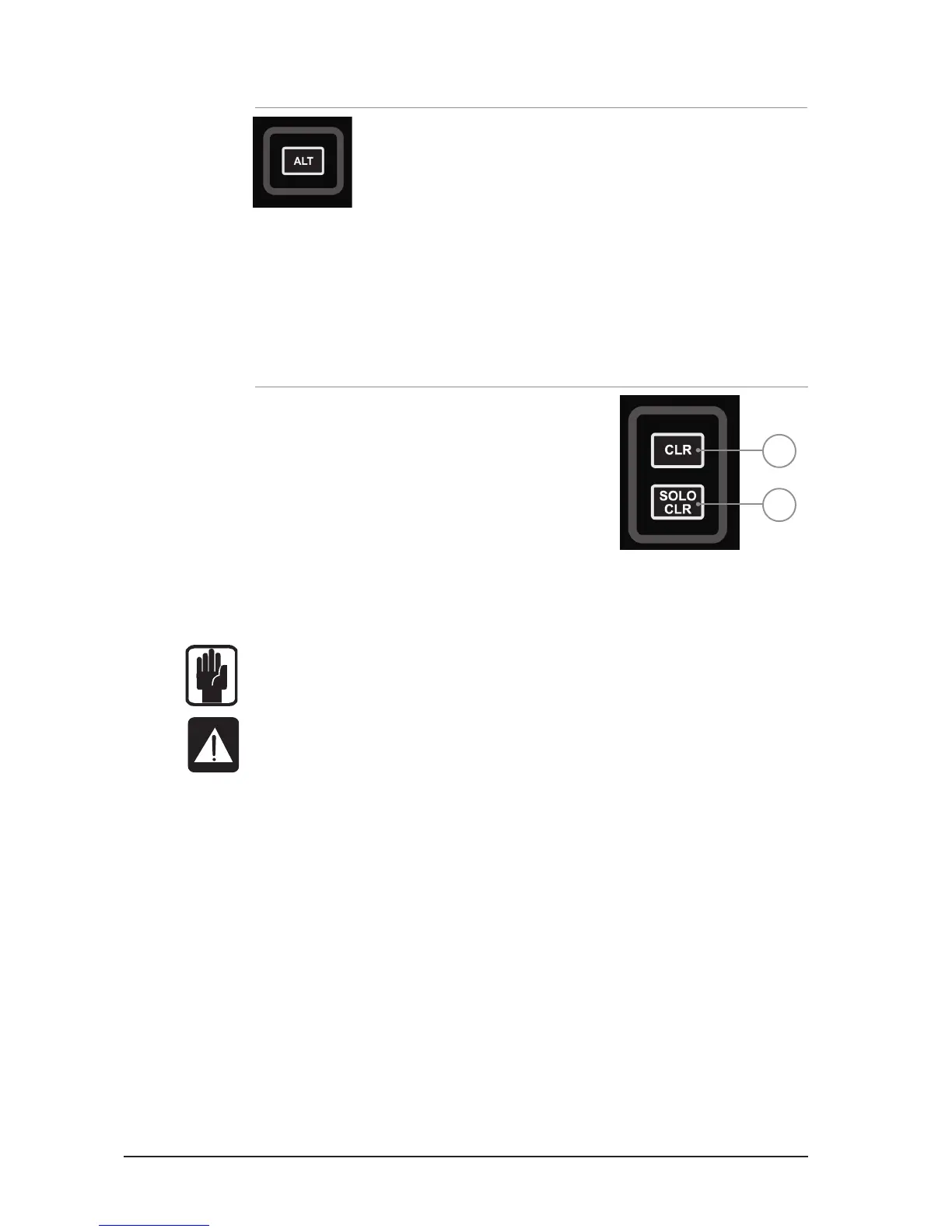
ALT KEY
ALT is a modier key used by the following functions:
CLR (CLeaR function)
CUE CONTROL
MIXING to AUX BUSES
MIXING to MATRIX BUSES
Refer to these sections for detail on the operation and use.
CLR & SOLO CLR KEYS – see also CLEAR
1. CLR key: used to reset channels, buses or groups of
parameters to their factory defaults as follows:
• CLR + channel or bus SELect will reset all audio
parameters within that channel or bus. to the factory
defaults.
• CLR + function key within the ACS (such as EQ, GATE
or COMP) will reset all assocaited parameters of the
selected channel or bus to the factory defaults.
• CLR + GEQ HI or LO will reset all bands in an active
GEQ to 0dB
• CLR+ MUTE ‘n’ will clear all channel or bus assignments to Mute Group ‘n’
• CLR+ tOTEM follow key will reset all contributions and ON status from channels or buses to
the BUS/MTX/FX’n’ back to the factory defaults.
NOTE: The reset refers only to the main audio parameters and does not affect functions
such as SOLO, bus type, names patching and mute assignment.
CAUTION: ALT+ CLR+ function key within the ACS (such as EQ, GATE or COMP) will reset
all associated parameters on all channels to the factory defaults.
2. SOLO CLR: Pressing this key when lit will clear all active PFL or AFL selections.
1
2













 To Next Page