OUTPUTS MENU
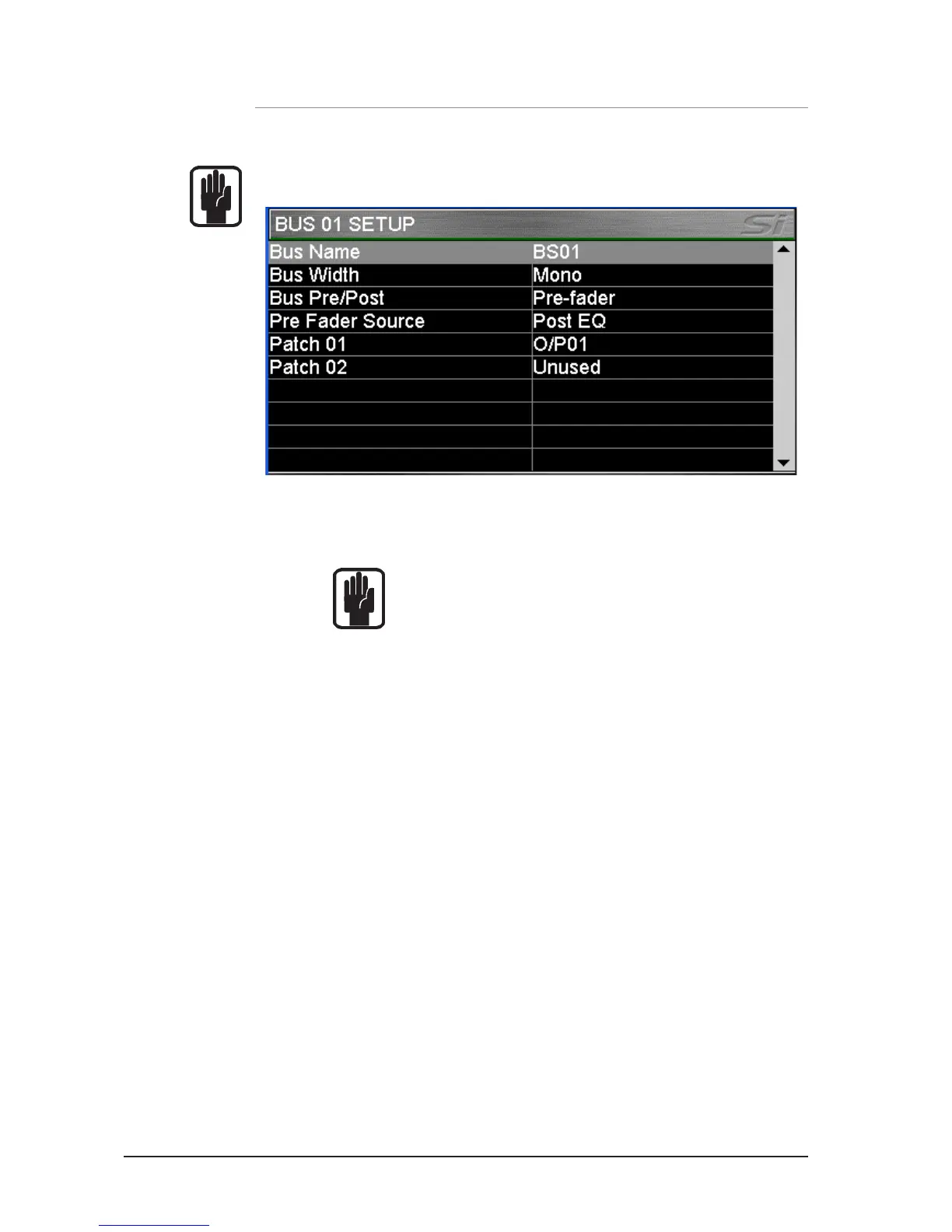
The OUTPUTS menu provides information to all parameters and functions concerning system
buses and outputs.
NOTE: The OUTPUTS button is greyed-out and not accessible unless a bus is SELected.
Bus Name: The name of the currently SELected bus; press the SCROLL/ADJUST
encoder to access the QWERTY keyboard to edit the name.
Bus Width*: Sets the bus as either Mono or Stereo.
NOTE: Buses may be lined as an odd/even pair.
Bus Pre/Post*: Sets the bus type as either Pre fader (FaderGlow of sends and bus
master is yellow) or post fader {(FaderGlow of sends and bus master
is green).
Pre Fader Source*: Allows the pre fader send from the channels to be either Pre or Post
the input channel EQ.
Patch 01 and Patch 02: Displays the destinations(s) patched to the bus; see PATCHING
for details of the system patching functionality.
*
Not applicable to LR, MONO or Matrix.













 To Next Page