SECURITY
This facility allows some or all functions
of the console to be locked preventing
accidental or malicious misuse. All console
settings may be easily locked at any time by
pressing the LOCK button in the SECURITY
menu.
To unlock a console a valid user must be
logged-on; enter the SECURITY menu, use
the scroll/adjust encoder to select a user, ‘click’ to select then enter the password for the
selected user. By default there is only one user, the administrator, with default password of
password (lower case).
The administrator may manage users using the following functions:
ADD USER creates a new user for the console;
NOTE a new user can not be saved until all elds are complete.
EDIT USER allows changing of the user name, password and active prole for any given
user.
PROFILES allows editing of any prole.
To edit a prole scroll to the Prole line
item and ‘click’ for a list of all available
proles, use the scroll-adjust encoder to
select a prole then choose the items
to be Locked or Unlocked accordingly;
NEW PROFILE works in a similar manner.
NEW PROFILE allows creation of new proles in addition to the default Administrator,
Guest and House.
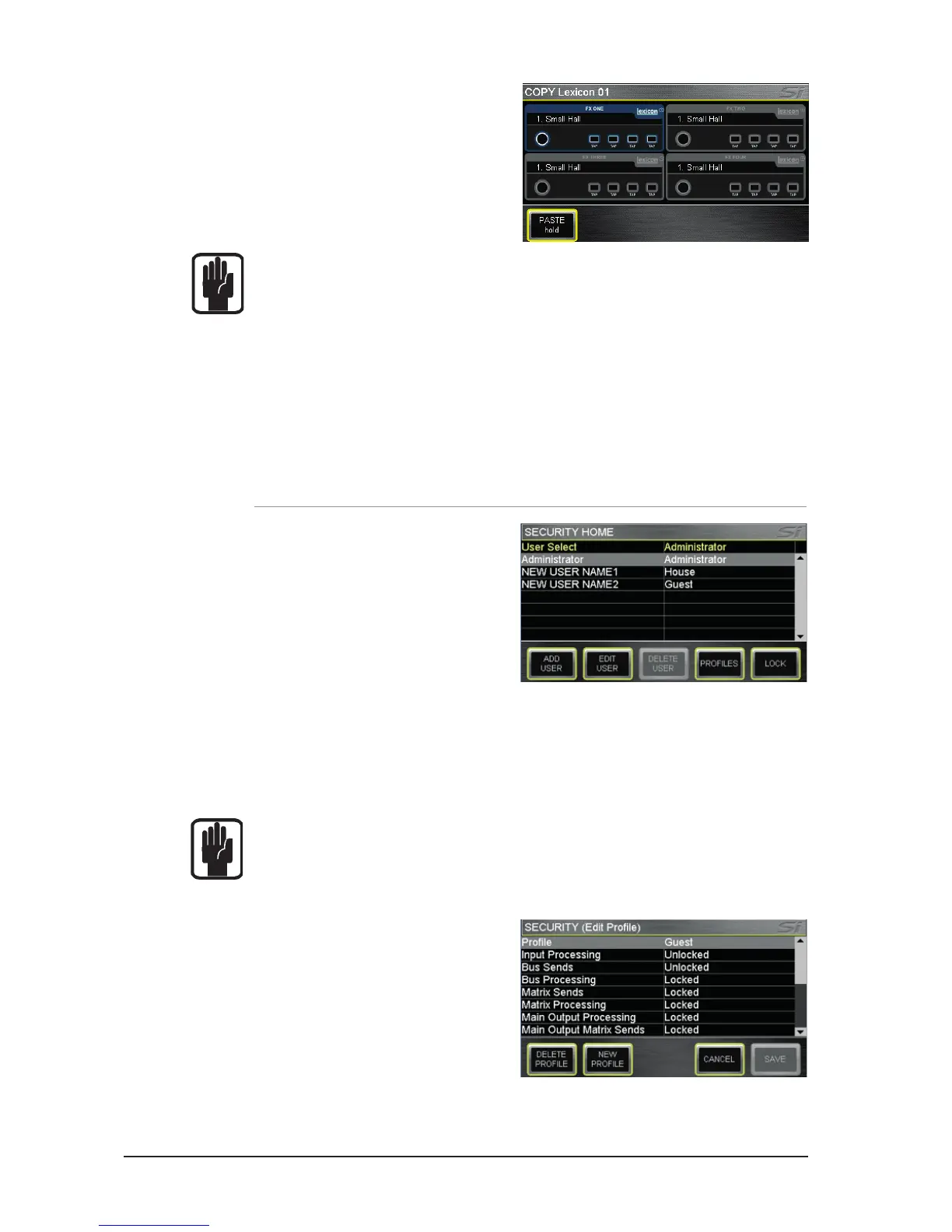
Copy Lexicon settings between
processors: Pressing the LEX key whilst in
COPY & PASTE mode will display icons for
all Lexicon processors; select the source
processor by touching it’s icon. To paste the
processor press and hold the PASTE button
whilst pressing FX’n’ keys of the destination
processors.
NOTE: The clipboard captures the state of an item at the moment COPY & PASTE mode
is activated or selection is changed; changes to the SELected source channel will not
be updated to the clipboard unless you re-SELect that channel/bus/contribution etc.
NOTE: When copying a stereo channel or bus the left channel is copied.
NOTE: When pasting to a stereo channel or bus the clipboard is copied to both the left
and right sides.
NOTE: Mic gain and phantom power are not copied as these are considered attributes
remote to the console processing.













 To Next Page