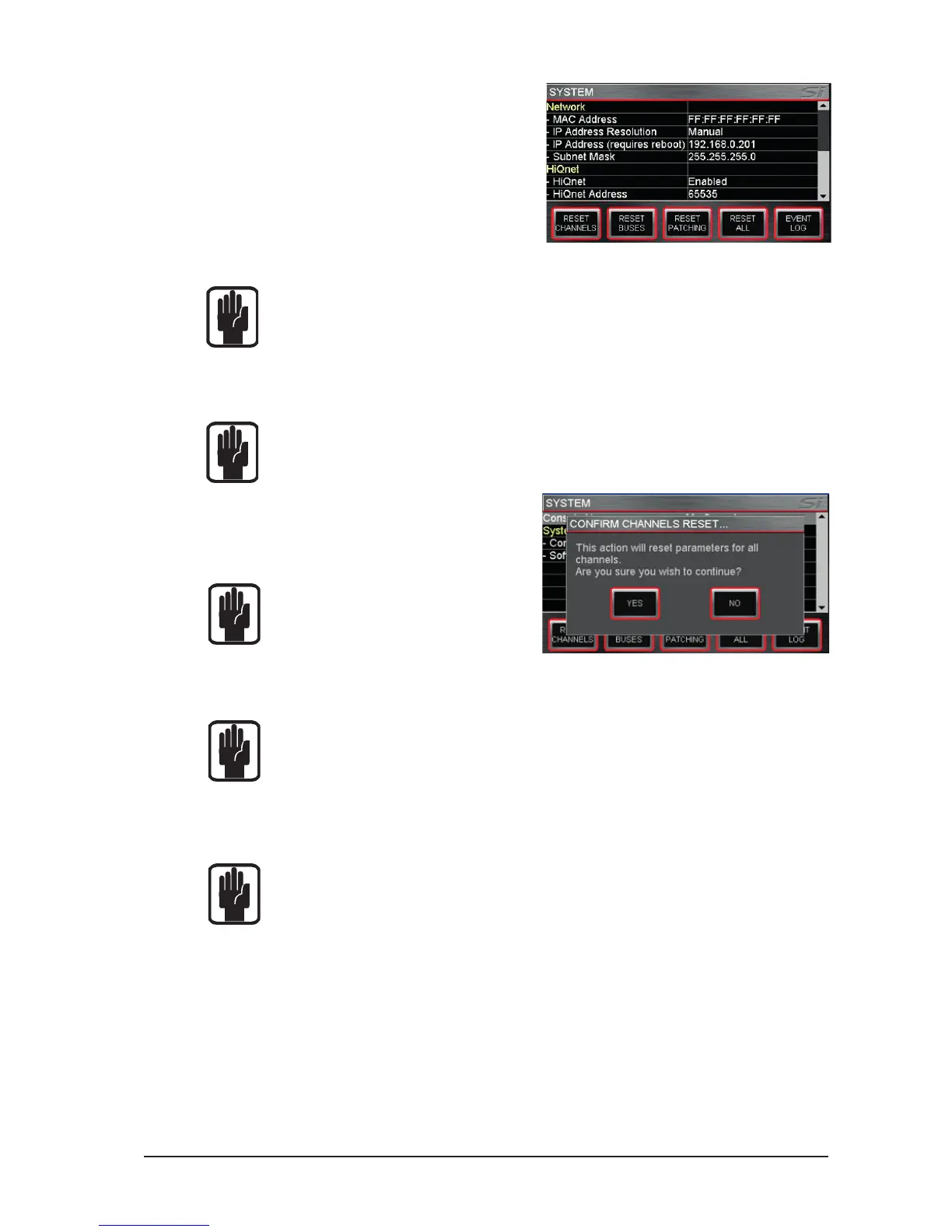
NETWORK: Information and settings
regarding Ethernet connectivity:
MAC Address – Displays MAC address
of console, cannot be edited.
IP Address Resolution – Toggles
between MANUAL or DHCP for setting
the console IP address.
IP Address – Allows manual setting of
the IP address.
Subnet Mask – Allows manual setting of the subnet mask.
NOTE: Address and Subnet can only be edited in MANUAL mode.
NOTE: Console must be rebooted for IP address change to take effect
HiQnet: Information and settings regarding HiQnet connectivity:
HiQnet – Toggles HiQnet functionality Enabled/Disabled
HiQnet Address – Allows setting of the console HiQnet address
NOTE: Clocking, Network & HiQnet settings are stored as part of the console conguration.
RESET CHANNELS: Resets all Input
Channel audio parameters, channel name
and channel type (MONO/LINKED) to
factory default.
NOTE: Patching is excluded from Reset
Channels
RESET BUSES: Resets all Bus 1-14 audio parameters, bus name and bus type (MONO/
STEREO) to factory default.
NOTE: Patching is excluded from Reset Buses
RESET PATCHING: Resets all system patching to factory default.
RESET ALL: Resets all parameters including names and patches to factory default.
NOTE: With all RESET menus a conrm dialogue is provided allowing the action to be
cancelled.













 To Next Page