4 Setup
Screen Actions and Comments
press
P
.
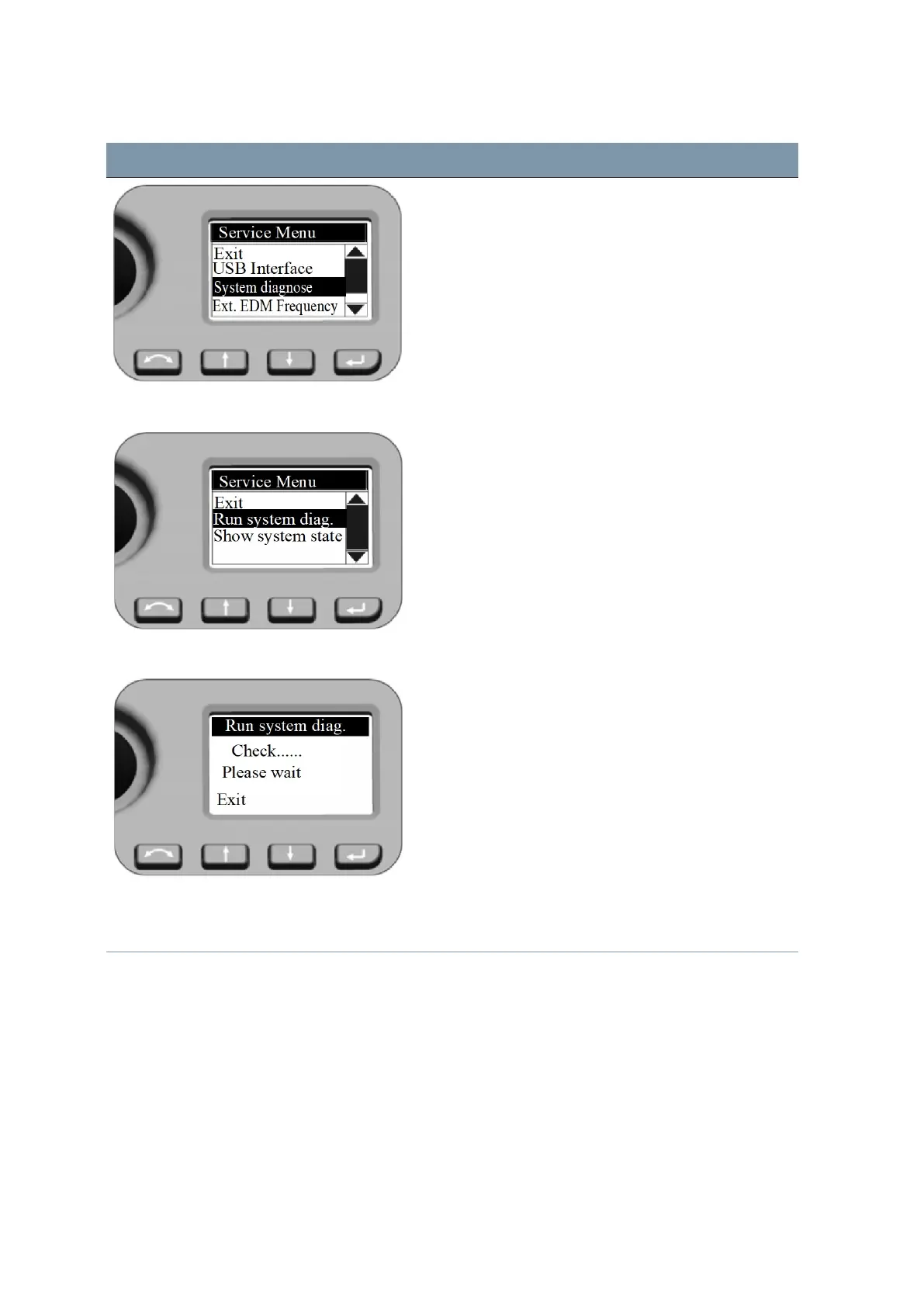
Service Menu - Run system diag.
Press N and O to scroll to Run system diag. and then
press P.
Show system state shows straightaway the most
recently obtained diagnose results.
System diagnose The diagnose program checks all instrument functions.
During the diagnosis process, you may be prompted to
turn the instrument knobs and be requested to aim to a
prism. At the end the program shows the results and
offers the possibility to store it.
Service Menu - External EDM Frequency Press
N
and
O
to scroll to
Ext. EDM Frequency
and
then press
P
.
FOCUS 35 Total Station User Guide | 64



 To Next Page