4 Setup
Screen Actions and Comments
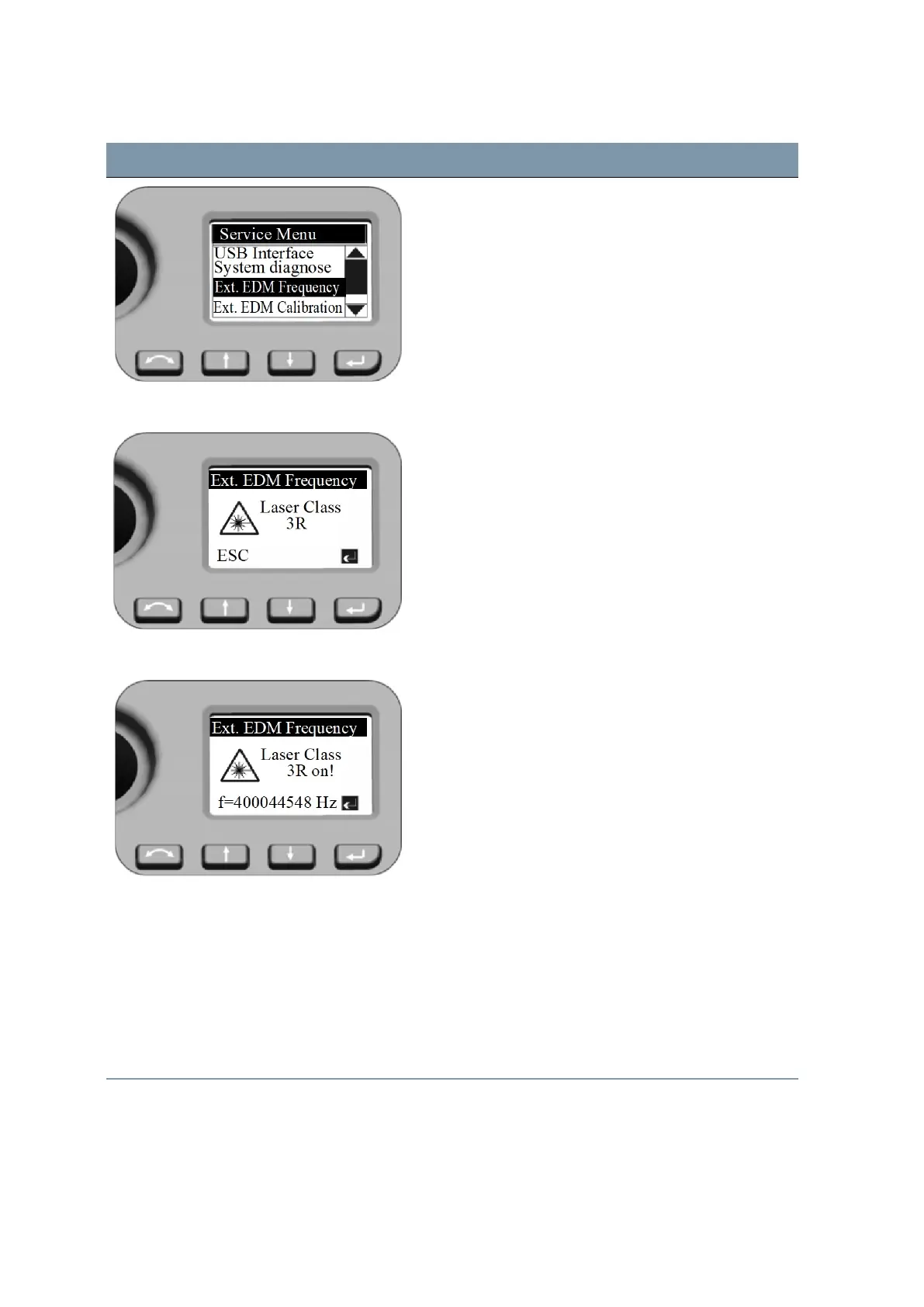
EDM Frequency
Press P to switch on the EDM Laser source with
modulated scale frequency.
Press N (ESC) to leave the menu.
EDM Frequency The unit in frequency calibration mode produces visible
Laser light emerging at the center of the telescope
objective. The Laser light conforms to Class 3R. Make
sure to do the external EDM frequency calibration
appropriate to all warnings and precautions at Laser
Safety (see page 4).
Nominal frequency will be displayed.
Press P to leave the menu.
Service Menu - Ext. EDM Calibration Settings after external EDM calibration:
Press N or O to scroll to Ext.EDM Calibration and
press P.
Both values for External EDM Calibration influence the
measured distance directly! Therefore, they must have
been determined by means of an accurate external
calibration.
FOCUS 35 Total Station User Guide | 65



 To Next Page