4 Setup
Screen Actions and Comments
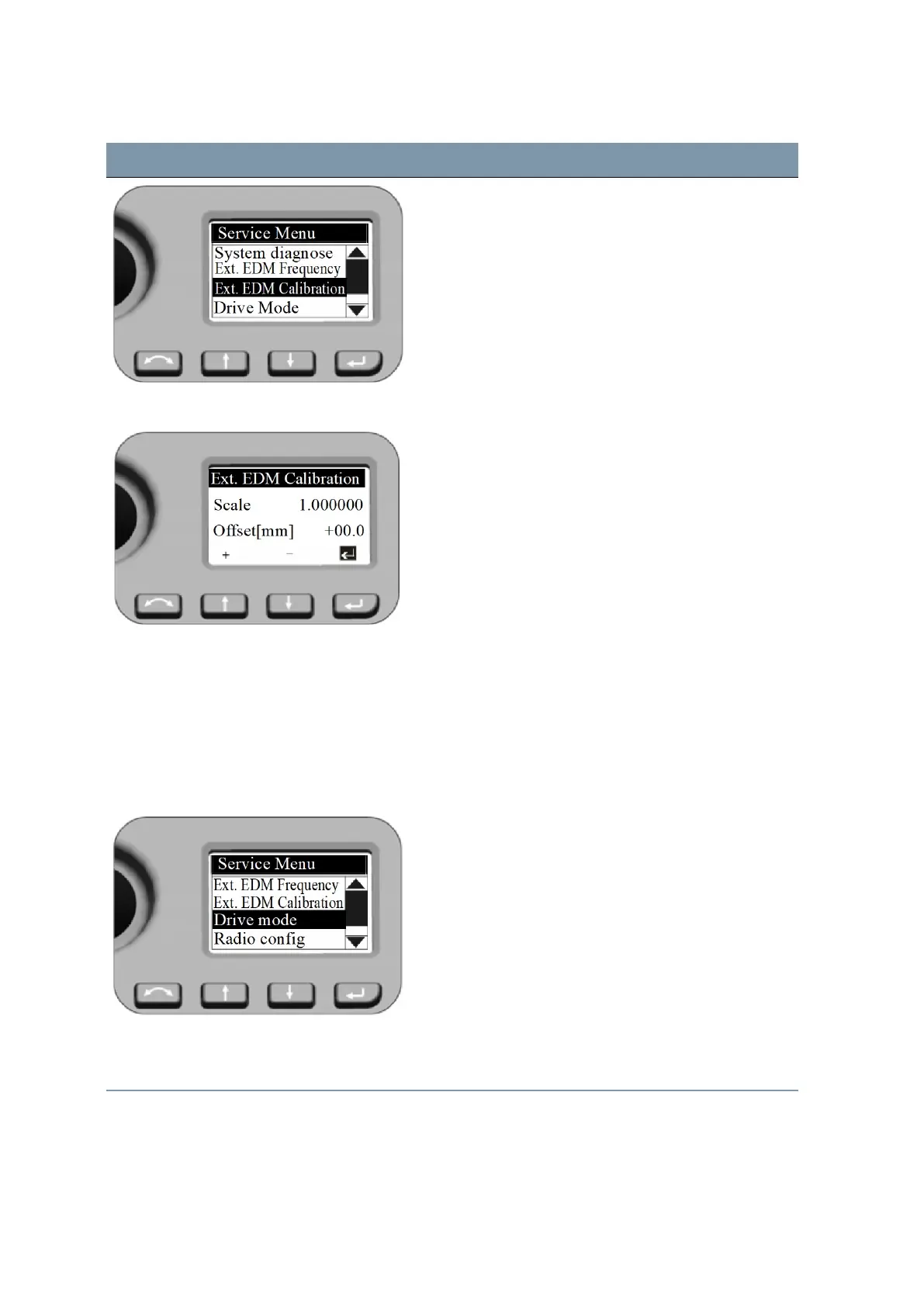
External EDM Calibration When entering this menu the cursor stays always at the
P key. Press P when number is correct - the system
jumps back to the Service Menu.
To enter another value press N or O and the first digit
of the Scale is active (inverse) and with N and O the
numbers 0-9 can be selected. Press P when number is
correct - cursor jumps to the next digit.
After you have selected the last digit for the Scale press
P. The cursor jumps to the settings for Offset with the
same procedure.
When last digit of Offset is confirmed, the system jumps
back with the cursor to the inverse Psymbol.
Press Pkey a further time - the system jumps to
Service Menu.
Service Menu - Drive Mode Settings for Drive Mode
Drive Mode settings have an effect while using LockNGo
Tracker technology for robotic surveying or while
changing face.
Press N and O to scroll to Drive Mode and then press
P.
Drive Mode
Press N and O to select Normal or Fast and then
press P.
FOCUS 35 Total Station User Guide | 66



 To Next Page