Errors and messages
Instructions for use • AIDA C WD310 • AAB272_EN_V2.0_12-2021_IFU_CE-MDR 104
6. Select the USB drive of the recovery stick as the boot drive. The name of the USB drive
is the name of the physical USB stick. In the above window, this is SanDisk.
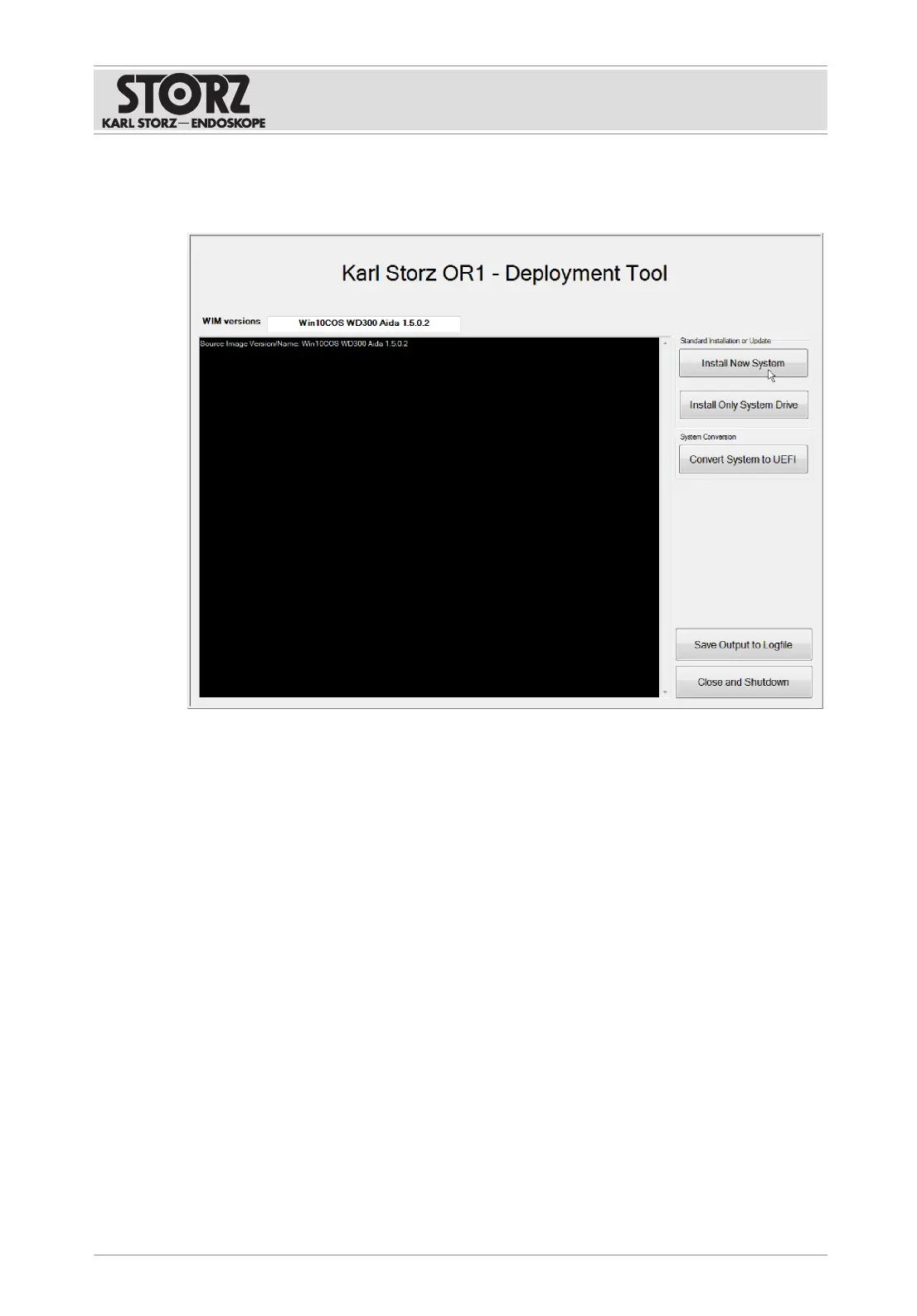
ð The KARLSTORZ OR1 deployment tool launches.
7. Click on the
Install New System
button.
ð A window opens.
8. Press
OK
to confirm.
ð The system data is deleted.
9. If the message Restoring image finished, please reboot appears in the Logfile window on
the left, press the
Close and Shutdown
button.
10. The system shuts down.
11. For recovery a BitLocker encryption was saved on the connected USB stick. Do not
remove the AIDA recovery USB stick.
12. When restarting, ensure that the equipment is connected to the Internet in order to
guarantee the necessary registration with Microsoft.













 To Next Page