Operation
Instructions for use • AIDA C WD310 • AAB272_EN_V2.0_12-2021_IFU_CE-MDR 91
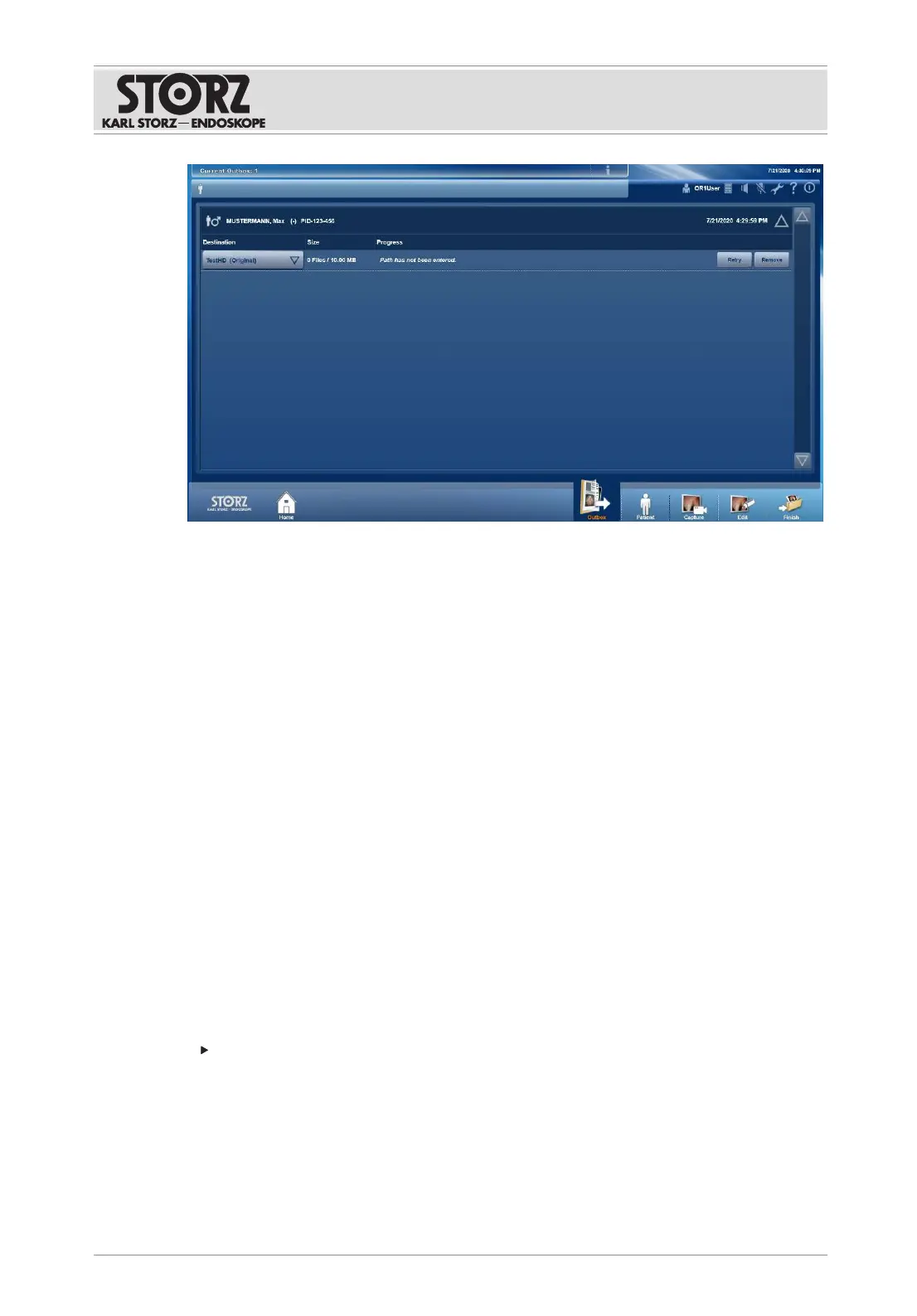
1. Tap the
Info
button.
ð The list shows the patient/procedure data which has not yet been transmitted.
2. Check the data set in the list of
Open Tasks
for size and status.
3. Select another destination directory from the drop-down menu and tap the
Retry
button.
4. Alternatively: Place a data storage device in the drive and tap the
Burn
button.
7.5 Control and communication
The
Control
and
Communication
tabs are used to display and call up the user interfaces of
other systems. Additional equipment can be operated via a screen and communication
modules can obtain access.
The tabs can be opened via the home screen. If the
Home
button is not displayed, this function
is not available.
The following equipment and systems can be connected:
– OR1 .avm
More information on the use of the connected systems can be found in the separate
instructions for use of the respective equipment.
7.6 Switching off the product
Data loss!
Shutting down the system while processing patient data results in the loss of image data.
Only switch the product off using the switch-off button on the user interface.
1. Tap the
Shutdown
button.
2. Confirm the dialog with
Shut down
.
ð The software is shut down and the product switches to standby mode.
3. Alternatively: Briefly press the rocker switch.
ð The software is shut down and the product switches to standby mode.













 To Next Page