Errors and messages
Instructions for use • AIDA C WD310 • AAB272_EN_V2.0_12-2021_IFU_CE-MDR 105
13. Start the equipment.
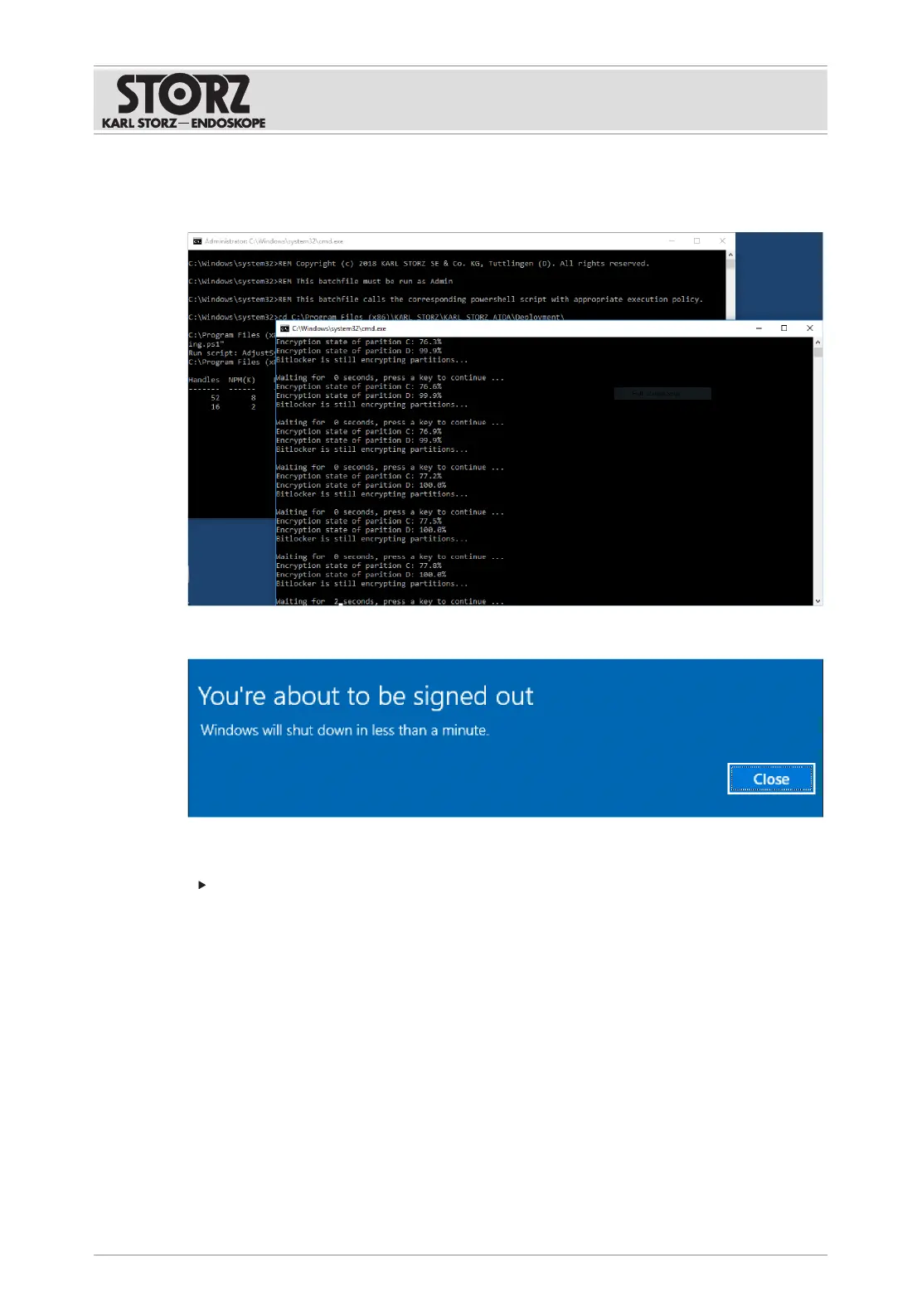
ð The system automatically logs in as OR1Admin and starts the BitLocker hard disk
encryption. This will take about 1minute.
14. Complete the steps for system recovery.
ð The system shuts itself down.
The next time AIDA is started, the system logs in as OR1 User again.
Remove the recovery USB stick.
ð Full recovery is complete.
11.2.3
Operating system recovery
With operating system recovery only drive C: is recovered. Drive D: is untouched.
To allow the operating system to subsequently access drive D, the BitLocker drive key must be
saved prior to system recovery.
1. Log on to the system as the administrator to access the Windows operating system.
2. Call up the Windows desktop in the Configuration menu under General>System.
3. Log in as OR1 Admin.
4. Open the start menu and enter "Bitlocker" into the search field.













 To Next Page