Installation and commissioning
Instructions for use • AIDA C WD310 • AAB272_EN_V2.0_12-2021_IFU_CE-MDR 43
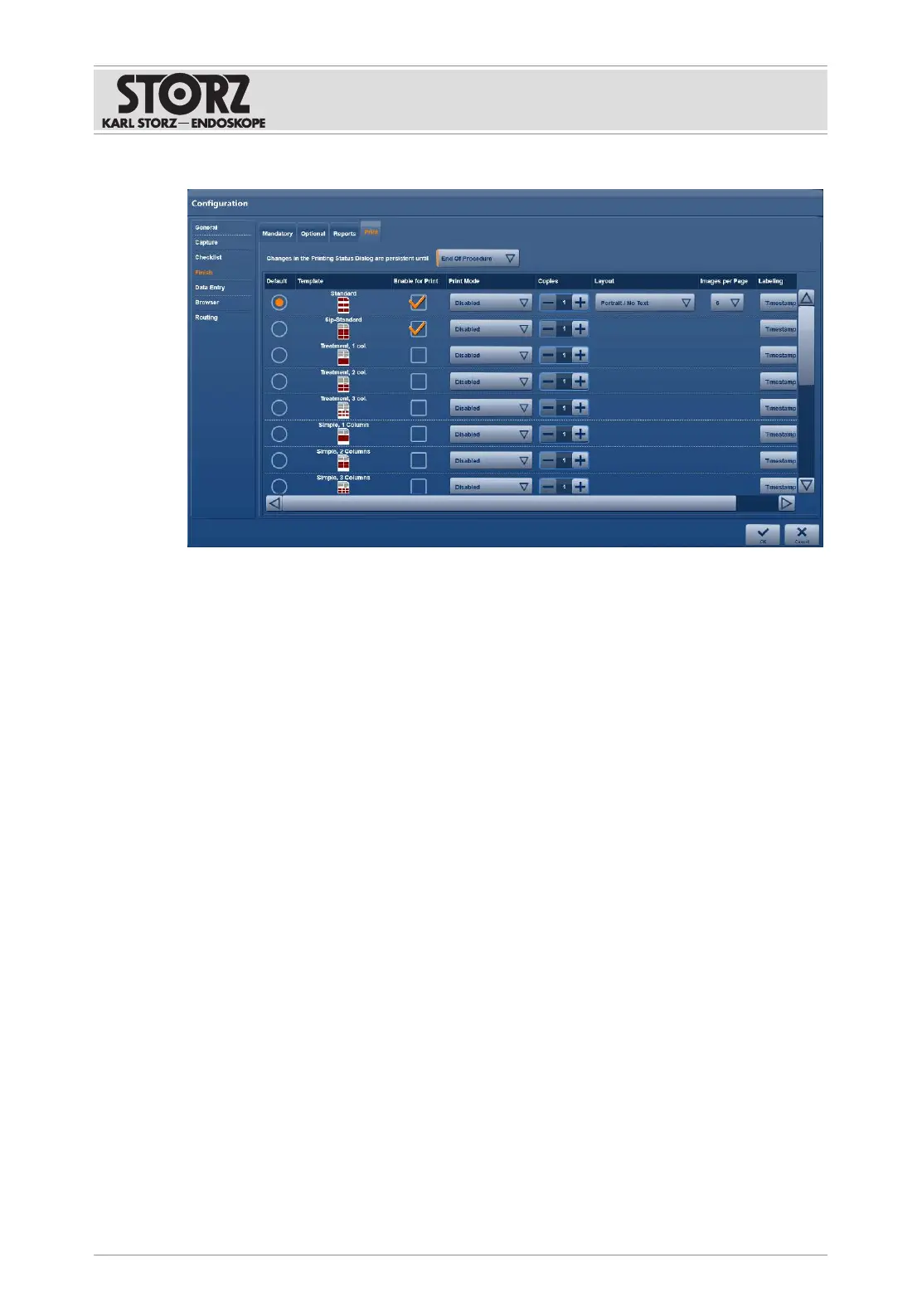
1. Tap the
Print
tab.
2. Adjust the following settings and confirm with
OK
:
– Selection and preview of template
– Enable for print
– Print mode
– Number of copies
– Layout (only available for standard template)
– Number of images (only available for standard template)
– Time stamp
Only the standard template can be altered and printed automatically during surgery. All other
templates can be printed following surgery.
Printing is available in the Filing Cabinet and Edit modules.
6.1.5
Data entry
6.1.5.1 User interface
The
User Interface
tab is used to specify the scope and options for patient documentation.













 To Next Page