Errors and messages
Instructions for use • AIDA C WD310 • AAB272_EN_V2.0_12-2021_IFU_CE-MDR 107
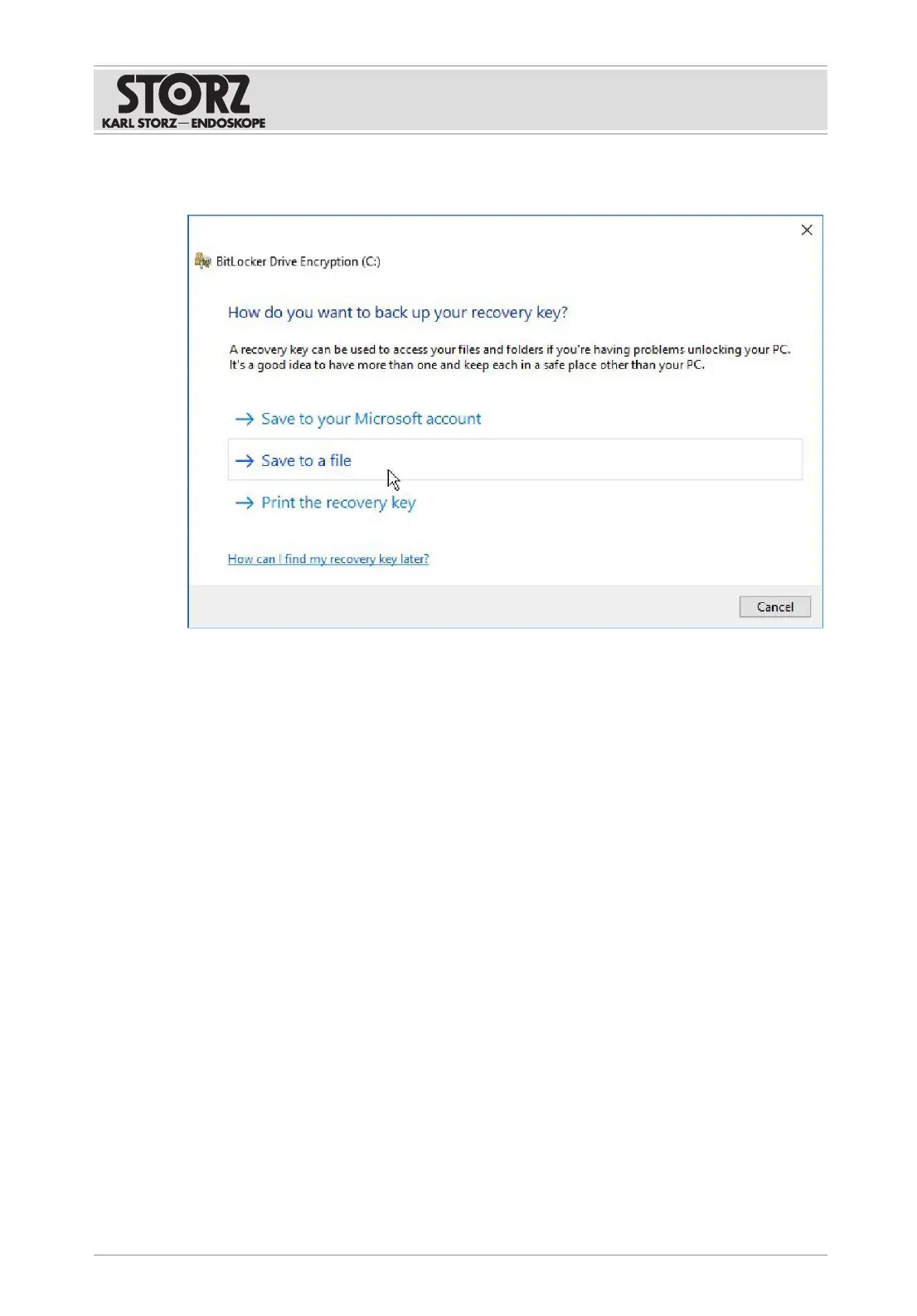
7. Select Save to a file.
ð The saving dialogue opens.
8. Save the BitLocker key as a .txt file on the AIDA C recovery USB stick. An NTFS-
formatted USB stick can be used for saving. The same USB stick must be used when
restarting for the first time after recovery.
9. Confirm the saving dialogue and close the window with
Finish
.
11.2.4
Performing system recovery
1. Switch the system off.
2. Plug the AIDA C recovery USB stick into the USB port on the front of the equipment.
3. Start the product.
4. Wait until the KARLSTORZ logo appears.
5. Select the
F12 key
.
ð The password entry window for accessing BIOS appears.













 To Next Page