Installation and commissioning
Instructions for use • AIDA C WD310 • AAB272_EN_V2.0_12-2021_IFU_CE-MDR 38
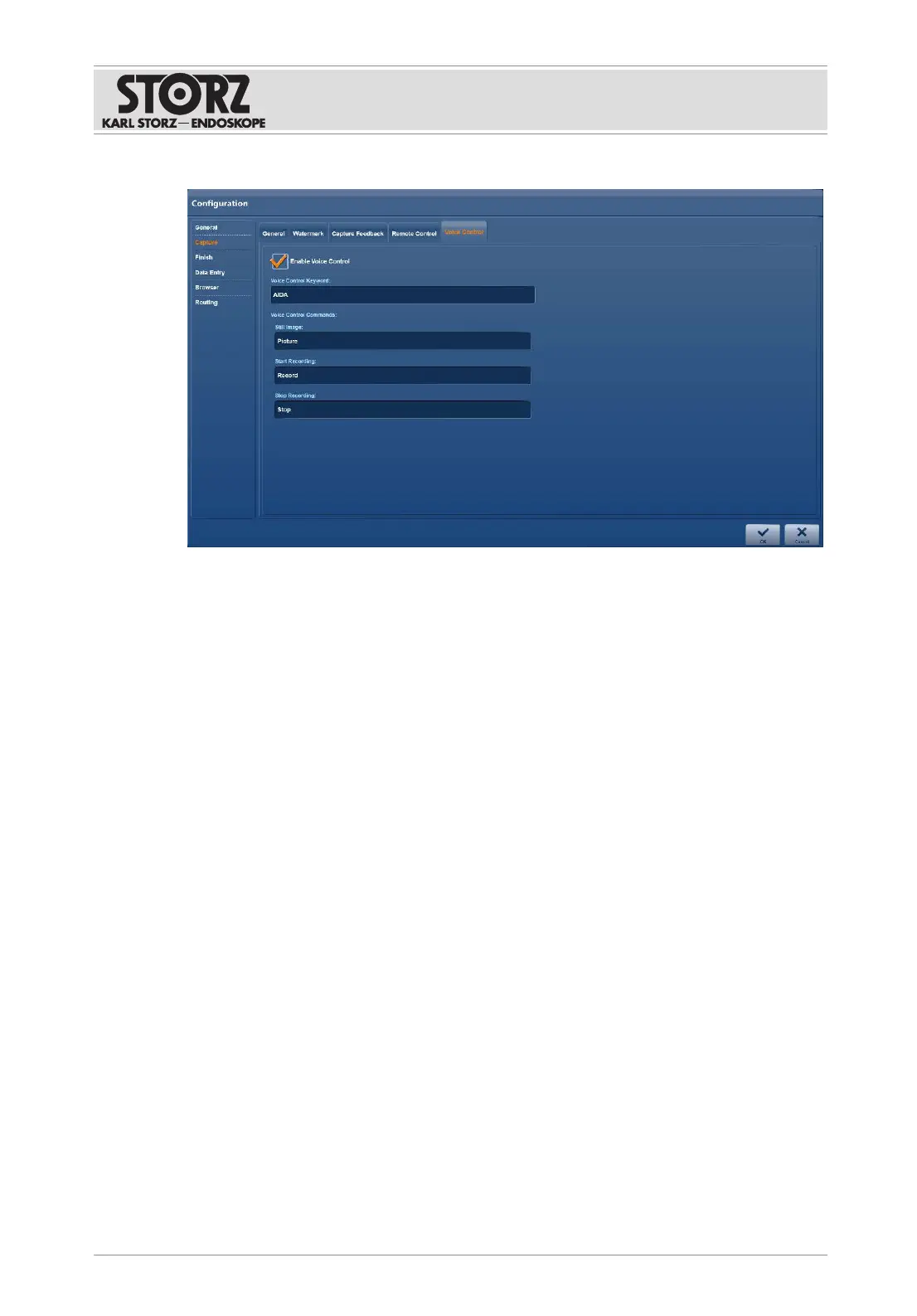
1. Tap the
Voice Control
tab.
2. Place a check mark next to
Enable Voice Control
.
3. Enter an activation word in the
Voice Control Keyword
field.
4. Adjust the
Voice Control Commands
if necessary.
5. Press
OK
to confirm.
6.1.4
Finish
6.1.4.1 Mandatory and optional
The
Mandatory
and
Optional
tabs are used to specify the destinations for automatic and
manual data storage.
1. Tap the
Finish
menu.
ð The
Mandatory
tab is displayed.













 To Next Page