Installation and commissioning
Instructions for use • AIDA C WD310 • AAB272_EN_V2.0_12-2021_IFU_CE-MDR 54
6.2 Start configuration
CAUTION
Damage due to unauthorized access!
Damage to the software or network due to unauthorized access or malware.
Start the device without a network connection and external hard disk.
1. Start the product via the rocker switch.
ð The start screen appears.
2. Tap the
Settings
button.
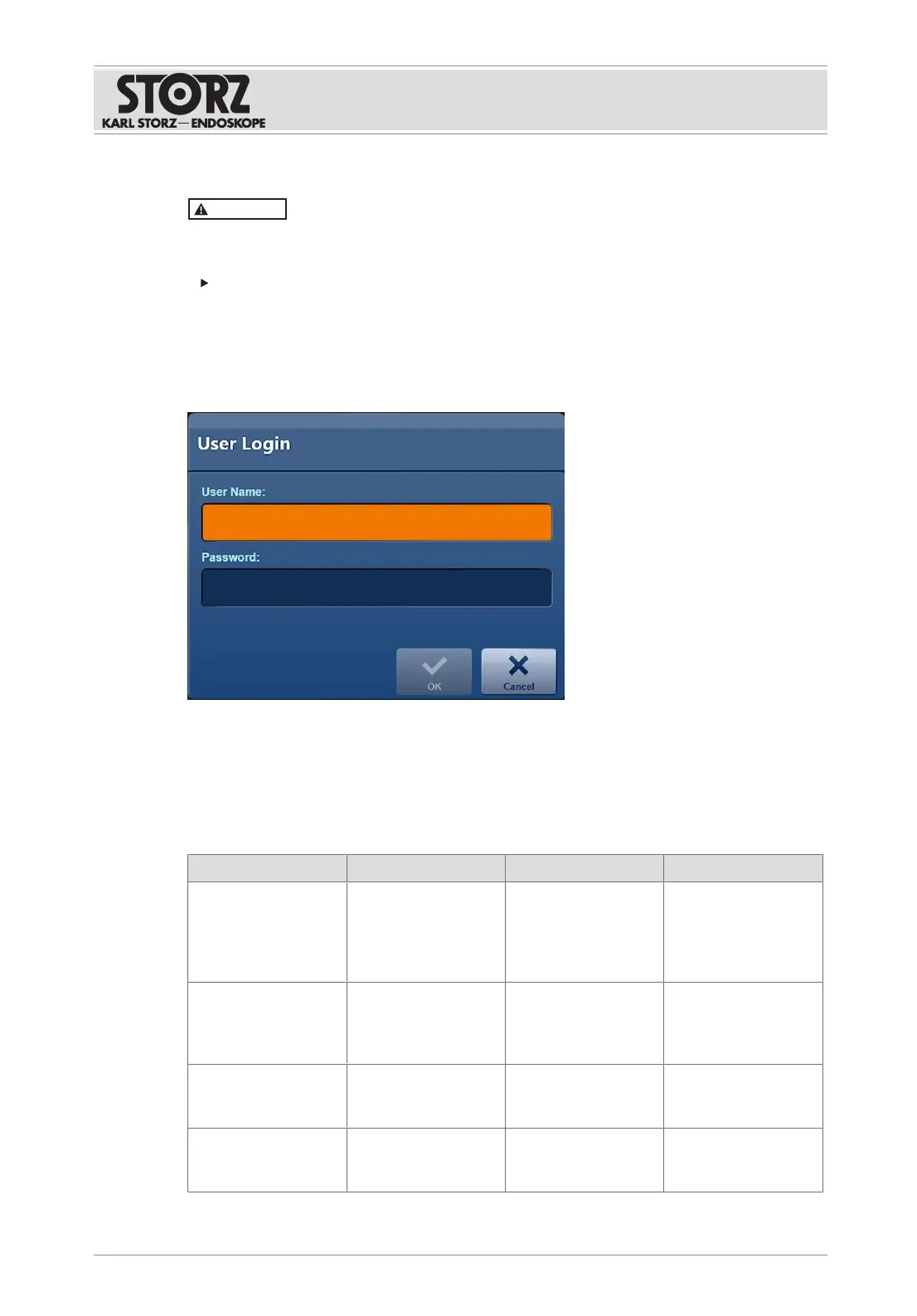
ð The login window appears.
3. Enter the username and password for the desired access.
4. Press
OK
to confirm.
6.3 User roles and access rights
The following user roles with various authorizations are predefined for configuration:
User role Group Field of activity Authorization
System administrator Administrators IT department Making settings at
operating system
level and Windows
level in the configura-
tion area.
Application adminis-
trator
ApplicationAdminis-
trators
Responsible for the
configuration of the
application
Making settings at
application level in
the configuration
area.
Configuration user SettingsUsers Performing physician Creating a personal
user profile in the
configuration area.
Super user SuperUsers Chief physician Access to all the en-
tries in "Open Tasks"
and to the "Filing













 To Next Page