Installation and commissioning
Instructions for use • AIDA C WD310 • AAB272_EN_V2.0_12-2021_IFU_CE-MDR 56
KARLSTORZ recommends creating a new user account with administrator rights and
deactivating the standard administrator accounts. You must not forget your password. More
detailed information on creating new user accounts can be found on the
User Management
tab.
Confirm with
OK
or by pressing
Enter
.
ð The configuration area appears.
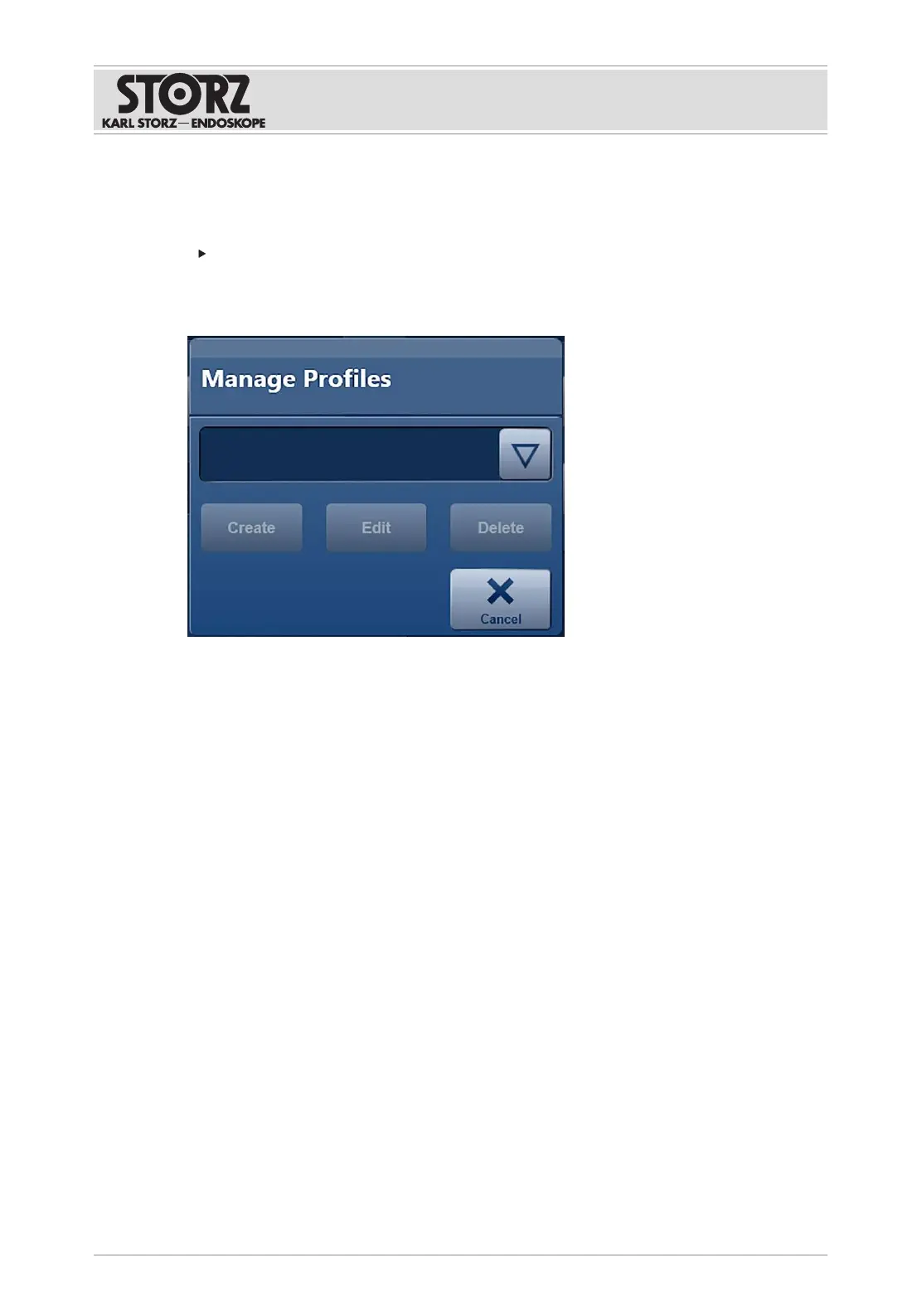
ð If the system administrator has activated group profiles, the window
Manage Profiles
appears.
6.3.4
Creating user accounts
User accounts are created and managed via the Windows operating system. The individual
accounts can be assigned to predefined user groups.
1. Tap the
Windows Desktop
button on the
System
tab.
ð The prompt to exit AIDA C appears.
2. Tap the
Shutdown
button.
ð The application is closed.
ð The Windows login window appears.
3. Log on as the system administrator.
4. Call up Computer Management. Computer Management can be searched for and started
via the Windows search field.
5. In the console tree, select System Tools>Local Users and Groups>Users.













 To Next Page