Operation
Instructions for use • AIDA C WD310 • AAB272_EN_V2.0_12-2021_IFU_CE-MDR 86
4. Tap the
Capture still
button at the desired position.
ð The still created appears.
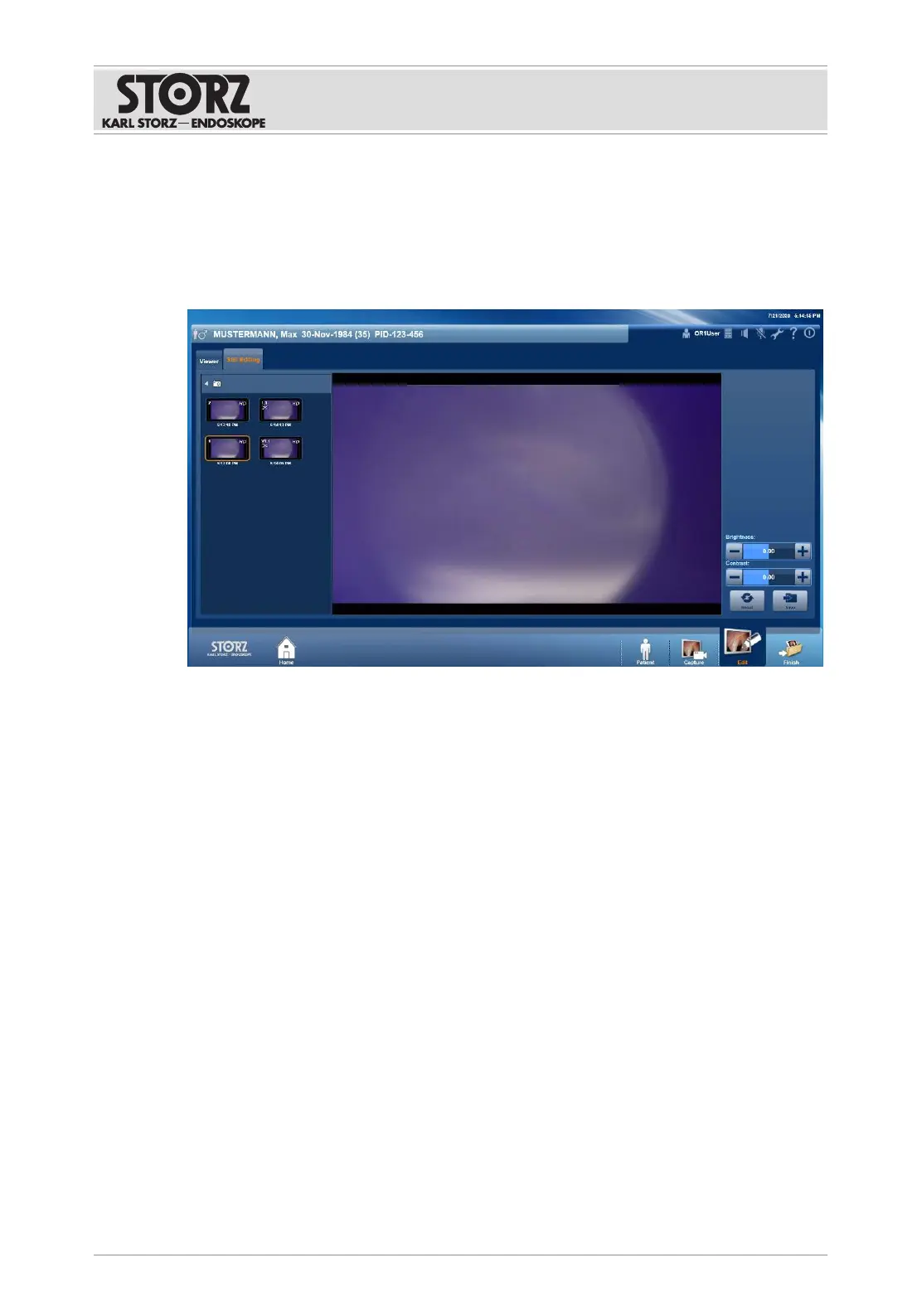
7.3.3.3 Still editing
The
Still Editing
tab is used to adjust the brightness and contrast of the captured images.
Changes to stills are saved as additional images. The original captures remain unchanged.
1. Tap the desired still.
2. Tap the
Plus
and
Minus
buttons to adjust the contrast and brightness.
3. Tap the
Reset
button to discard all changes.
4. Tap the
Save
button to save the changes as an additional image.
7.3.4
Finish
The
Finish
module is used to initiate data storage. All videos and stills which are not
designated for deletion are saved. Any data that has been marked for deletion will be
permanently deleted.
The data can be stored on various media (USB hard disk, CD/DVD, DICOM server), other
network servers (FTP, SFTP, etc.), or locally on the system (local drive). The storage
destinations are preset by the administrator.
Data is stored either automatically or manually:
– The destinations for automatic data storage are grayed out and the checkboxes are
checked. They cannot be excluded from data storage.
– The destinations for manual data storage are deactivated but not grayed out.













 To Next Page