Operation
Instructions for use • AIDA C WD310 • AAB272_EN_V2.0_12-2021_IFU_CE-MDR 85
Button Description
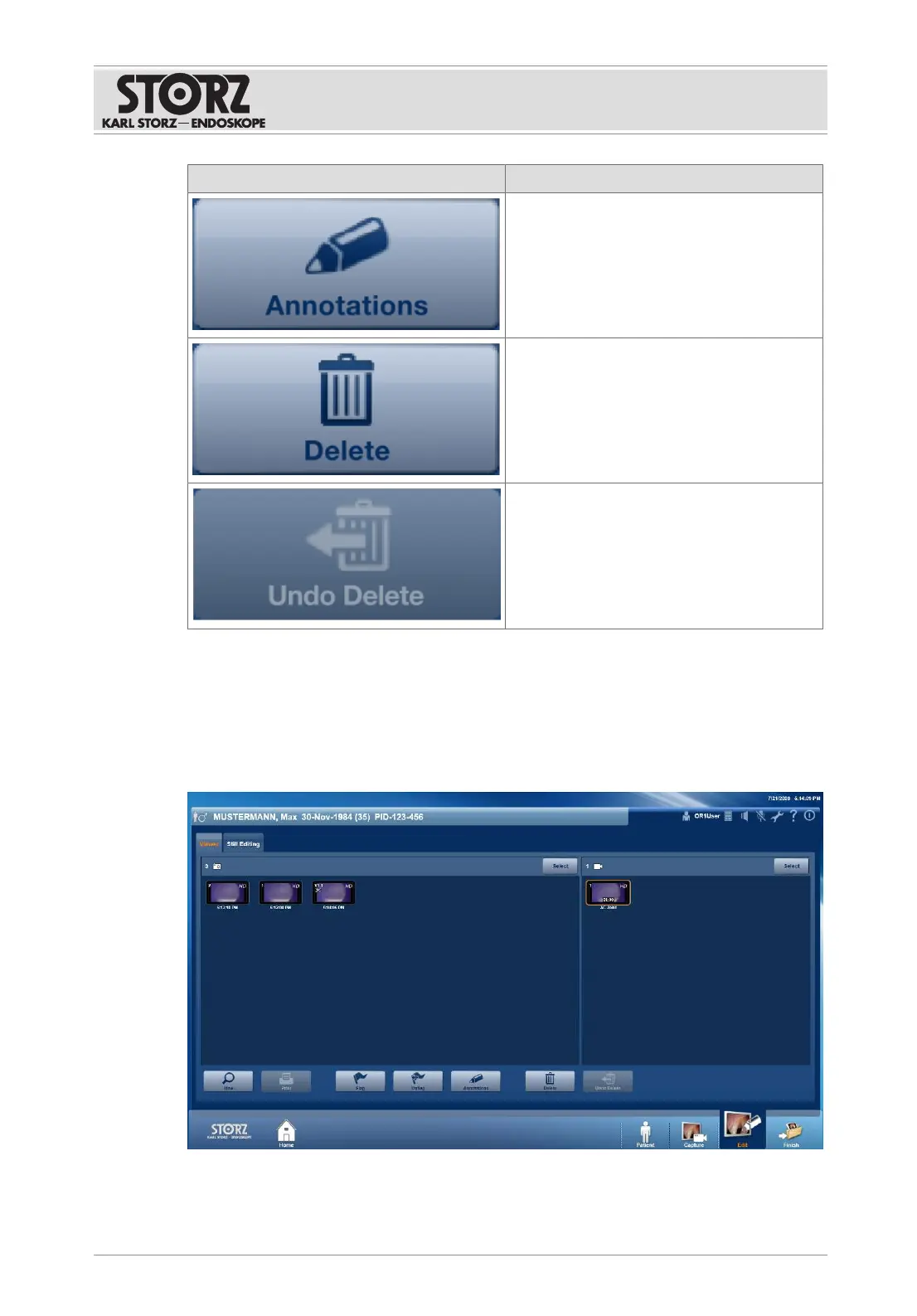
Annotations can be added to selected cap-
tures.
Selected captures are marked for deletion,
are not saved upon finishing, and are perma-
nently deleted.
Captures can be restored. The button is only
enabled if data that has been marked for
deletion is available.
Printouts may contain display errors and must not be used for diagnostics and therapy
purposes. When printing out an anonymous report, make sure that the report is assigned to the
correct patient.
7.3.3.2 Creating stills from videos
1. Tap the
View
button.
ð The following window appears:
2. Tap the side arrows to view the selected captures one after the other.
3. Tap the
Play back
button to create a still from a video.













 To Next Page