Operation
Instructions for use • AIDA C WD310 • AAB272_EN_V2.0_12-2021_IFU_CE-MDR 90
Function Description
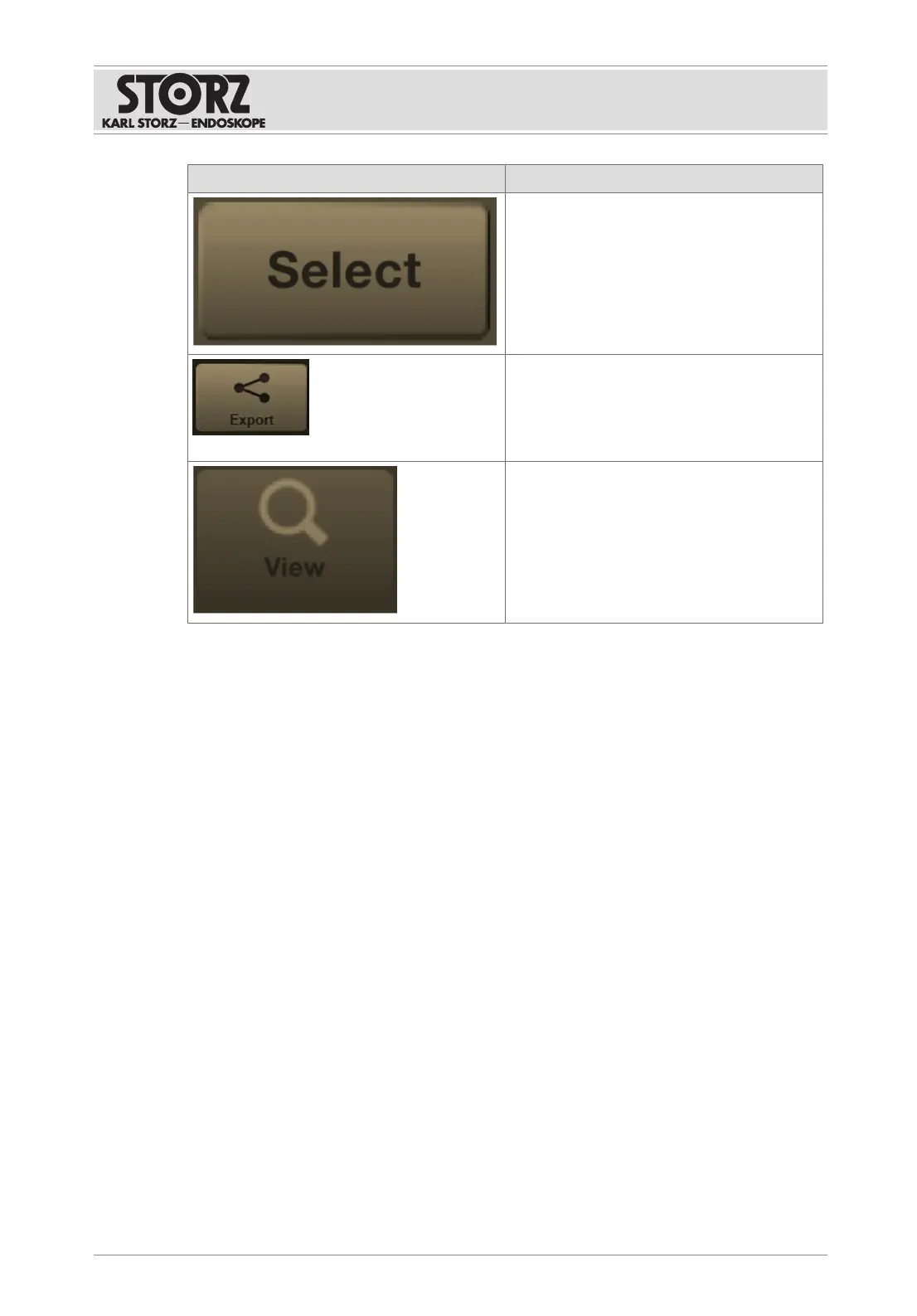
The following functions appear:
– Select all
– Deselect all
– Select all flagged
– Select all unflagged
Copy selected data to another destination.
If the process cannot be carried out, it is tem-
porarily stored in the Open Tasks module.
When shutting down, a window indicating
that copying is not completed appears.
View selected stills or videos.
7.4.2
Open tasks
The following actions/issues can result in open tasks:
– There is not enough storage space.
– Network disruptions occur during data transmission.
– The memory is overloaded.
Data transmission is interrupted. To ensure complete data archiving, the interrupted storage
processes are recorded and listed under
Open Tasks
.
After the system has shut down, a message is displayed indicating that there are open tasks.
When the system is running, the
Current Open Tasks
display appears in the information bar.
This is followed by the number of open tasks.
Incomplete patient data can be stored at any time.













 To Next Page