Operation
Instructions for use • AIDA C WD310 • AAB272_EN_V2.0_12-2021_IFU_CE-MDR 89
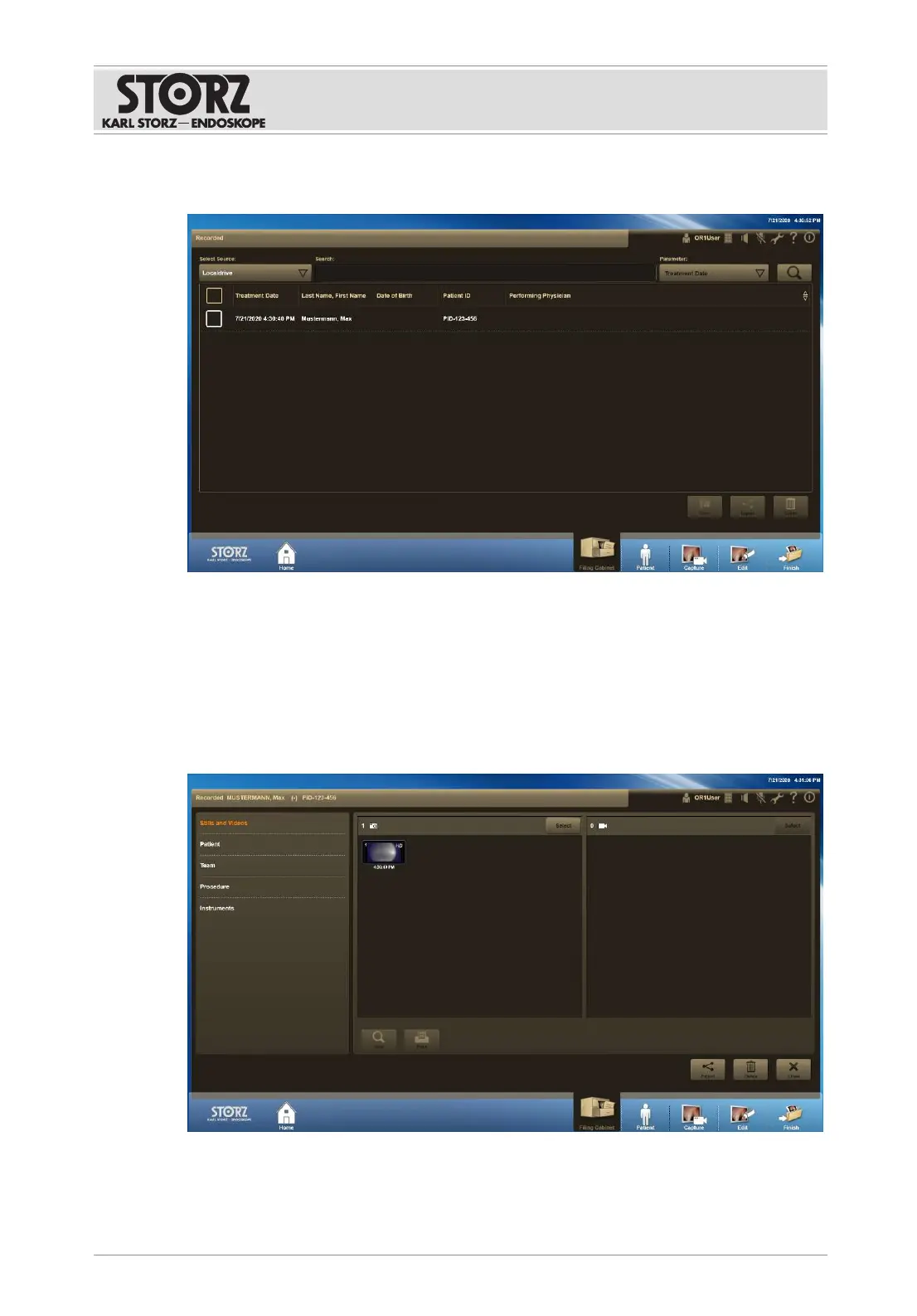
1. Tap the
Filing Cabinet
button.
ð The
Filing Cabinet
module is displayed.
2. Open the
Select Source
drop-down menu and select the required data source.
ð The available data is shown as a table.
3. Open the
Parameter
drop-down menu and select a search criterion.
4. Enter the search term.
5. Tap the
Search
button.
6. Select the desired data set.
ð The following window appears:
The following further functions are possible:













 To Next Page