Safety
Instructions for use • AIDA C WD310 • AAB272_EN_V2.0_12-2021_IFU_CE-MDR 12
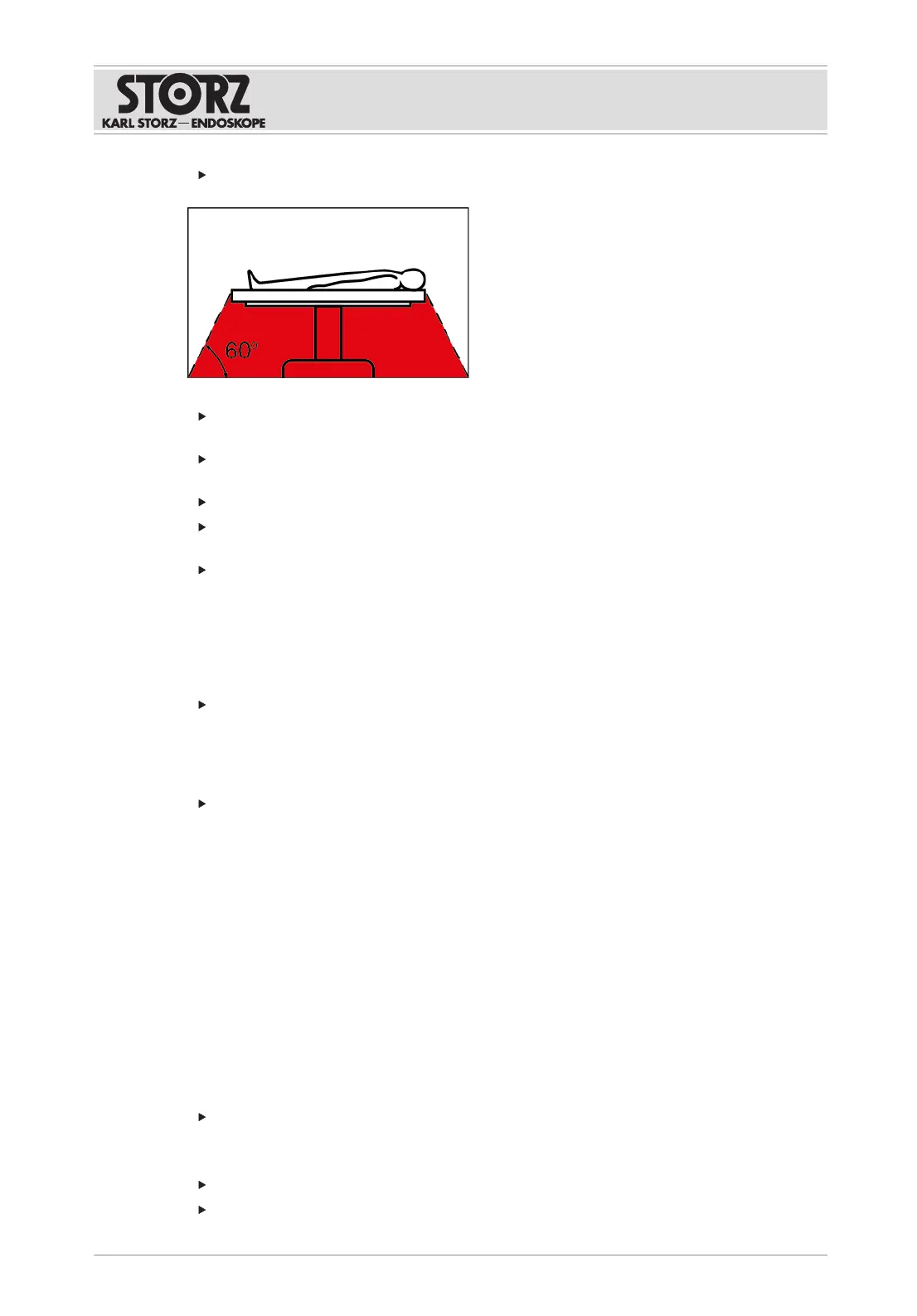
Do not operate the product in environments with combustible gases such as inhalation
anesthetics and mixtures thereof. Observe the hazard zones:
Combustible and flammable gases must be allowed to escape, be extracted, or be
displaced with CO
2
before use.
Combustible and flammable liquids such as cleaning and disinfecting solutions must be
allowed to vaporize, or be wiped away or extracted before use.
Remove any swabs or cloths soaked in flammable liquid from the application area.
Only start the application when combustible or flammable gases and liquids are no longer
present.
Only connect or disconnect the power plug to or from the power supply outside explosive
atmospheres.
3.11 Observing ambient conditions
If the device is stored, transported, operated or reprocessed under unsuitable conditions,
patients, users or third parties may be injured and the device can be damaged.
Observe the ambient conditions listed in the instructions for use and reprocessing.
3.12 Failure of products
The product may fail during use.
Have a replacement product ready for each application or plan for an alternative surgical
technique.
3.13 Image display and transmission
The video signals and recordings shown may display artifacts as a result of compression and/
or scaling. The image preview on the touch screen is not intended to be used for diagnostic or
therapeutic purposes. Always use the monitor of the connected device for diagnostic images.
Signals in 3D are only correctly displayed on suitable display equipment.
The following data may only be used for documentation purposes:
– Image information in printed form.
– Image information which was compressed or recorded in non-native resolution.
– Image information which originates from or was recorded by a device which was not
manufactured by KARLSTORZ.
Image data may be lost if the product is switched off while processing patient data.
Only switch off the product using the rocker switch.
Connecting non-compatible signal types to the patch panel in the operation room can cause
image interference and malfunctioning.
Only connect permitted signal types.
Perform equipment tests before use.













 To Next Page