Operation
Instructions for use • AIDA C WD310 • AAB272_EN_V2.0_12-2021_IFU_CE-MDR 77
6. Tap the
Select Patient
button.
ð The selected data set is loaded and displayed.
7.3.1.4 Loading patient data from the HIS (hospital information system)
The patient data can be loaded by entering the patient ID or the accession number/admission
ID/case ID. The patient must have been created in the hospital information system (HIS) and
the system must be connected.
The loaded data set is write-protected and cannot be edited.
ü The patient has been created in the HIS.
ü The system is connected.
1. Enter the patient ID or admission ID/case ID.
2. Tap the
HIS
button.
ð The patient data is loaded.
3. To discard the data, tap the
Change
button.
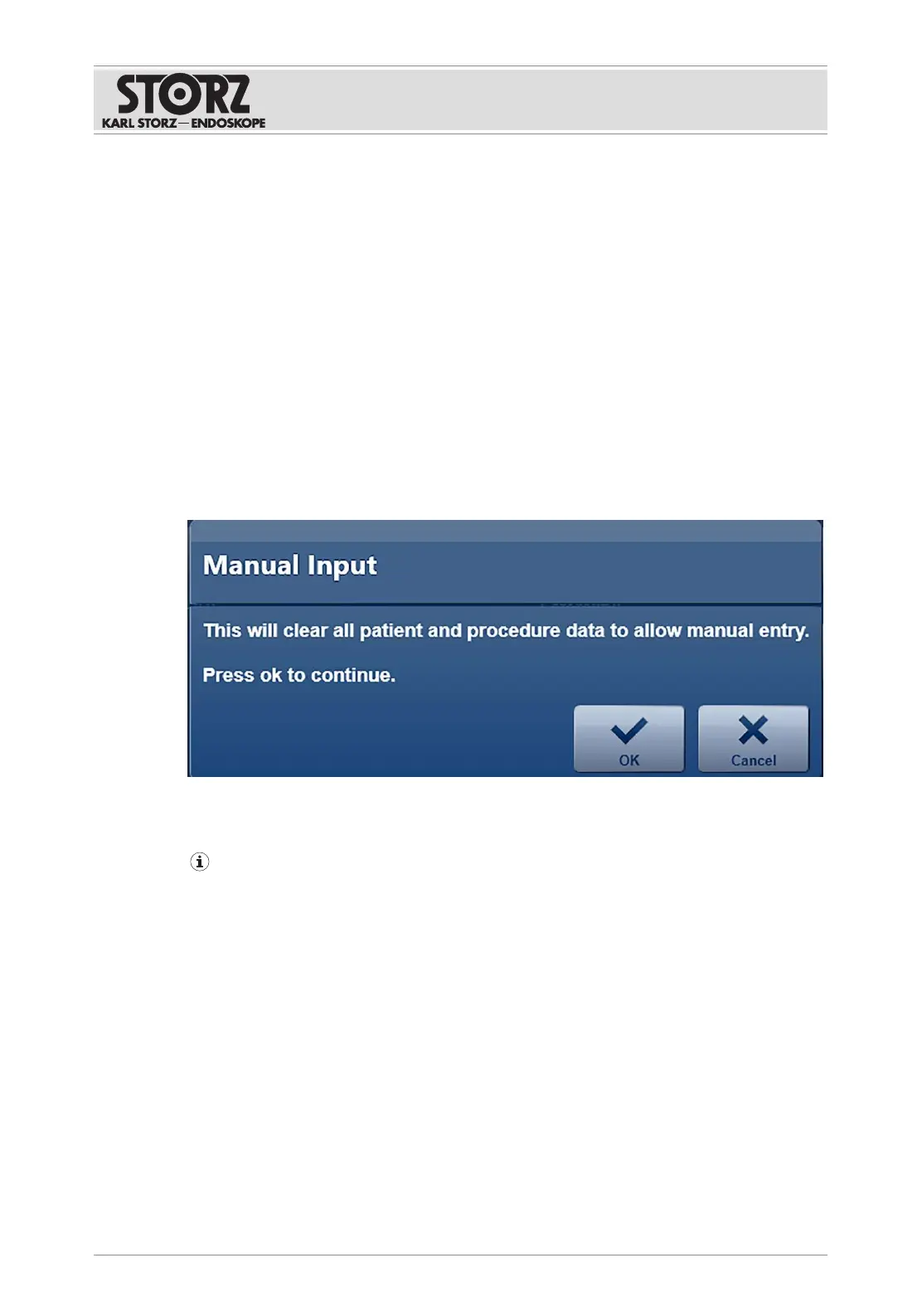
ð The following message appears:
4. Press
OK
to confirm.
ð The data set is discarded. A new data set can be loaded or entered manually.
Images or video footage that have already been recorded will be assigned to the new
patient.
7.3.2
Capture
The
Capture
module is used to record and display stills and video sequences.













 To Next Page