Operation
Instructions for use • AIDA C WD310 • AAB272_EN_V2.0_12-2021_IFU_CE-MDR 76
2. Make the changes.
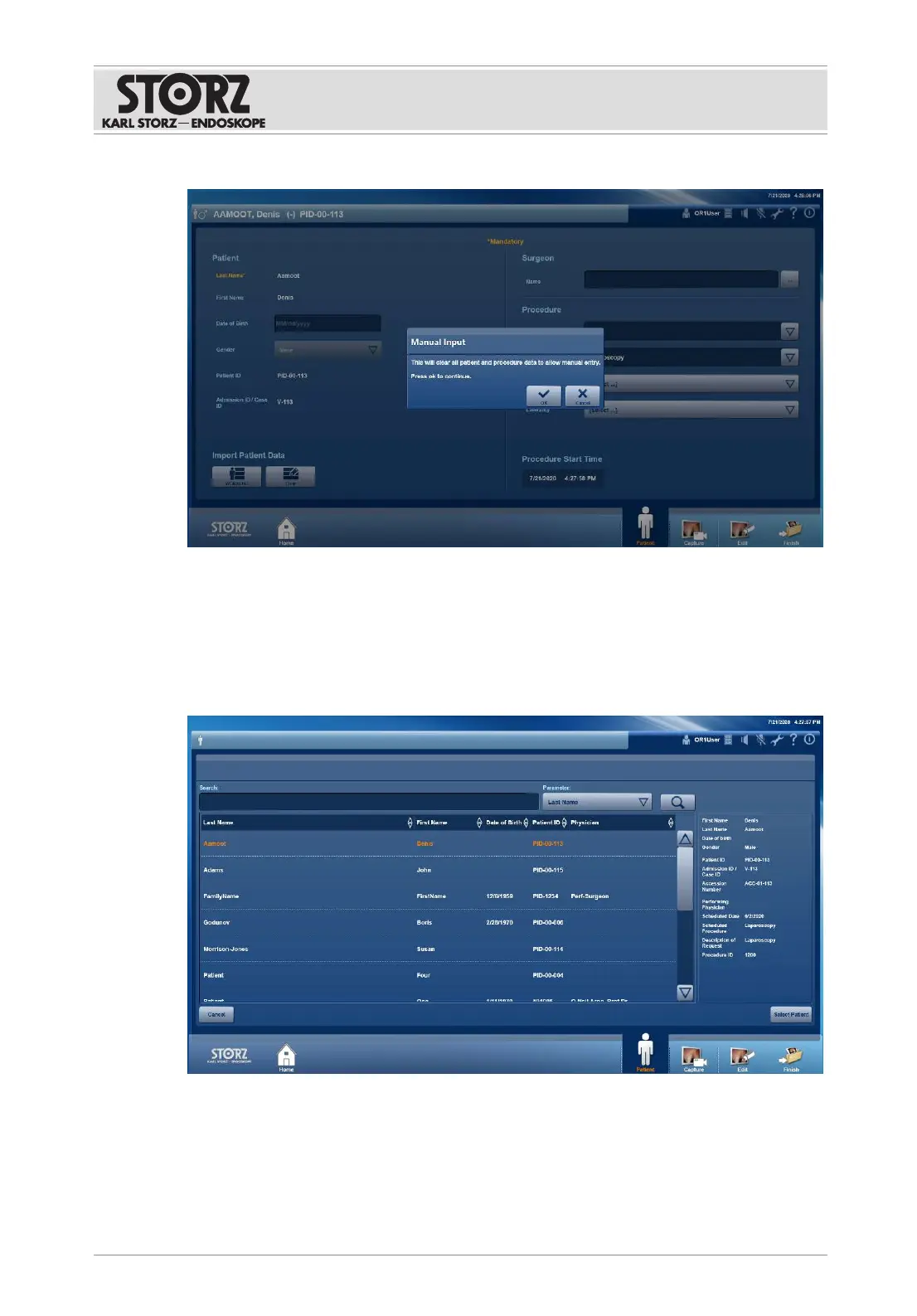
7.3.1.3 Loading patient data from the worklist
If the system is connected to a DICOM server, patient data can be selected and loaded from
the DICOM worklist.
The data set is write-protected and cannot be edited.
1. Tap the
WORKLIST
button.
ð The DICOM worklist is displayed.
2. Select a search criterion from the
Parameter
drop-down menu.
3. Enter a word to be searched for.
4. Tap the
Search
button.
ð The list of results appears.
5. Select the desired data set.













 To Next Page