Operation
Instructions for use • AIDA C WD310 • AAB272_EN_V2.0_12-2021_IFU_CE-MDR 72
– Patient ID
Function buttons
System functions can be called up via the symbols, see chapter
Symbols on the user interface
[p.20].
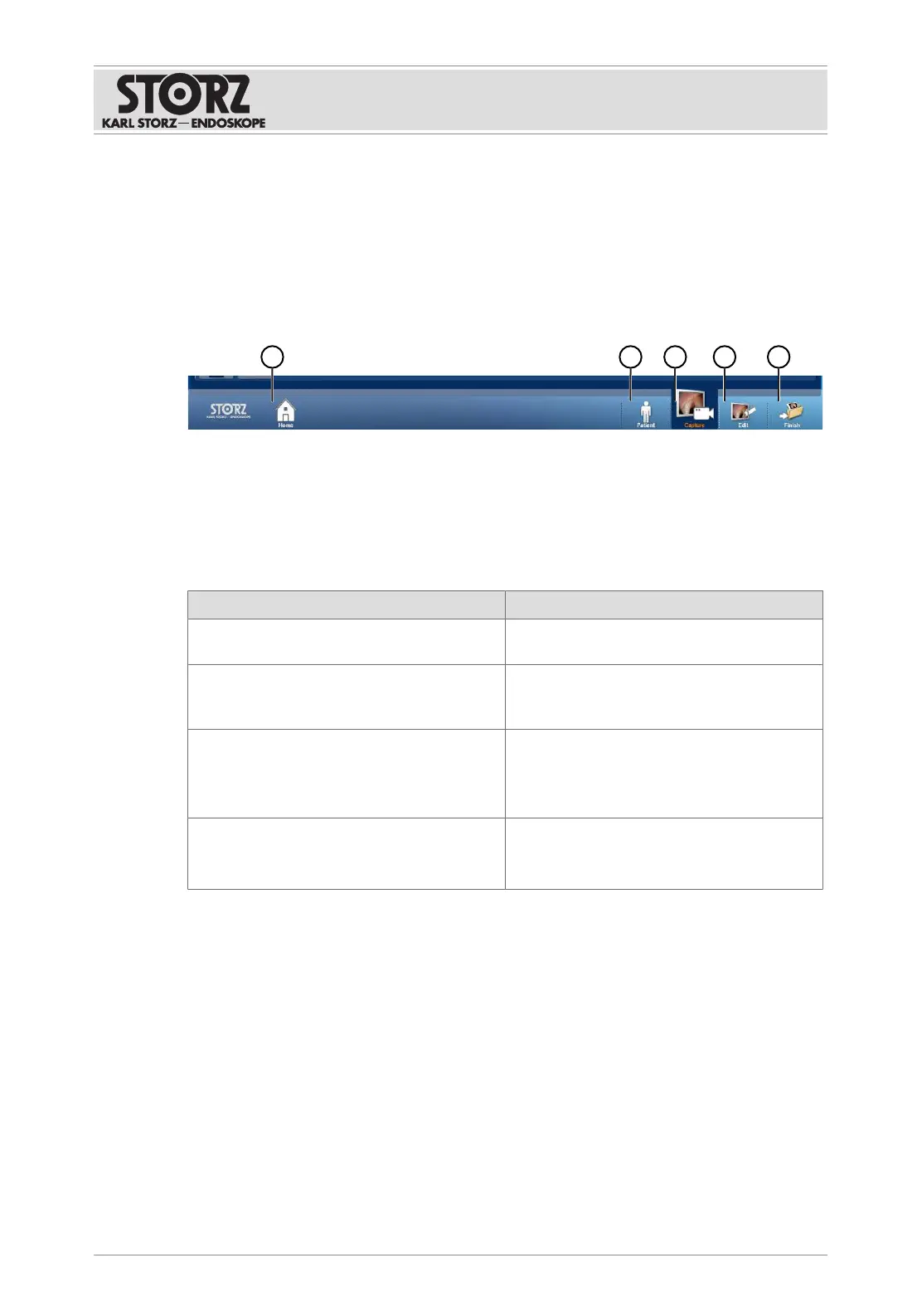
Navigation bar
Depending on the configuration, the following buttons are found here:
1 Home 4 Edit
2 Patient 5 Finish
3 Capture
Application areas
The application areas contain modules that can vary depending on the configuration:
Application area Description
Current procedure Managing and processing current patient
data and documenting the current procedure.
Previous procedure Displaying previously created patient docu-
mentation and completing the documentation
of previous procedures.
Control Optional module for the monitoring and con-
trol of other KARLSTORZ control equipment.
The
Control
module can only be opened via
the home screen.
Communication Optional module.
The
Communication
module can only be
opened via the home screen.
7.2.1
Home screen
The home screen is the start module which is set as standard and is opened automatically
upon switching on the equipment. If the home screen is deactivated, the
Patient
module is
automatically used as the new start module. The start module can be specified individually
from the application area modules.













 To Next Page