Installation and commissioning
Instructions for use • AIDA C WD310 • AAB272_EN_V2.0_12-2021_IFU_CE-MDR 52
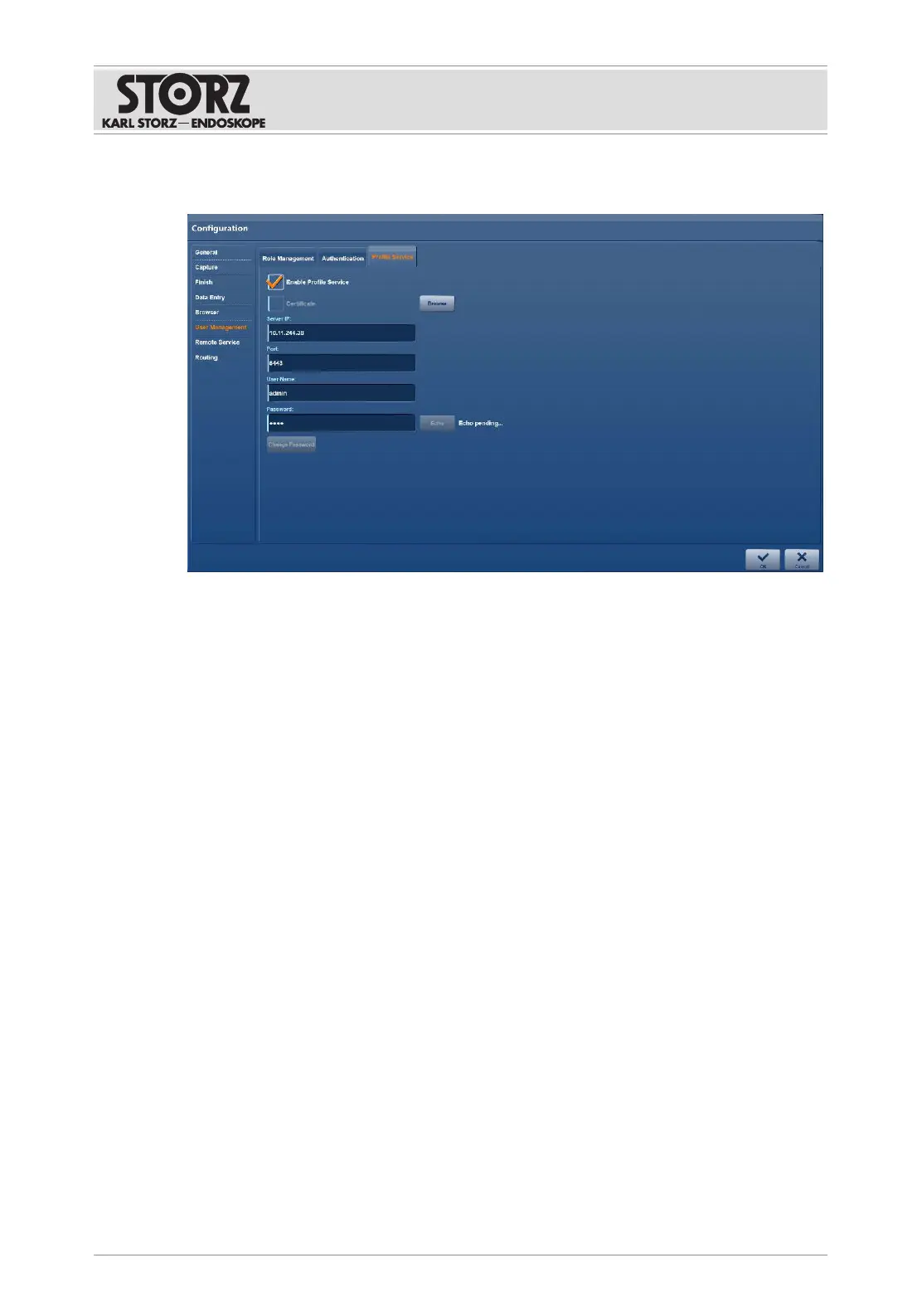
3. Tap the
Echo
button.
ð The connection parameters are checked.
ð You will be prompted to change the password.
4. Enter the new password and confirm it with
OK
.
5. Assign the password again using the
Change Password
button.
ð The profile service is enabled.
Selecting a certificate
Communication between the product and the profile service is encrypted. It is possible to use
a certificate to protect against "man-in-the-middle" attacks. This certificate is generated in the
profile service program directory when the profile service is installed. The certificate file is not
automatically distributed for security reasons.
1. Tap the
Browse
button to read in the certificate file.
2. Select the file with the "*.cer" format.
ð If the certificate is valid, the following text appears:
Certificate validation successful.
ð The
Certificate
checkbox is activated.
3. Tap the
Echo
button to check the validity of the certificate.
6.1.8
Remote service
The
Remote Service
module offers a KARLSTORZ service technician direct access via a
secure VNC connection. The product does not need to be removed from the operating room.













 To Next Page