Installation and commissioning
Instructions for use • AIDA C WD310 • AAB272_EN_V2.0_12-2021_IFU_CE-MDR 51
4. Press
OK
to confirm.
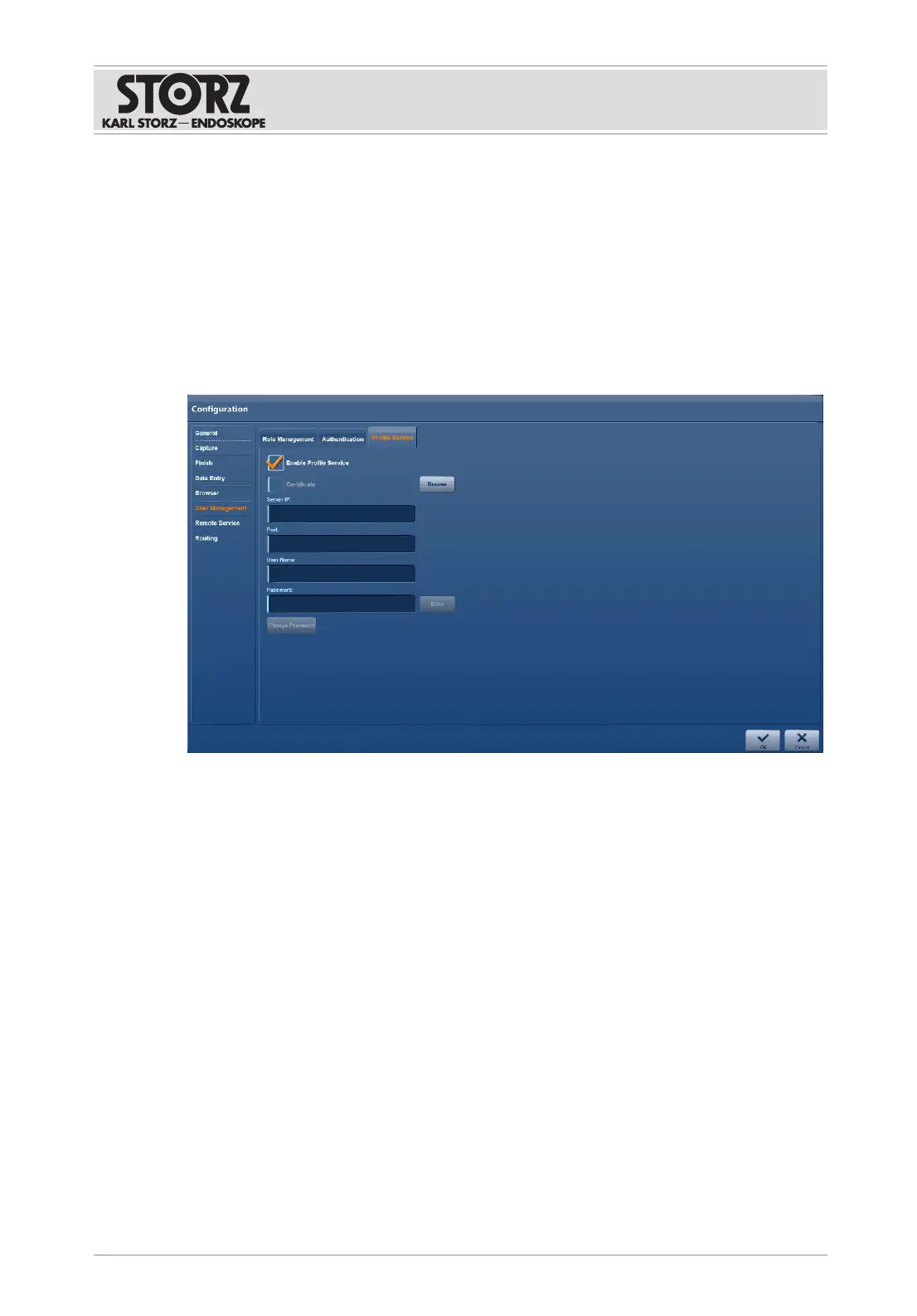
6.1.7.3 Profile service (only with network integration)
To enable the setting on the
Profile Service
tab for the first time, you must authenticate yourself
with the following standard user account:
– Username: Admin
– Password: 12345
It is then mandatory to change the password in order to enable the service. The service is
disabled for security reasons when the standard password is used.
1. Place a check mark next to
Enable Profile Service
.
2. Enter all necessary data in the fields.













 To Next Page