Operation
Instructions for use • AIDA C WD310 • AAB272_EN_V2.0_12-2021_IFU_CE-MDR 83
2. Select
Annotations
from the drop-down menu.
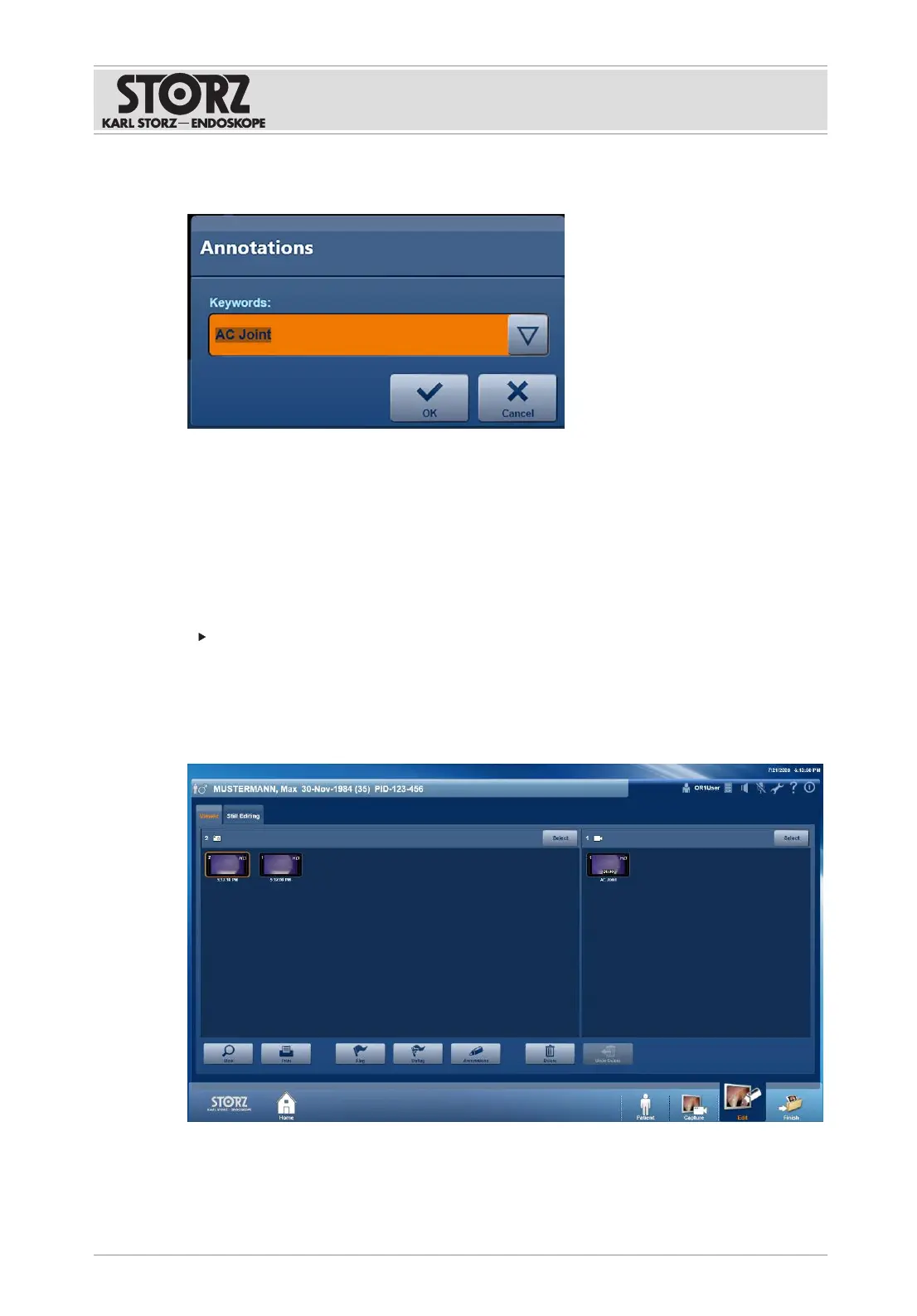
ð The
Annotations
window appears.
3. Tap the drop-down menu and select the desired entry.
4. Enter the desired term in the text field.
5. Press
OK
to confirm.
ð The annotation appears under the image.
7.3.3
Edit
Stills and video sequences can be post-edited in the
Edit
module.
Tap the
Edit
button.
ð The
Edit
module appears.
7.3.3.1 Viewer
The
Viewer
tab is used to view, print, delete, or annotate captures. All of the created stills and
videos are displayed in a preview.













 To Next Page