Operation
Instructions for use • AIDA C WD310 • AAB272_EN_V2.0_12-2021_IFU_CE-MDR 82
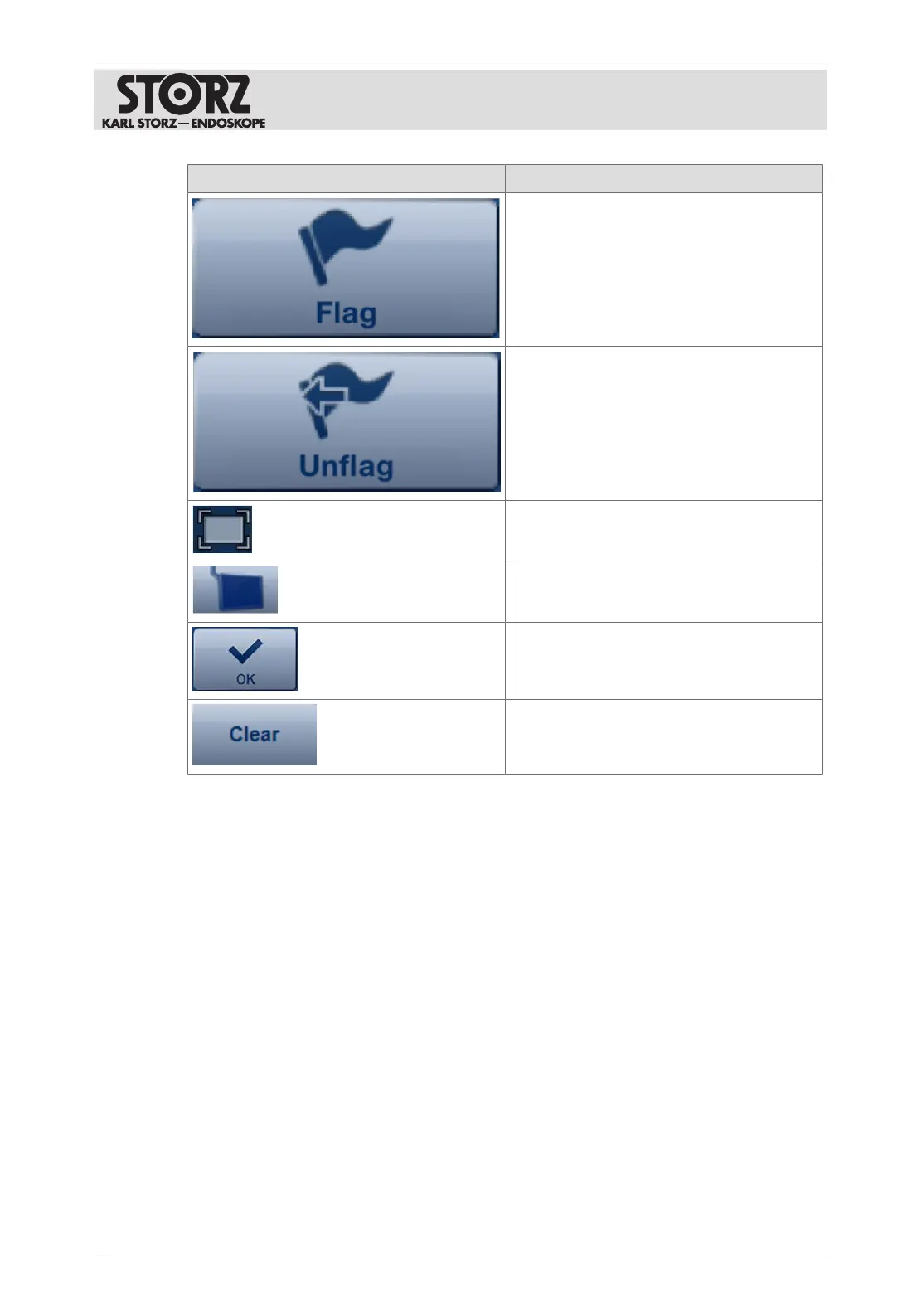
Button Description
Mark the capture with a flag. All of the
marked captures can be displayed, printed
out, or deleted in the
Edit
module.
The flag that has been set is deleted.
Shows the capture in full-screen mode.
Shows the still or video on an external moni-
tor.
Display mode is ended.
The selected keyword is deleted.
7.3.2.3 Deleting a capture
1. Tap the capture you want to delete.
ð A menu appears.
2. Touch the
Delete
button.
ð The capture is marked as deleted.
3. Tap
Restore
to restore the capture during the ongoing procedure.
ð The capture is not saved and is deleted permanently during data storage.
7.3.2.4 Adding annotations
Annotations can be added to video sequences and stills. The annotation is then shown instead
of the recording time on the recordings.
Annotations are linked to a procedure designation. A procedure designation can be selected
before adding annotations to restrict the annotations list and make selection easier.
1. Tap the image.













 To Next Page