Installation and commissioning
Instructions for use • AIDA C WD310 • AAB272_EN_V2.0_12-2021_IFU_CE-MDR 24
6 Installation and commissioning
6.1 Overview of configuration area
The configuration must be checked after each software update.
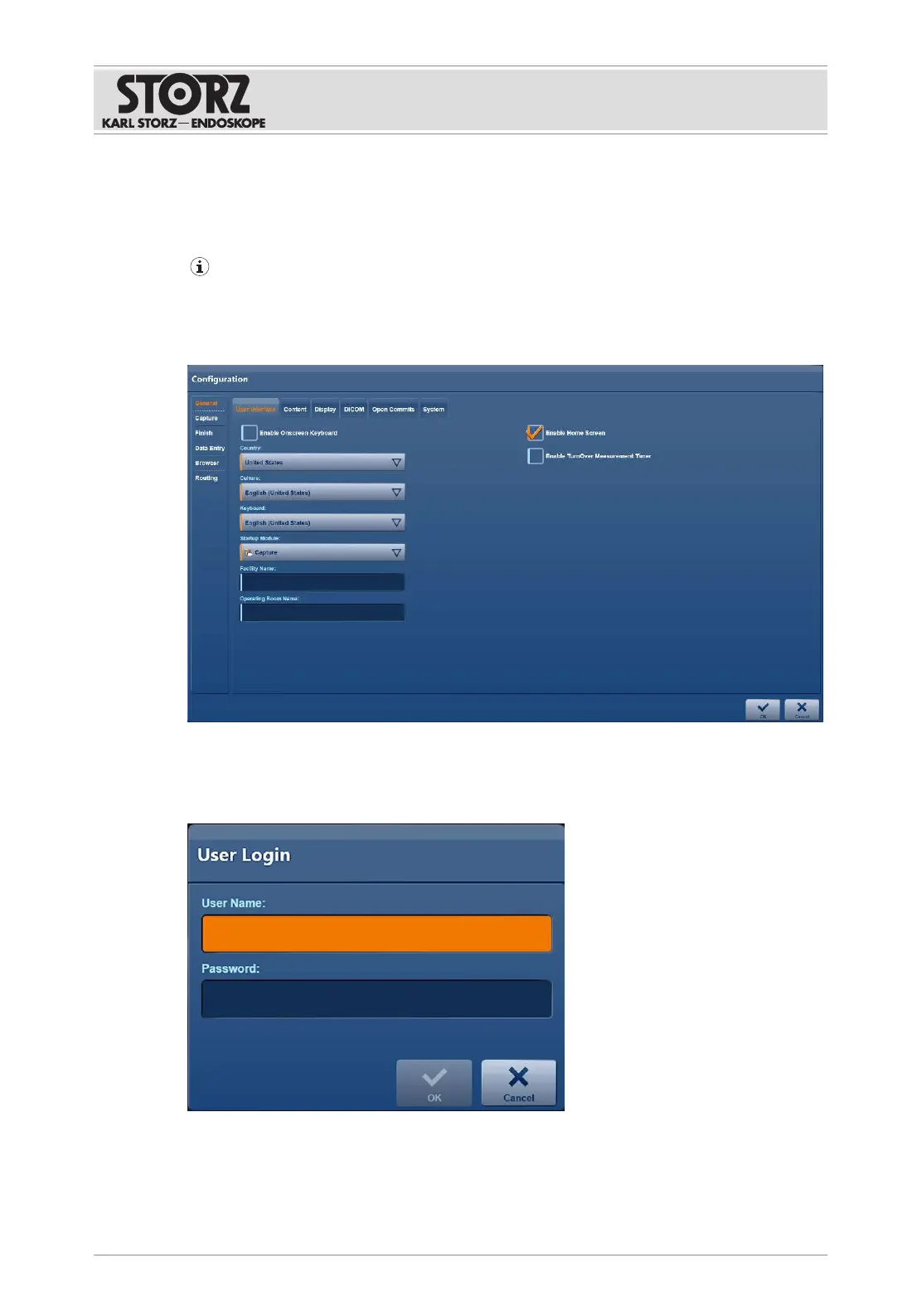
The configuration area displays all menus and tabs on which you can make settings. Which
menus and tabs are available depends on the administration role you have logged in with.
The menus and tabs of the user interface are explained in the subsequent sub-sections.
6.1.1
Opening the configuration area
1. Tap the
Settings
button.
ð The following window appears:
2. Enter the username and password.













 To Next Page