Errors and messages
Instructions for use • AIDA C WD310 • AAB272_EN_V2.0_12-2021_IFU_CE-MDR 102
11 Errors and messages
11.1 Formatting the hard disk
The patient, image, and video data is saved on the hard disk (D:). The data carrier D: can be
formatted with the
Delete All Data from the System
button to remove all data (e.g., should the
device be returned to KARLSTORZ for repair, etc.).
1. Tap
Delete All Data from the System
.
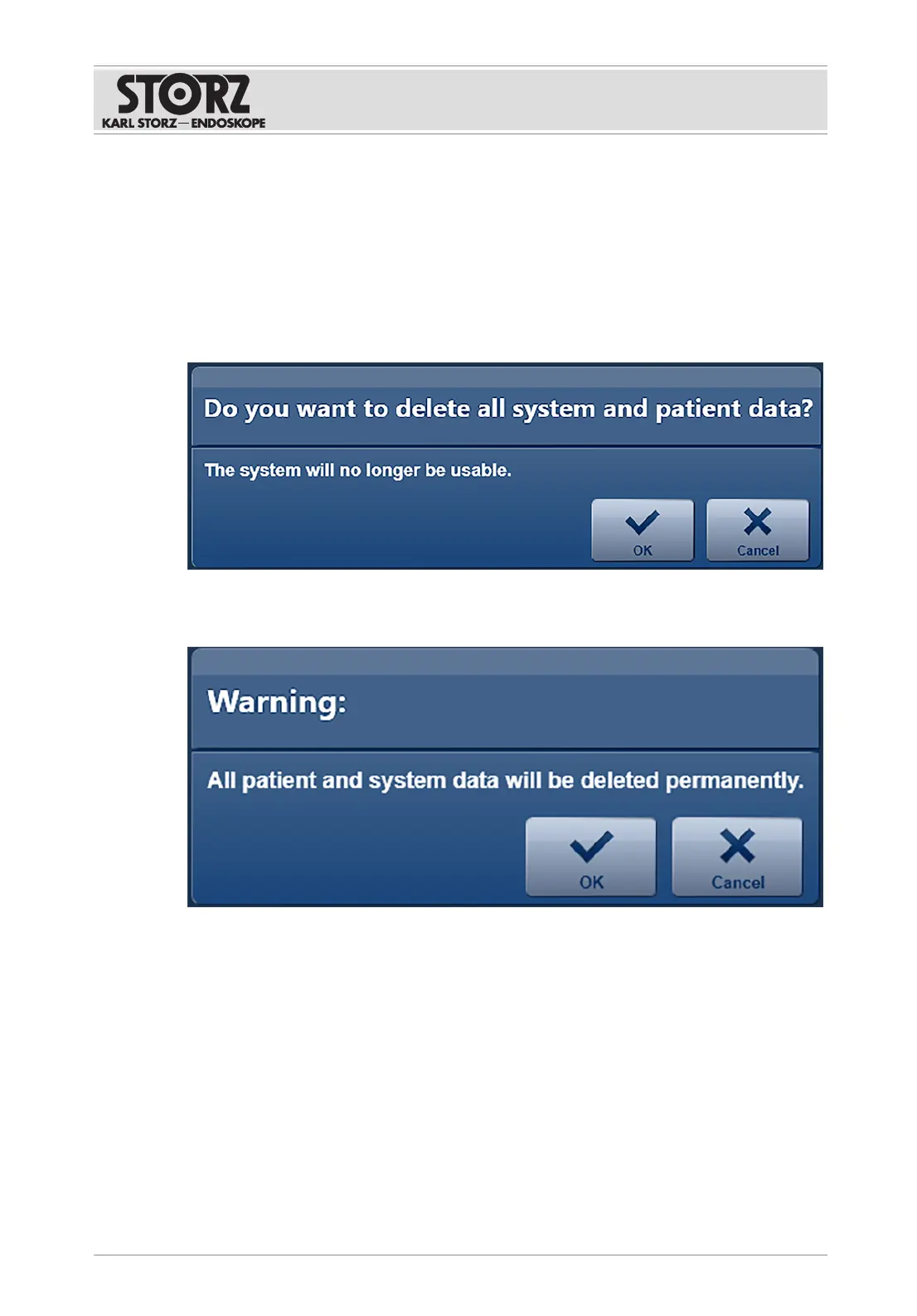
ð A prompt appears.
2. Press
OK
to confirm.
ð A warning appears.
3. Press
OK
to confirm.
ð The window for the Windows authentication appears.
4. Enter the username and password and confirm by pressing
Yes
.
ð The hard disk (D:) is formatted and all the data is deleted. An information window
visualizes this process.
ð Once formatting is complete, a window opens to confirm that formatting has taken place.
ð The system is automatically shut down after a few seconds.













 To Next Page