Installation and commissioning
Instructions for use • AIDA C WD310 • AAB272_EN_V2.0_12-2021_IFU_CE-MDR 70
13. Complete the fields and click on
Next
.
ð The Whitelist Manager creates a new system certificate.
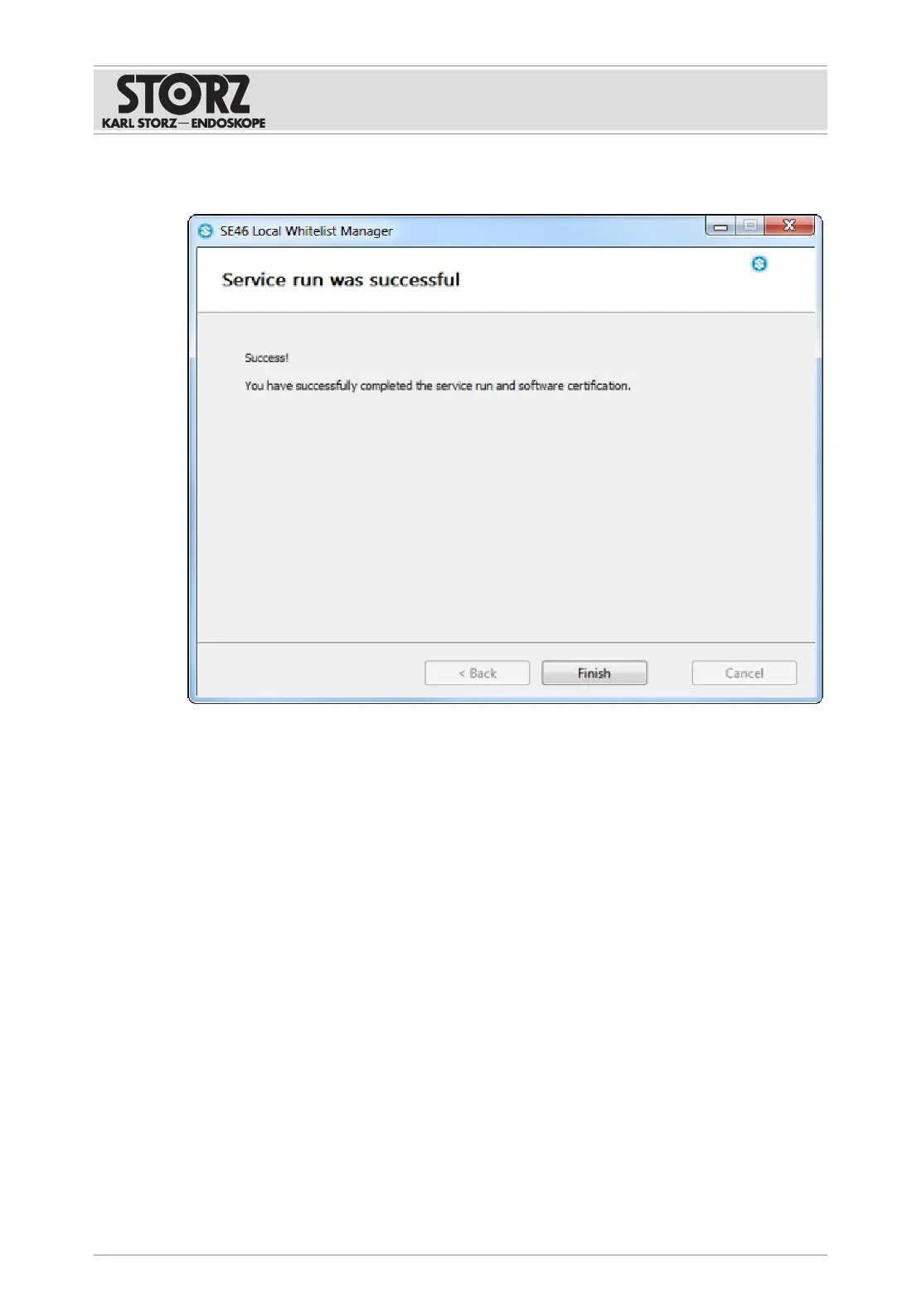
14. Click the
Finish
button.
ð The software is now installed and has been checked by the Whitelist Manager.
ð Service Mode is ended.
15. Reconnect the product to the network or connect a data storage device.
16. Carry out a system test.
ð Installation is complete.













 To Next Page