Operation
Instructions for use • AIDA C WD310 • AAB272_EN_V2.0_12-2021_IFU_CE-MDR 74
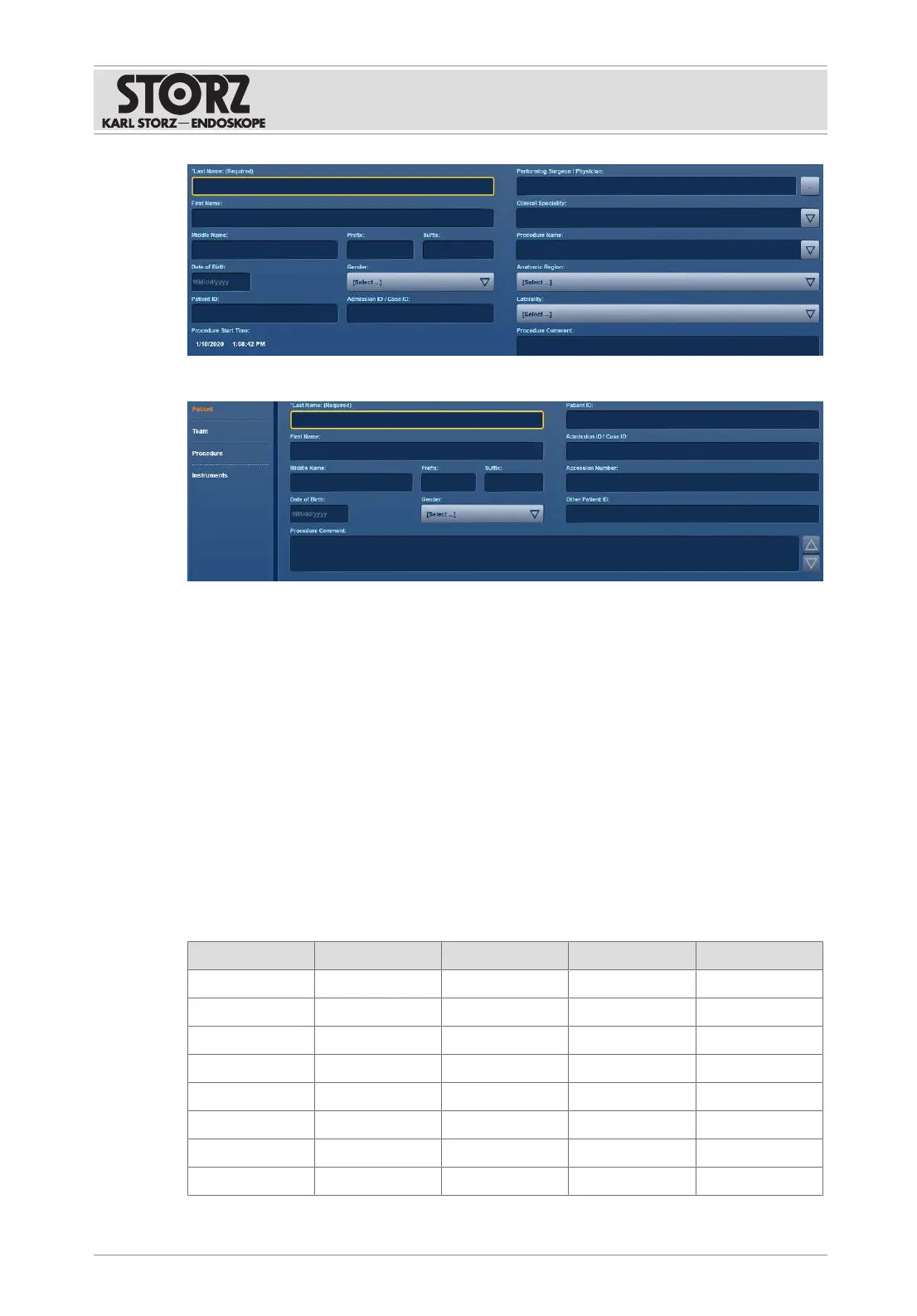
Standard entry
Extended entry
If extended patient entry is configured, a navigation bar is available for the outline data.
7.3.1.1 Entering patient data
1. Tap the
Patient
module.
ð The relevant patient entry appears.
2. Select the
Performing Physician
.
ð The profile with all the settings for the selected physician is loaded.
3. Complete and check the requested data.
ð The entries are saved automatically.
4. Tap the
Change
button to make changes.
ð The fields are unblocked.
The table below provides an overview of what settings are available to the user in the three
variants.
Input data Standard Simple Extended Type of data
Last Name X X X -
First Name X X X -
Middle Name X - X -
Prefix X - X -
Suffix X - X -
Date of Birth X X X -
Gender X X X -
Patient ID X X X -













 To Next Page