4G+ROUTER1200 - User Guide
10
/
84
Copyright © STRONG 2024. All Rights Reserved.
10
/
84
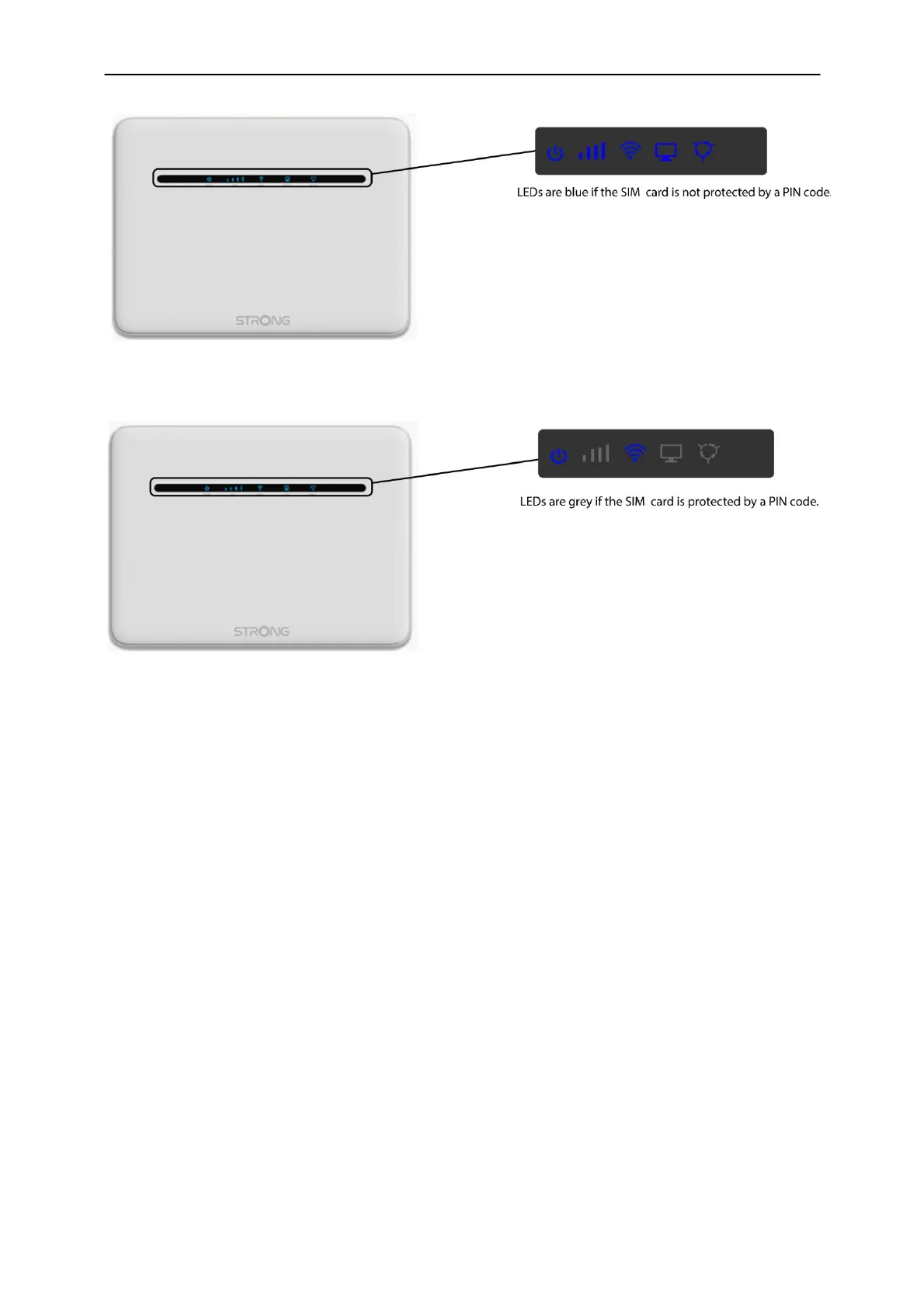
3. When the SIM card is protected by a pin code, only the Wi-Fi and power LEDs are lit.
1. In this case, you will need to connect to the Web UI of the device to unlock it. You can either
access the Web UI after connecting your computer to the router with the RJ45 cable or to
the Wi-Fi of the router after typing this IP Address:
192.168.188.1.



 To Next Page