4G+ROUTER1200 - User Guide 9
/
84
Copyright © STRONG 2024. All Rights Reserved. 9
/
84
3. Switching on the device
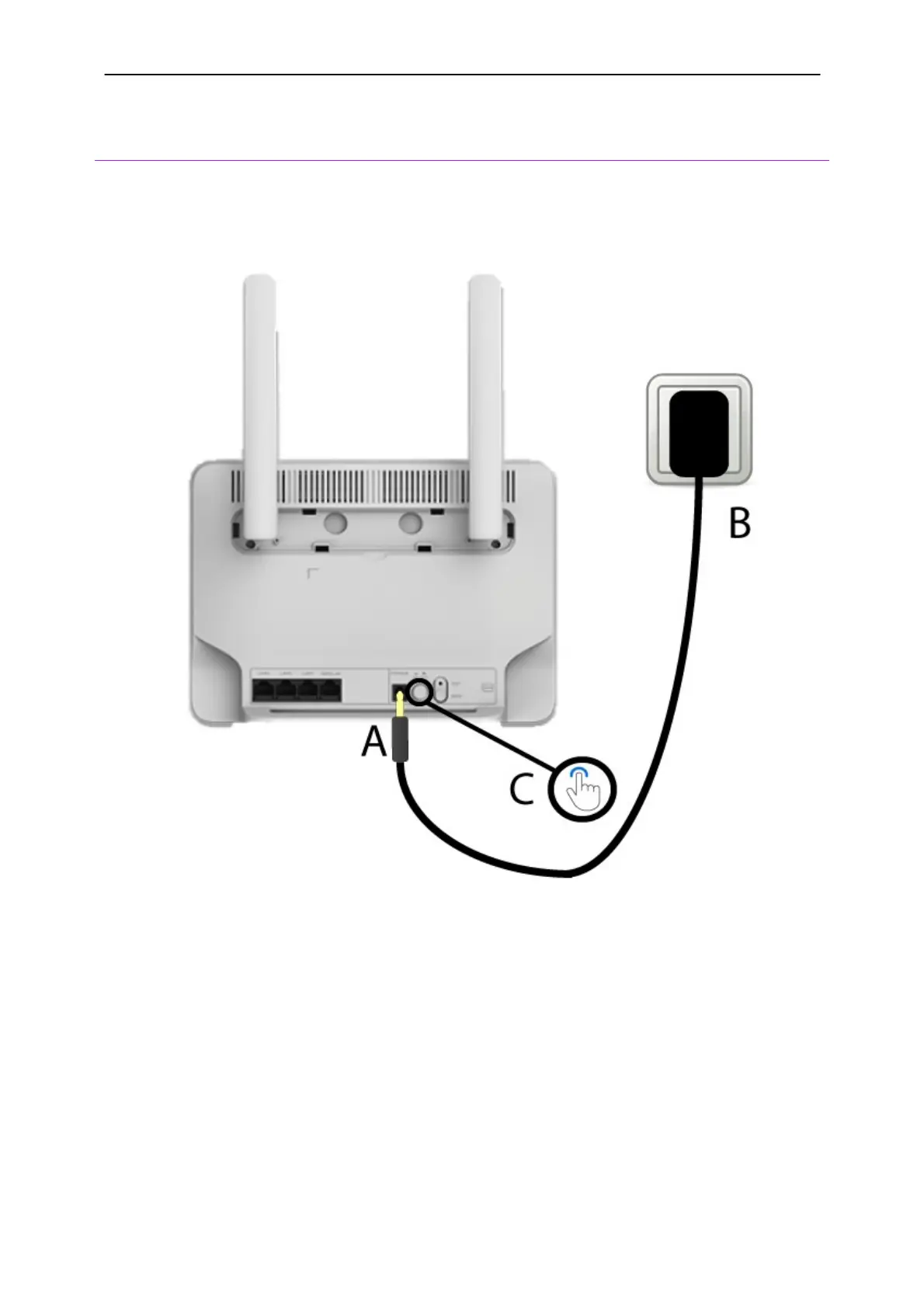
1. After that, you must insert the power cable in the power hole
(A)
and plug it into the outlet (B).
Then press the
Power
button
(C)
.
2. After a few seconds, the LEDs located on the front side of the device are lit if the sim card is
unlocked.



 To Next Page