4G+ROUTER1200 - User Guide
61
/
84
Copyright © STRONG 2024. All Rights Reserved.
61
/
84
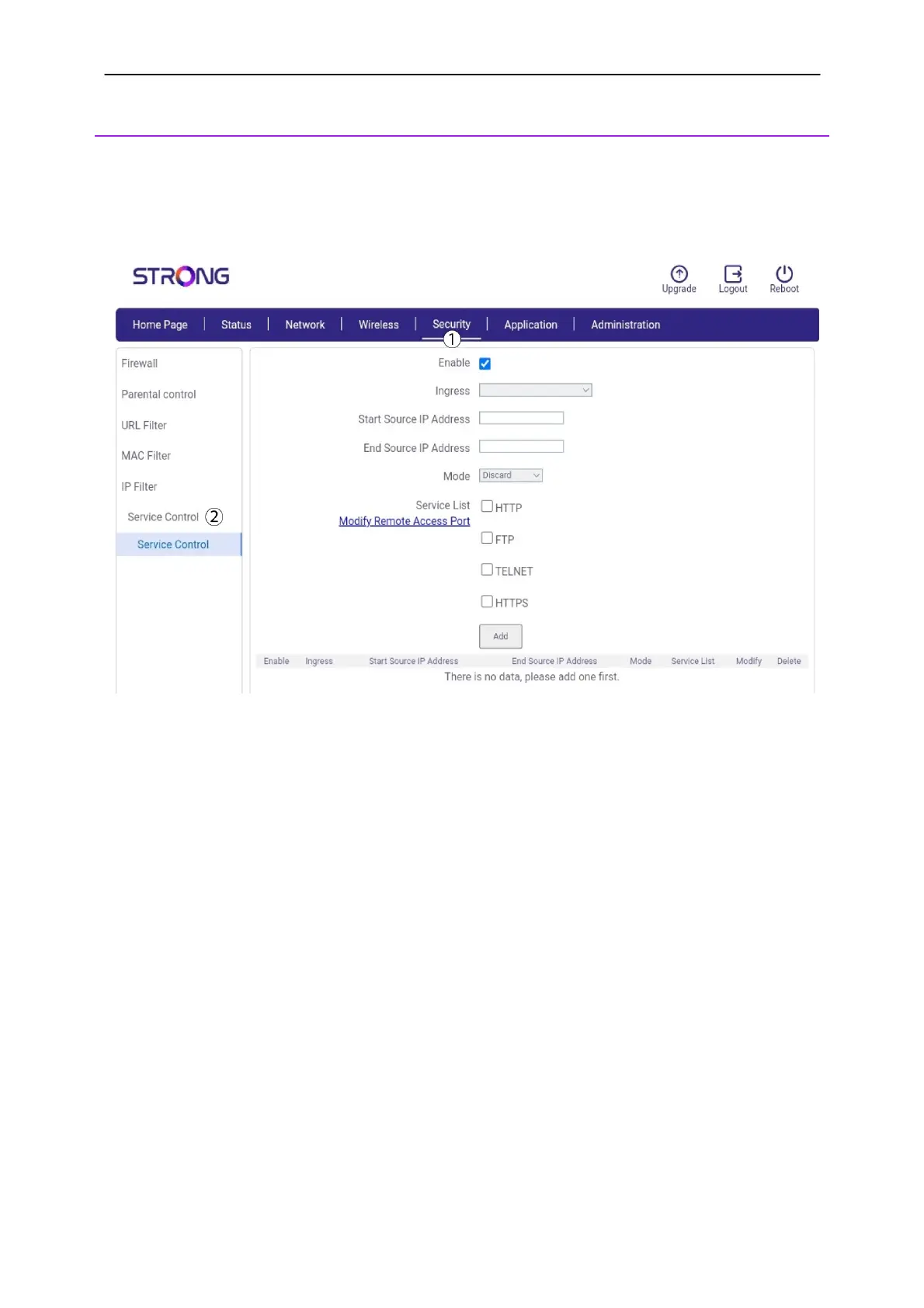
6. Service Control
You can control the access to certain websites or services by entering their IP addresses and
selecting the type of service that you want to allow or block.
1.
Click
Security
and
Service Control.
2.
Check the
enable box, select the ingress type in the list. Then enter, the start and end IP
Address. Once this is done, choose the mode between discard or allow and the type of service in
the list and click
ADD
.



 To Next Page