4G+ROUTER1200 - User Guide
11
/
84
Copyright © STRONG 2024. All Rights Reserved.
11
/
84
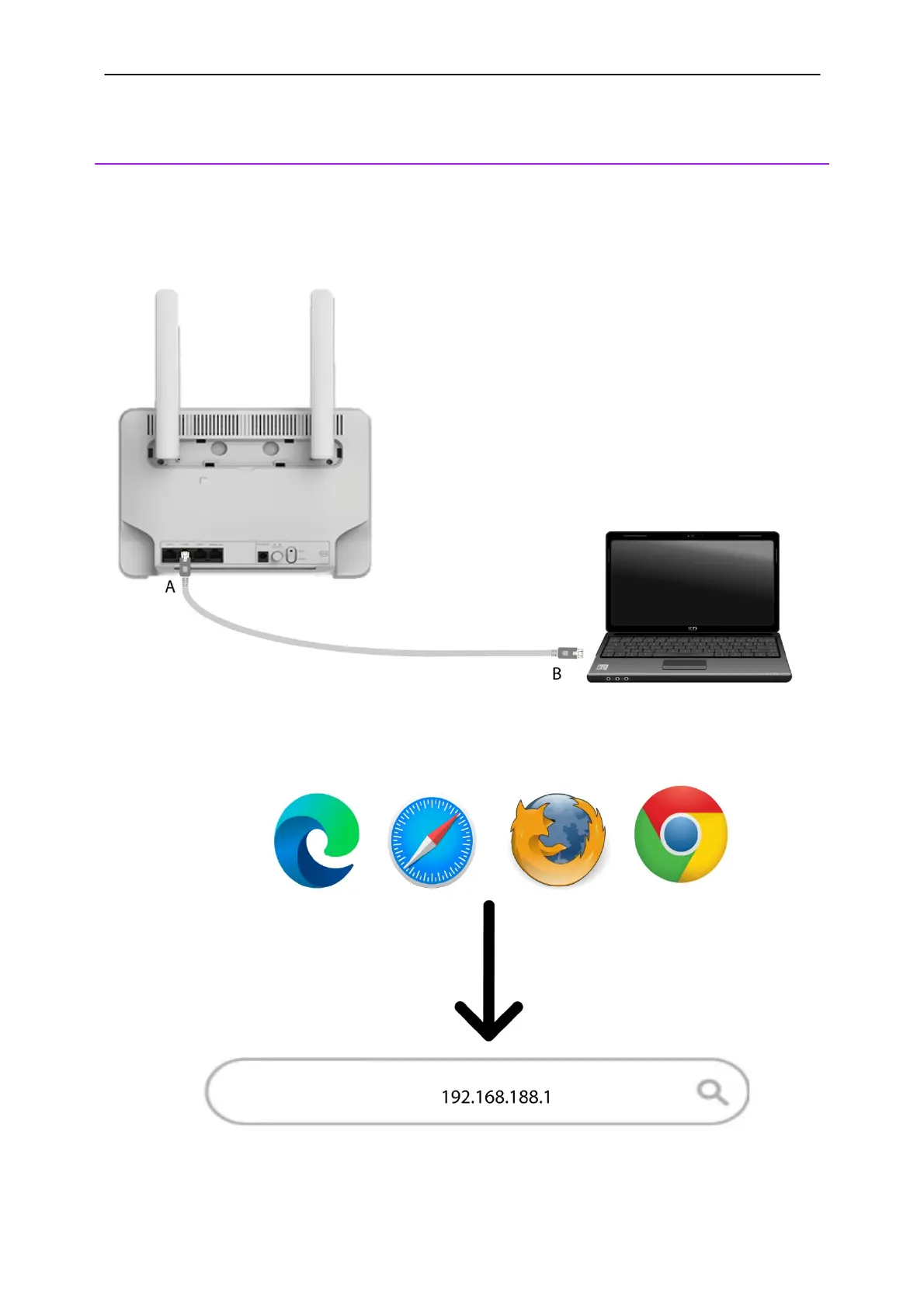
4. Connecting your Device with an Ethernet Cable and Accessing the Web
UI
Once, your SIM card is installed and after switching on the router, you can connect the device to your
computer to access the Web UI if you need to enter the PIN code.
1. To do so, insert the RJ45 cable in the WLAN
hole located on the rear side of the device. Connect
the other side of the cable to your device, as shown in the schema below:
2. Then you can access the Web UI by typing this IP Address in your browser:



 To Next Page