4G+ROUTER1200 - User Guide
26
/
84
Copyright © STRONG 2024. All Rights Reserved.
26
/
84
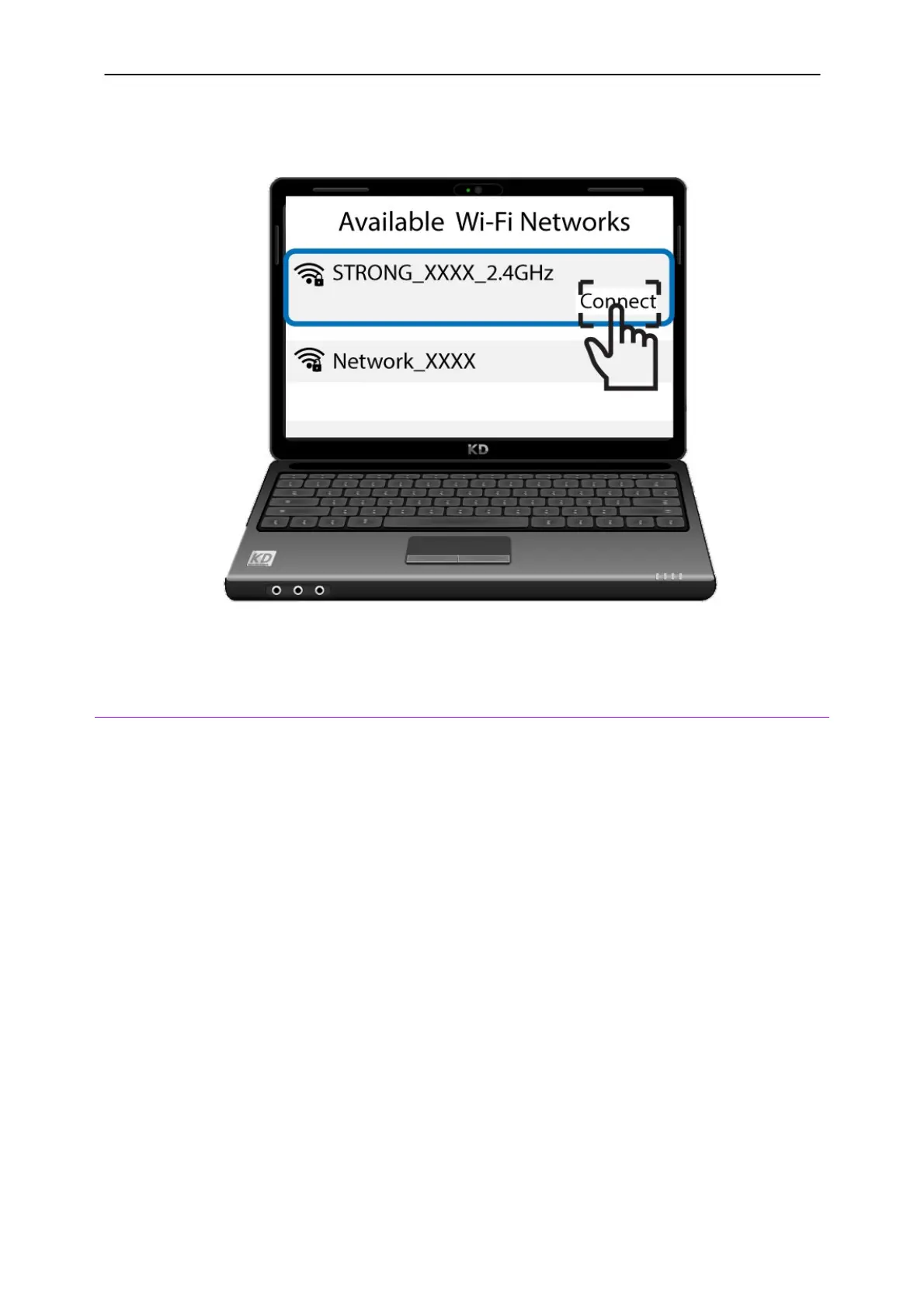
3. Then, click the connect button.
11. Resetting the device to its factory configuration
Sometimes, it is possible that your device is not working properly and that you don’t have internet
access. In this case, we suggest resetting your device to its factory settings and updating it afterward
if necessary.
You have two ways to do it; you can reset the device by pressing the reset button or doing it in the
Web UI.
CASE 1: Reset button.
To do so, insert a paper clip in the hole to press the reset button. Press the reset button for 10
seconds. The LEDs will switch off and turn back on again.



 To Next Page