4G+ROUTER1200 - User Guide
73
/
84
Copyright © STRONG 2024. All Rights Reserved.
73
/
84
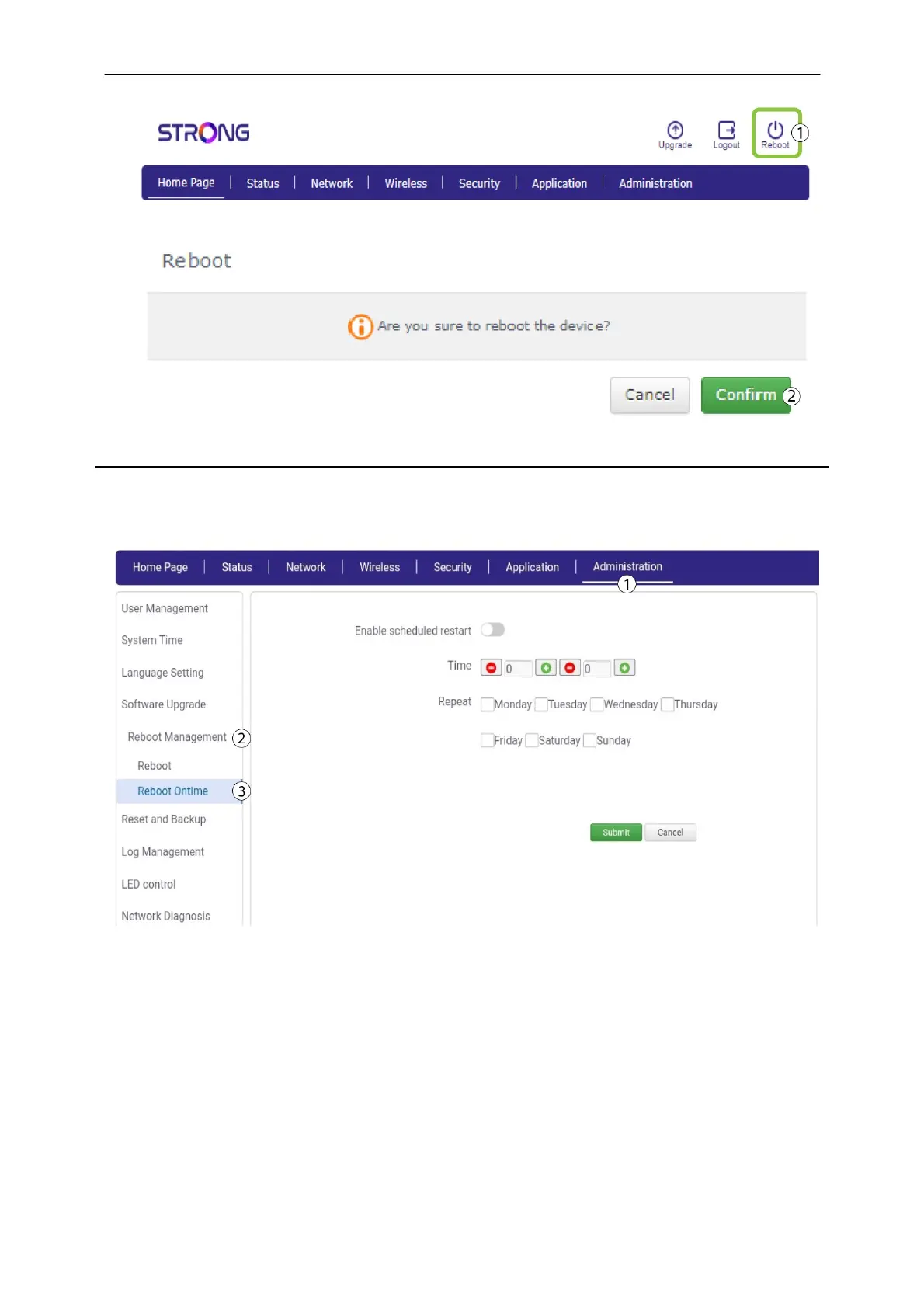
5.2. Reboot on time
You can setup times and days on which your rooter will automatically reboot.
1. Click Administration
and
Reboot Management. Then, select Reboot on time.
2.
Click the
Enable scheduled restart toggle button. Then, select the days on which you want the
rooter to restart automatically and enter the time of the restart before clicking
Submit
.
Times must be entered with a 24h format.



 To Next Page