4G+ROUTER1200 - User Guide
68
/
84
Copyright © STRONG 2024. All Rights Reserved.
68
/
84
4. UPnP Settings
Universal Plug and Play
(UPnP) enables the devices of your network to detect compatible devices
and to communicate with them automatically.
1. To activate the UPnP feature, you must be connected to the Wi-Fi of your device and access the
Web UI. To do so, follow one of the procedures below:
Connecting your Device with an Ethernet Cable and Accessing the Web UI
Connecting to the Wi-Fi and Accessing the Web UI
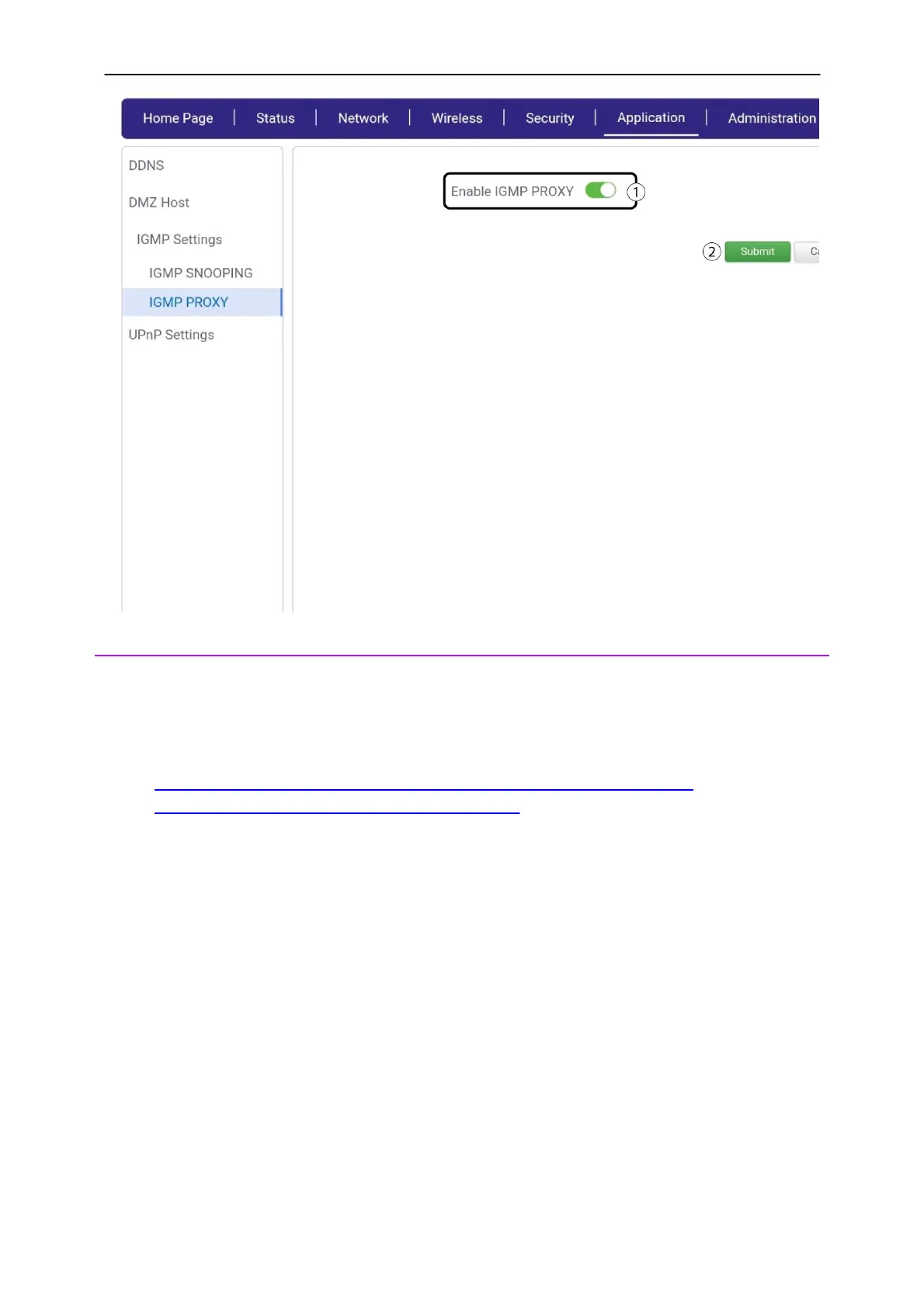
2. Click Application and UPnP. Then, click the enable UPnP toggle button and click submit.



 To Next Page