4G+ROUTER1200 - User Guide
24
/
84
Copyright © STRONG 2024. All Rights Reserved.
24
/
84
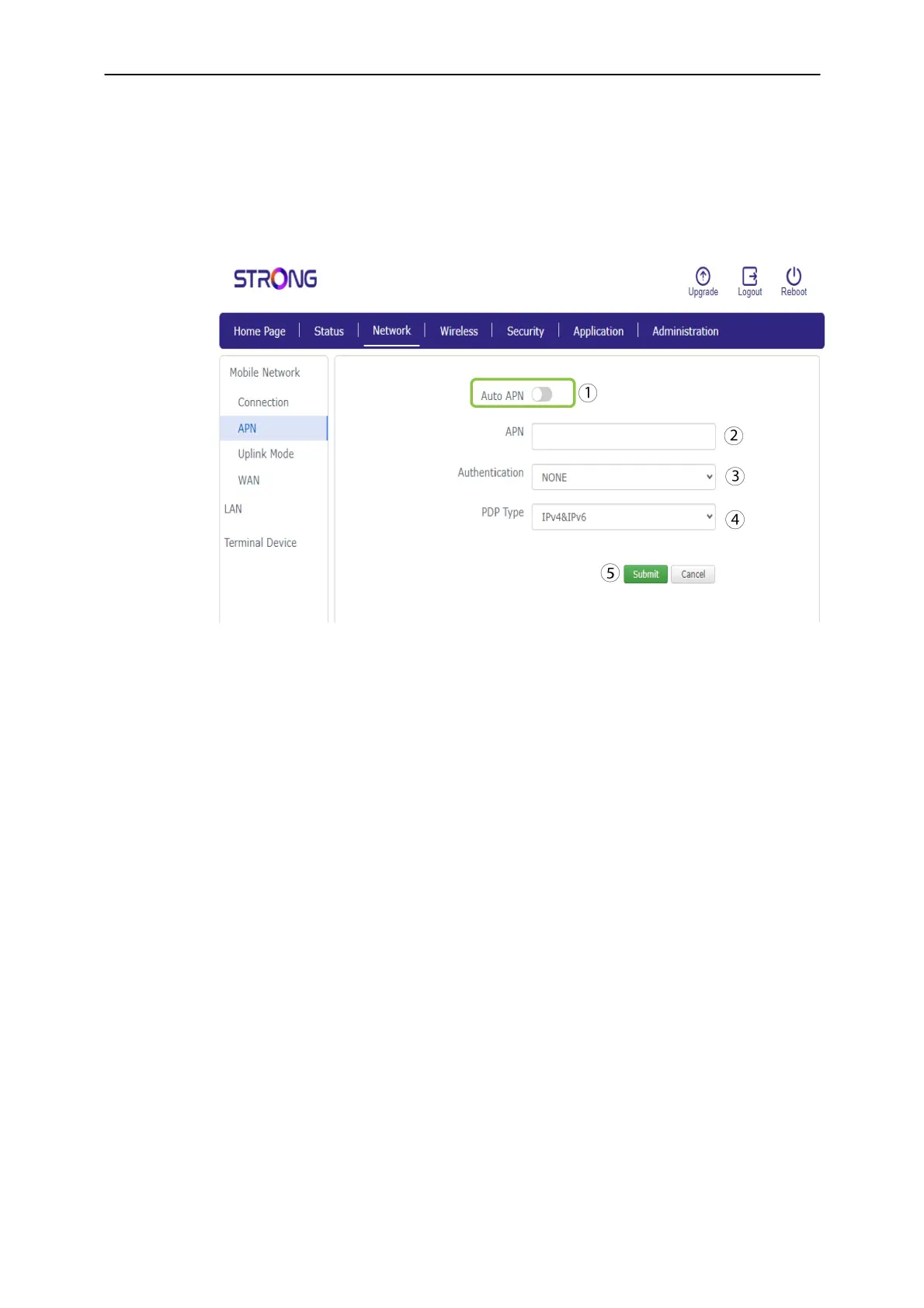
4. If the information is incorrect, click the Auto APN toggle and enter the following information
before
Submit
:
Select the
Authentication Type: NONE, CHAP or PAP.
Enter the name of your service provider in the Profile Name
(Limited to 14
characters including spaces). Then enter the APN address in the APN field.
In the
PDP Type
field, select the APN Type: IPv4, IPv6 or IPv4v6.



 To Next Page