32 3006-109-101 REV A www.stryker.com
Return To Table of Contents
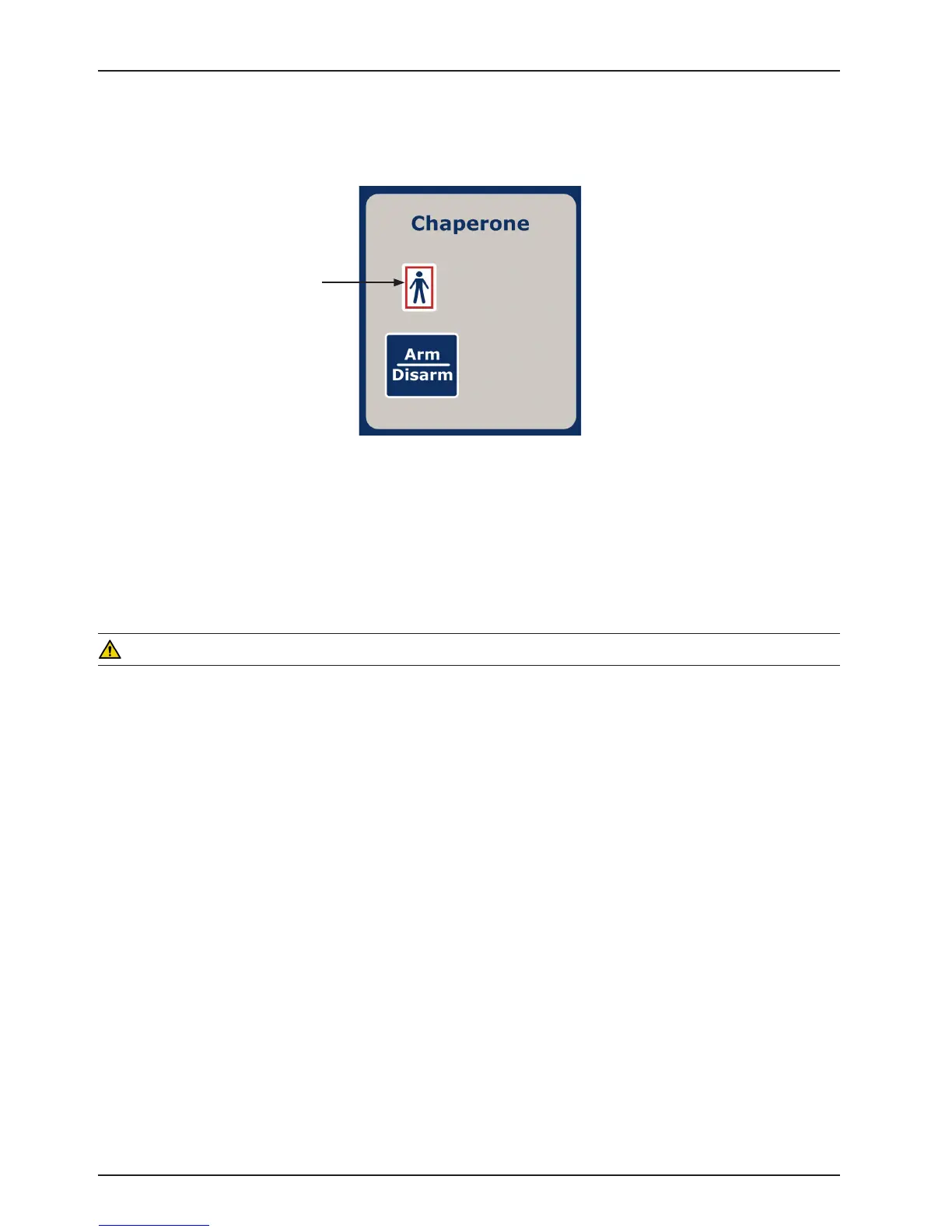
OPTIONAL CHAPERONE BED EXIT
1. Before positioning the patient on the bed, the scale system must be zeroed for the Bed Exit System to function
properly (see page 35 for instructions on zeroing the scale system).
2. Position the patient on the bed and press the “Arm/Disarm” button to activate the Bed Exit function. The footboard
“Bed Exit” LED and dashboard “Bed Exit” LED will turn on.
3. To deactivate Bed Exit, press the “Arm/Disarm” button. The footboard “Bed Exit” LED and the dashboard “Bed
Exit” LED will turn off.
WARNING
The Bed Exit System is intended only to aid in the detection of a patient exiting the bed. It is NOT intended to replace
patient monitoring protocol. It signals when a patient is about to exit. Adding or subtracting objects from the bed after
arming the bed exit system may cause a reduction in the sensitivity of the bed exit system. To avoid possible injury
and to assure proper operation when using a powered mattress replacement system such as XPRT, do not initialize
(“Arm”) bed exit with Percussion, Vibration, Rotation or Turn Assist active. The patient motion and position resulting
from a dynamic therapy mattress may adversely affect bed exit system performance.
Footboard Operation Guide
“Bed Exit” LED














 To Next Page