EN(H4SO)(diag)-32
ENGINE (DIAGNOSTICS)
Subaru Select Monitor
10.Subaru Select Monitor
A: OPERATION
1. HOW TO USE SUBARU SELECT MONI-
TOR
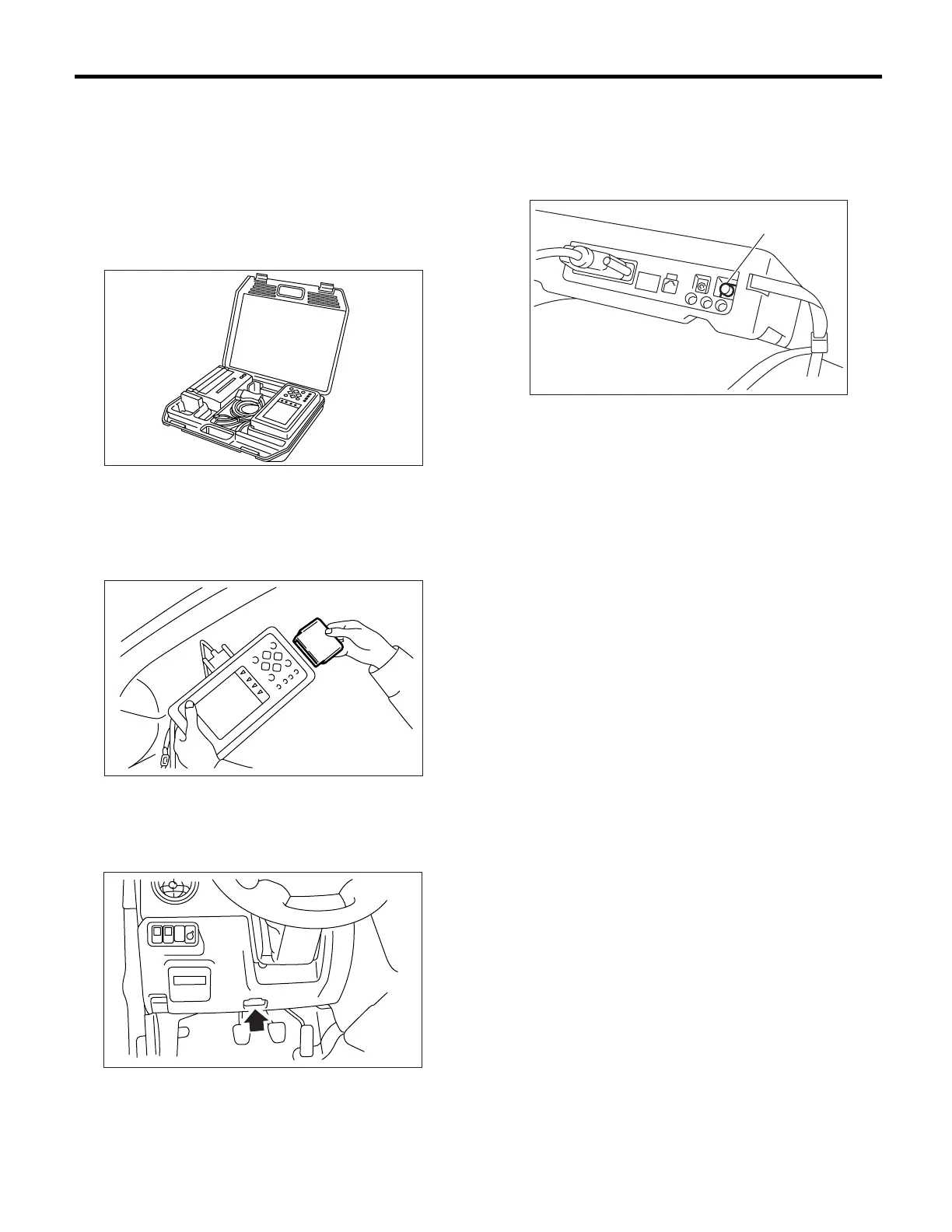
1) Prepare the Subaru Select Monitor kit. <Ref. to
EN(H4SO)(diag)-8, PREPARATION TOOL, Gen-
eral Description.>
2) Connect the diagnosis cable to Subaru Select
Monitor.
3) Insert the cartridge into Subaru Select Monitor.
<Ref. to EN(H4SO)(diag)-8, PREPARATION
TOOL, General Description.>
4) Connect the Subaru Select Monitor to data link
connector.
(1) Data link connector located in the lower por-
tion of instrument panel (on driver’s side).
(2) Connect the diagnosis cable to data link
connector.
CAUTION:
Do not connect scan tools except for Subaru
Select Monitor and OBD-II general scan tool.
5) Turn the ignition switch to ON (engine OFF) and
Subaru Select Monitor switch to ON.
6) Using the Subaru Select Monitor, call up DTC
and various data, then record them.
2. READ DIAGNOSTIC TROUBLE CODE
(DTC) FOR ENGINE (NORMAL MODE)
Refer to Read Diagnostic Trouble Code (DTC) for
information about how to indicate DTC. <Ref. to
EN(H4SO)(diag)-39, Read Diagnostic Trouble
Code (DTC).>
3. READ DIAGNOSTIC TROUBLE CODE
(DTC) FOR ENGINE (OBD MODE)
Refer to Read Diagnostic Trouble Code (DTC) for
information about how to indicate DTC. <Ref. to
EN(H4SO)(diag)-39, Read Diagnostic Trouble
Code (DTC).>
EN-00038
EN-00039
IM-00072
(A) Power switch
(A)
EN-00040













 To Next Page