EN(H4SO)(diag)-36
ENGINE (DIAGNOSTICS)
Subaru Select Monitor
6. READ FREEZE FRAME DATA FOR ENGINE (OBD MODE)
1) On «Main Menu» display screen, select the {Each System Check} and press the [YES] key.
2) On «System Selection Menu» display screen, select the {Engine Control System} and press the [YES]
key.
3) Press the [YES] key after the information of engine type is displayed.
4) On «Engine Diagnosis» display screen, select the {OBD System} and press the [YES] key.
5) On «OBD Menu» display screen, select the {Freeze Frame Data} and press the [YES] key.
• A list of support data is shown in the following table.
NOTE:
For detailed operation procedure, refer to the SUBARU SELECT MONITOR OPERATION MANUAL.
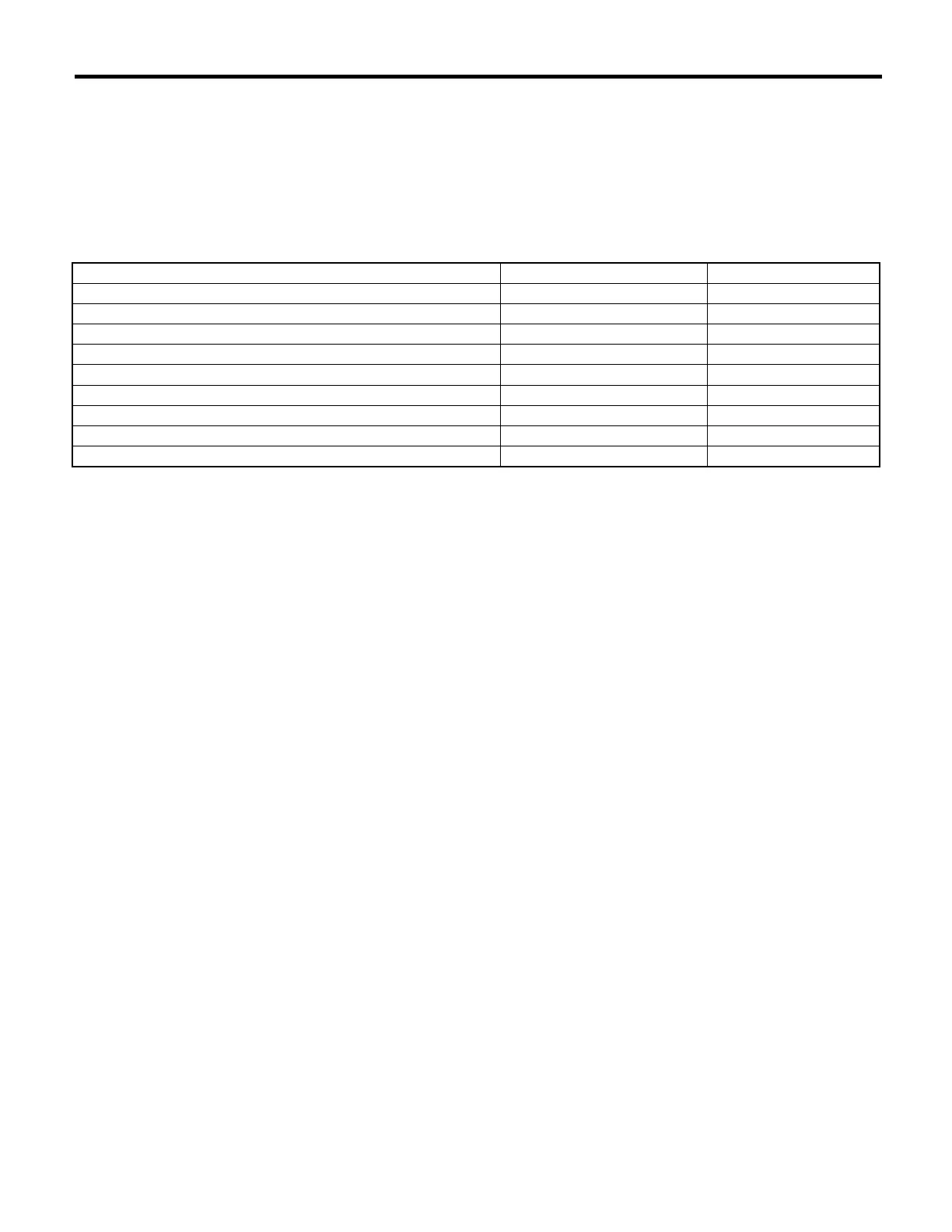
Contents Display Unit of measure
DTC for freeze frame data Freeze frame data DTC
Air fuel ratio control system for bank 1 Fuel system for Bank1 —
Engine load data Engine Load %
Engine coolant temperature signal Coolant Temp. °C or °F
Short term fuel trim by front oxygen (A/F) sensor Short term fuel trim B1 %
Long term fuel trim by front oxygen (A/F) sensor Long term fuel trim B1 %
Intake manifold absolute pressure signal Mani. Absolute Pressure mmHg, kPa, inHg or psi
Engine speed signal Engine Speed rpm
Vehicle speed signal Vehicle Speed km/h or MPH











 To Next Page