SummaCut Series Cutters User’ s Manual
General Information 1-23
2b. When working with roll media and using the media support system at the
back of the machine, proceed by inserting a media flange at each end of
the media roll and tighten the thumbscrew until the media roll is firmly
gripped between the flanges. Make sure the flanges are firmly pressed
against the roll. Place the roll of media on the media support rollers at the
rear of the machine.
3. Start feeding the media from the rear of the machine until the front edge
of the media reaches the roll again at the front.
Position the left media edge on the left-most drive sleeve and check
whether the right media edge is positioned over the long drive sleeve. If so,
the left pinch roller can be positioned in a detent (click position) over the
left-most sleeve, and the right pinch roller is positioned somewhere over
the long drive sleeve to suit the media width. The pinch roller can be
lowered anywhere between the two detent (click positions) on the long
drive sleeve to allow for flexibility in holding any media width.
In circumstances where the above does not work, because your media is
too narrow to reach the long drive sleeve, try positioning the left media
edge over the second left drive sleeve, and position the right media edge
somewhere on the long drive sleeve.
4. To make sure that the media follows a straight path from the material roll
over the platen back to the roll, align the side edge of the media to the
roll, and make sure that the media is rolled up properly and follows a
straight path.
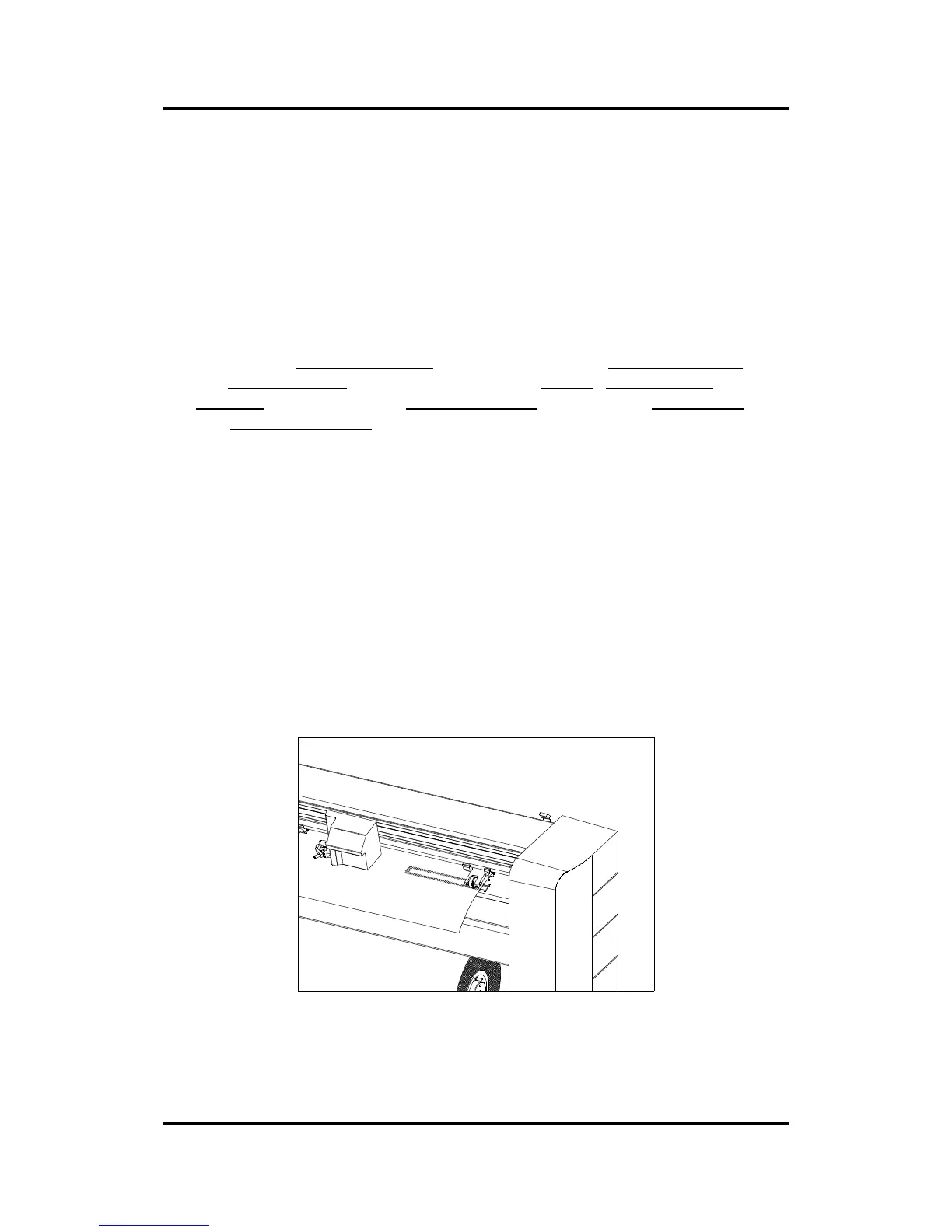
5. The pinch rollers should be positioned over the drive sleeves about 3 to 15
mm (0.1” to 0.6”) away from the media’ s outer edges.
FIGURE 1-10
PINCH ROLLER POSITIONING



 To Next Page