SummaCut Series Cutters User’ s Manual
Contour Cutting 5-8
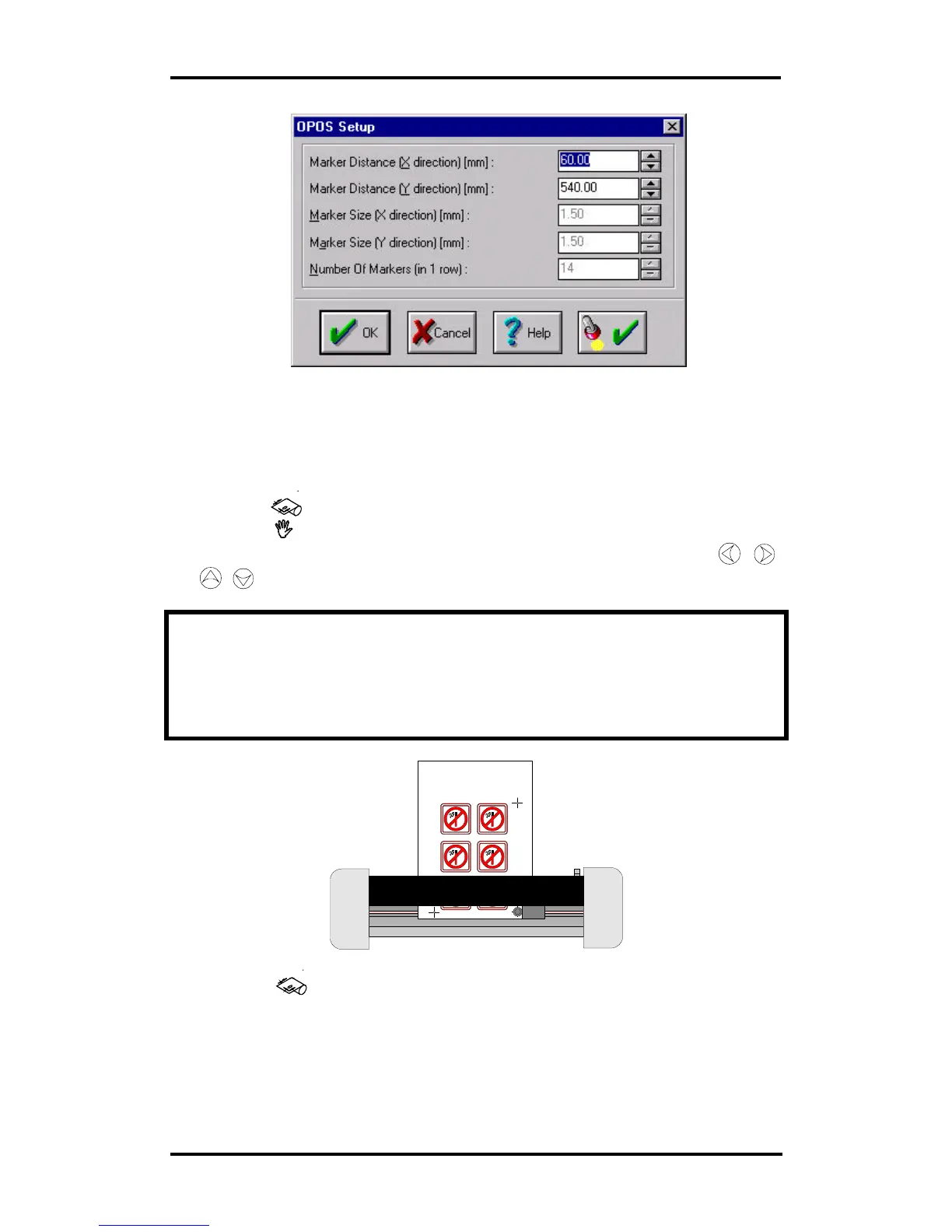
5.7. REGISTRATING THE CROSS-MARKS
• Before proceeding, make sure all the cutting parameters are correct
(pressure, velocity, …). See User’s Manual.
• Press the key. The origin LED will turn green.
• Press the key . The on-line LED will flash.
• Position the knife tip exactly above the origin-marker using the ,
,
,
jogging keys.
During this entire procedure, make sure that the knife does not rotate, which
may cause an offset error.
Indicate the cross-marks with extreme accuracy because it directly
influences the result.
• Press the key. Position the knife tip exactly above the mark indicating
the X-axis.



 To Next Page