SummaCut Series Cutters User’ s Manual
Contour Cutting 5-9
• Press the key . If the X-axis-alignment method has been choosen, the
special load procedure will stop here. For the two other methods: position
the knife tip exactly above the cross-mark indicating the Y-axis. Press the
key .
5.8. CUTTING THE CONTOUR
• Follow the specific instructions for contour cutting in your software. If there
are no such instructions, follow the explanation below.
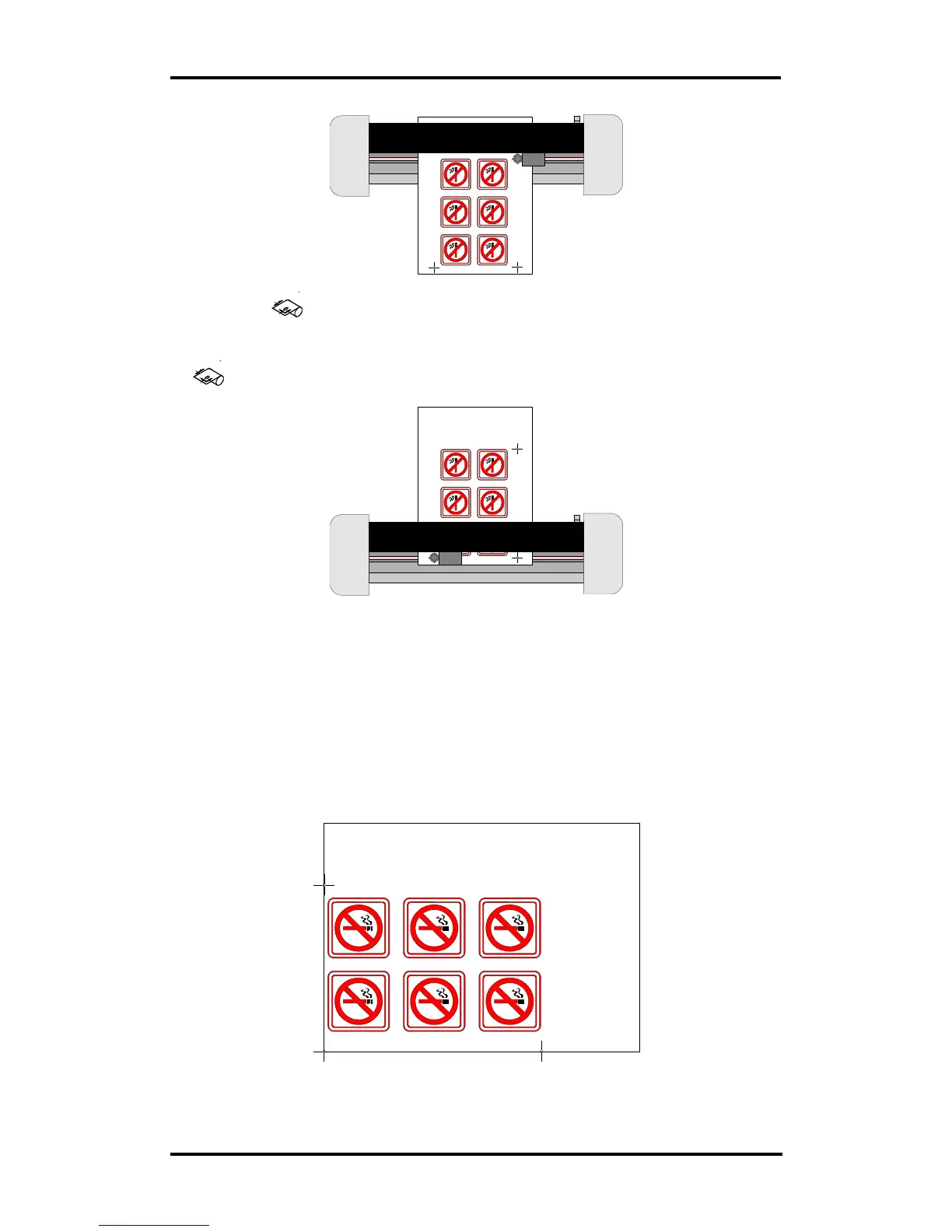
• Move the entire design (cross-marks and contours included) in your
software so that the origin mark is situated in the lower left corner of the
cutting area (In most sign-making software the orientation is landscape. If
not, you will have to rotate everything).
• Select the contours and cut them out:



 To Next Page