SummaCut Series Cutters User’ s Manual
Operation 2-3
To put the cutter off-line, press the key. Pressing this key will suspend the
current cutting/plotting operation until the cutter is put on-line again.
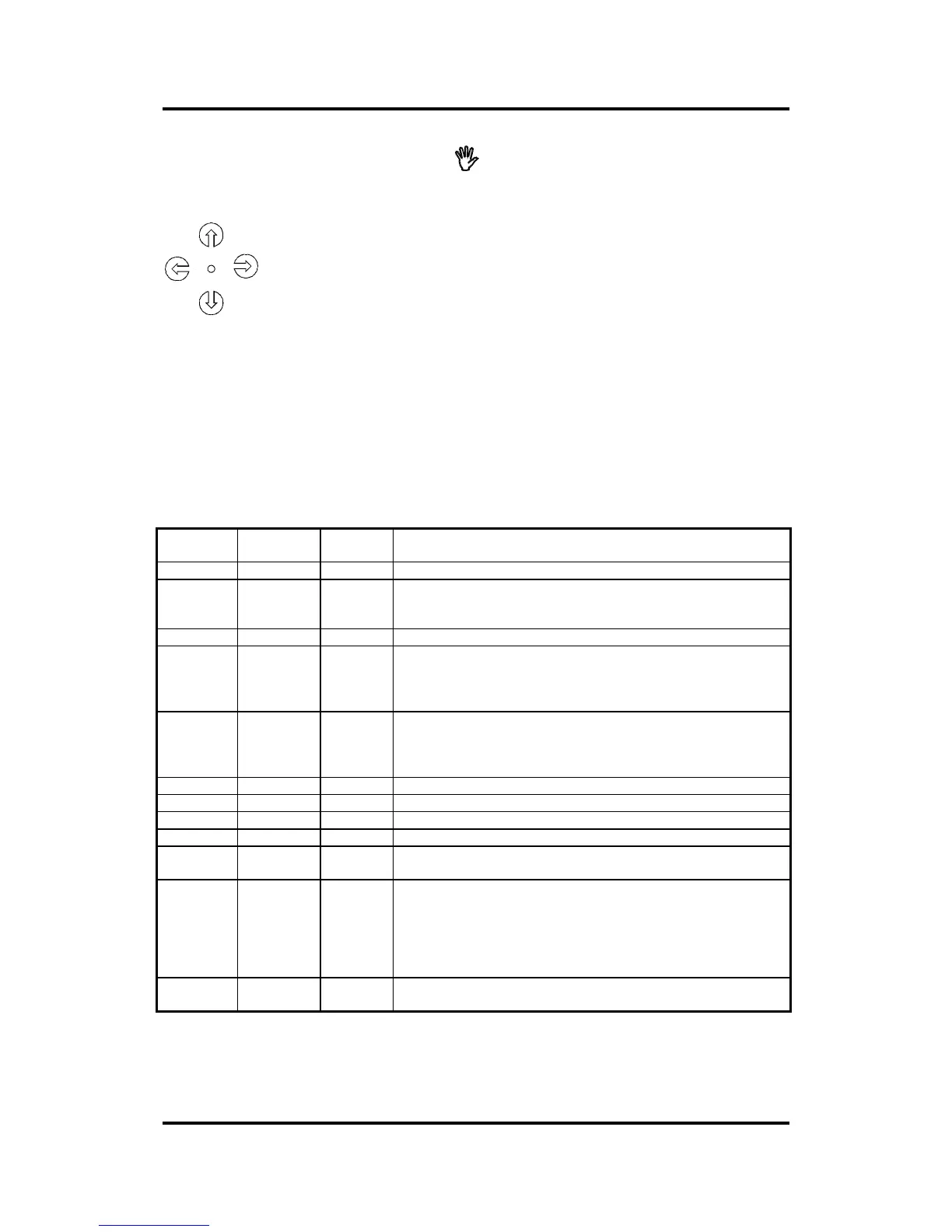
2.1.3. THE JOGGING KEYS
The Jogging keys are used to move the head and vinyl in off-line mode and in
Set Origin mode.
2.1.4. LED INDICATORS
The SummaCut has 3 LEDs on its keypad, each of which can be in three
different states : ON, OFF or FLASHING. Any combination of LED states
represents an error code. See table below.
POWER
LED
OFF-LINE
LED
ORIGIN
LED
Status
[X] [ ] [ ] Cutter is online, ready to receive data.
[X] [ ] [*] Cutter is loading media, or waiting for media to be
inserted, or waiting for camrollers to be closed. When the
sensors are not working, this key code will be shown.
[X] [*] [ ] The motor is hot and waiting to cool down.
[X] [ ] [X] The Load key has been pressed and the cutter is now in
“Set Origin” mode, press the arrow keys to place the
origin and then press the LOAD key again to set the origin
and to return to on-line mode.
[X] [X] [ ] The Online key has been pressed and the cutter is now in
off-line mode, press the arrow keys to move the media
and press the ON-LINE key again to return to on-line
mode.
[*] [ ] [ ] Low Line Voltage error.
[*] [*] [*] High Line Voltage error.
[*] [ ] [*] X error position.
[*] [*] [ ] Y error position.
[*] [X] [X] Internal error (=division by zero, bus error, bad command,
…).
[*] [ ] [X] NVRAM FAILURE, It is then still possible to work with the
cutter, but the cutter has been defaulted to a D610. As
the nvram has been defaulted to a D610, the margins
and the calibration will be incorrect! The correct
machine type can be set with SummaCutter Control.
Calibration and margins will then also be reset.
[X] [X] [X] Other errors (most of the time a hardware error ,bad ROM
or bad RAM.
[ ] LED off ; [X] LED on; [ *] LED flashing.
TABLE 2-1:
LED INDICATION



 To Next Page