SummaCut Series Cutters User’ s Manual
Maintenance and Cleaning 3-2
7. Set the cutter’ s power switch to OFF.
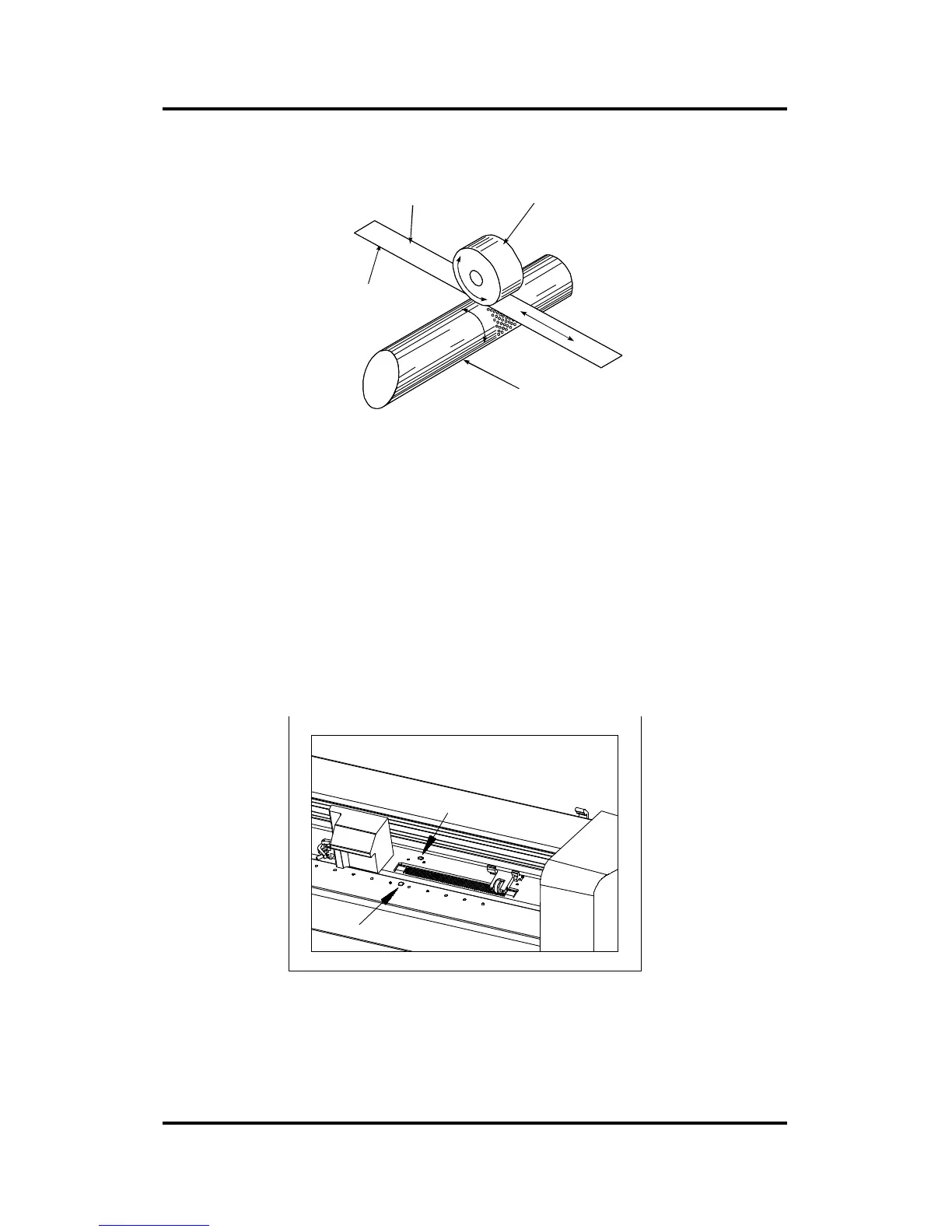
SLEEVE
VINYL STRIP PINCH ROLLER
TACKY SIDE ON BOTTOM
FIGURE 3-1:
CLEANING THE DRIVE SLEEVES
3.1.2. CLEANING THE SENSORS
After a certain time, the sensor may become dirty with accumulated residue
from the media. This situation may cause malfunctioning of the cutter.
è To clean the sensor area, proceed as follows:
1. The sensors are located on the cutter’ s right side. One sensor is located on
the front platen; the other sensor is located on the rear platen.
FIGURE 3-2:
LOCATION OF THE SENSORS
2. To keep the sensors clean, it is sufficient to wipe them out now and then with
a cotton swab.



 To Next Page