SummaCut Series Cutters User’ s Manual
Contour Cutting 5-7
5.6. LOADING THE CUTTER AND SETTING THE PARAMETERS
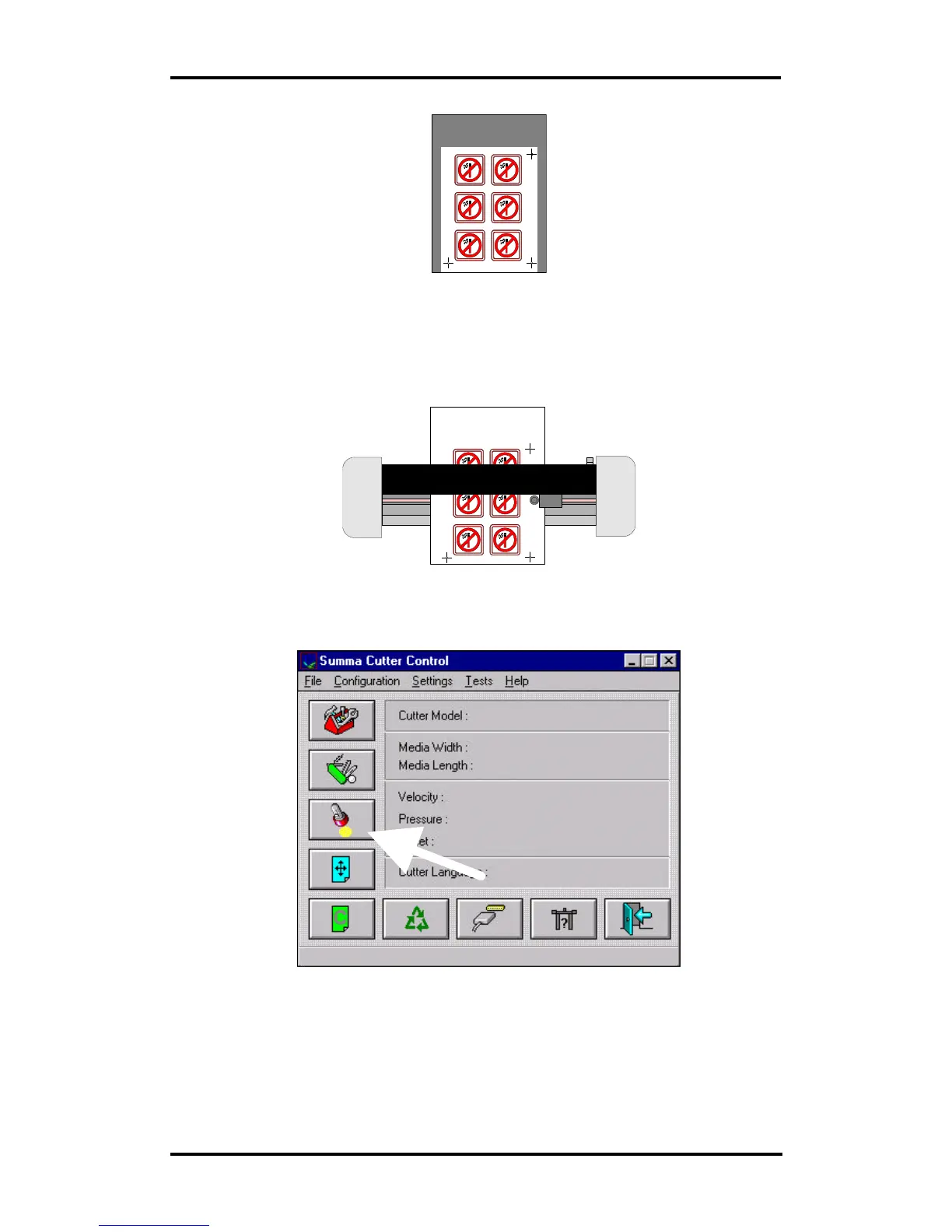
• Load the print out in the cutter as described in the User’s Manual. Make
sure that the cross-mark indicating the origin is situated at the front right.
• If you have selected the XY-adjustment method (see above), then open
Summa Cutter Control and select OPOS in the Configuration menu.
♦ Fill in the values for the marker distances and press OK:
Origin point
X-Axis point
X-Axis point
Origin point
Y-Axis point
Y-Axis point



 To Next Page